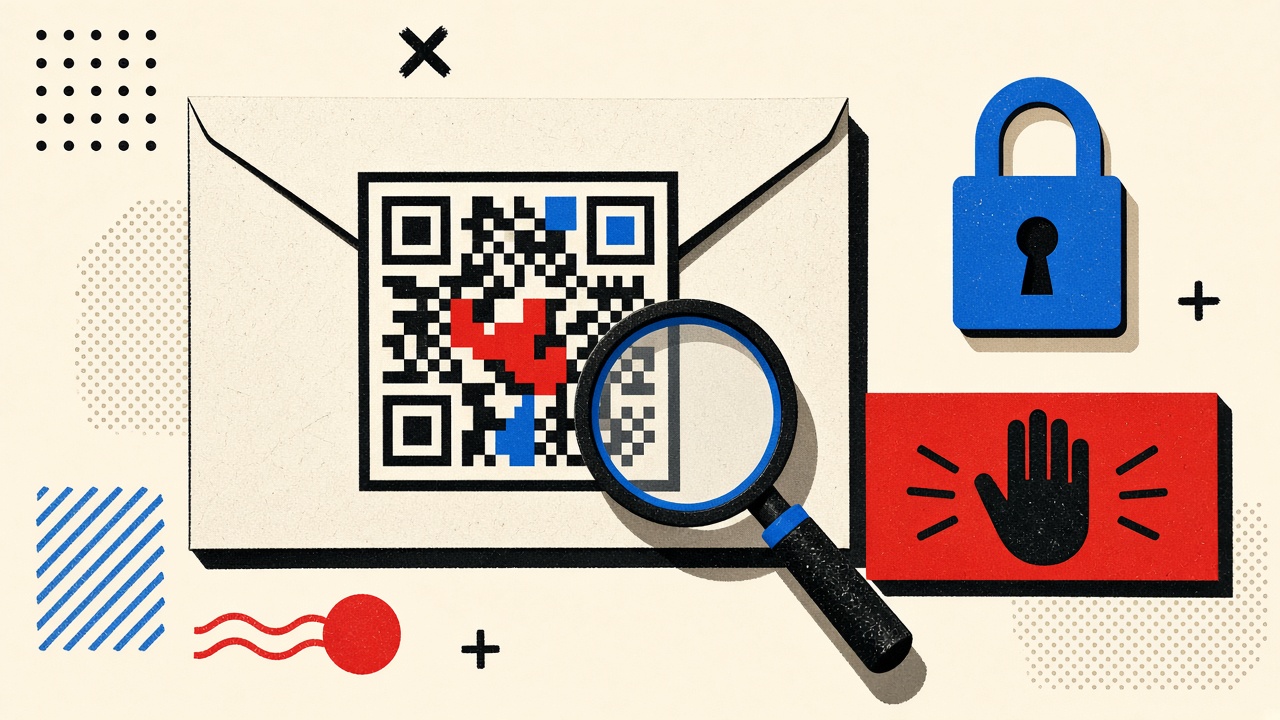
How to assess QR-code sign-in links during a new account signup
Verify QR sign-in flows without blind scanning: check issuer context, destination domain, and urgency cues before you authenticate a new account.
Read guide
Editorial
Showing 82–90 of 109
Verify QR sign-in flows without blind scanning: check issuer context, destination domain, and urgency cues before you authenticate a new account.
Read guide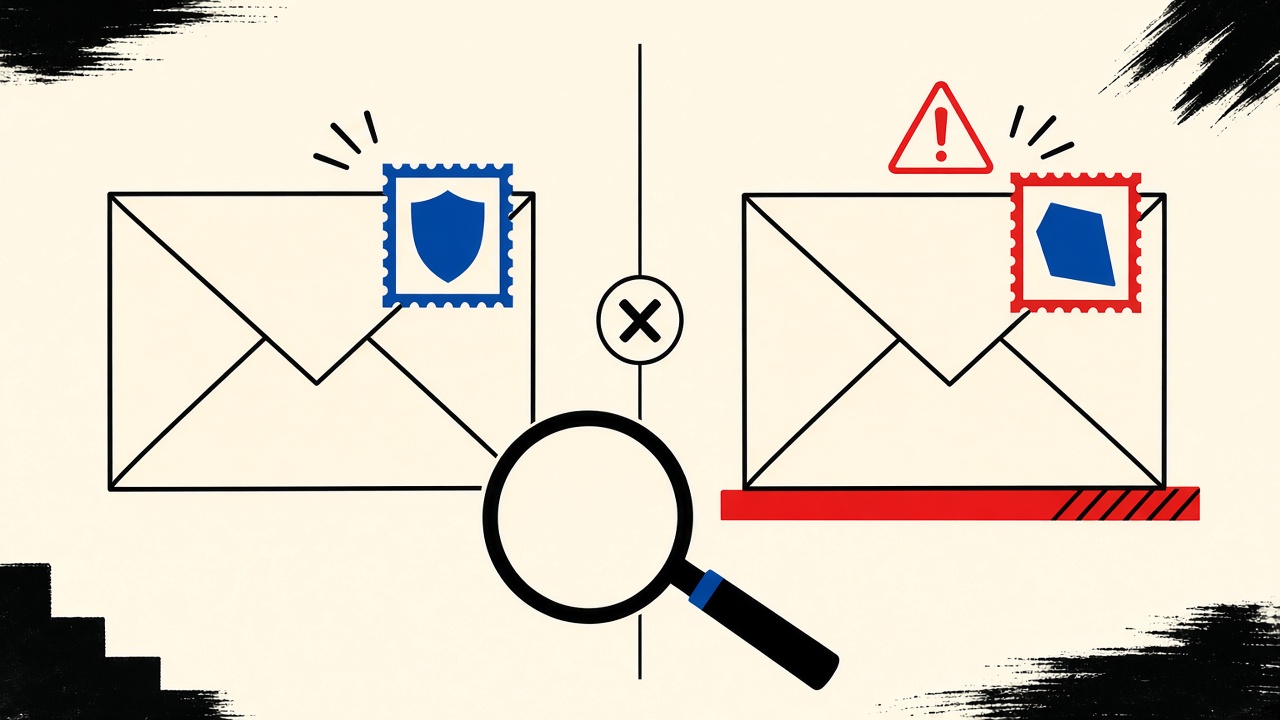
Before clicking a password-reset link, compare the visible From domain to the real site hostname character by character—lookalikes exploit urgency, and a disposable inbox does not make the message safe.
Read guide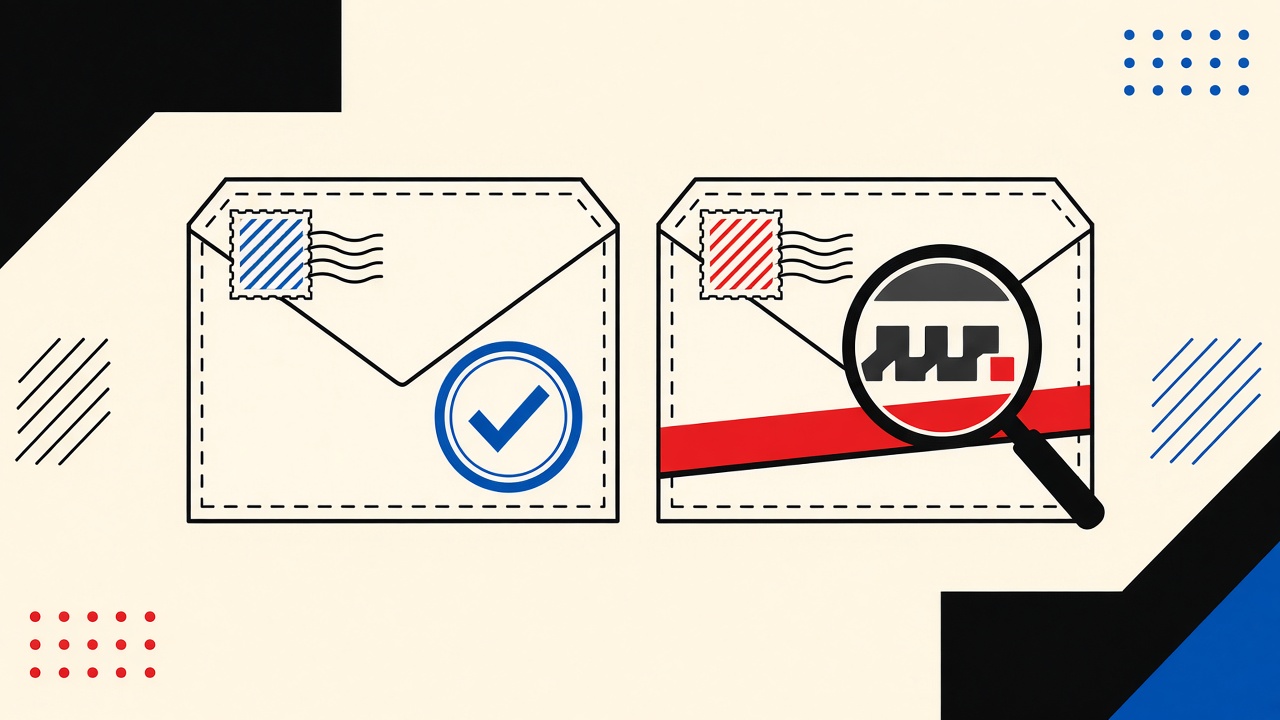
Treat unexpected parcel emails with lookalike domains as hostile until verified—never click tracking links; confirm via the carrier’s official app or site.
Read guide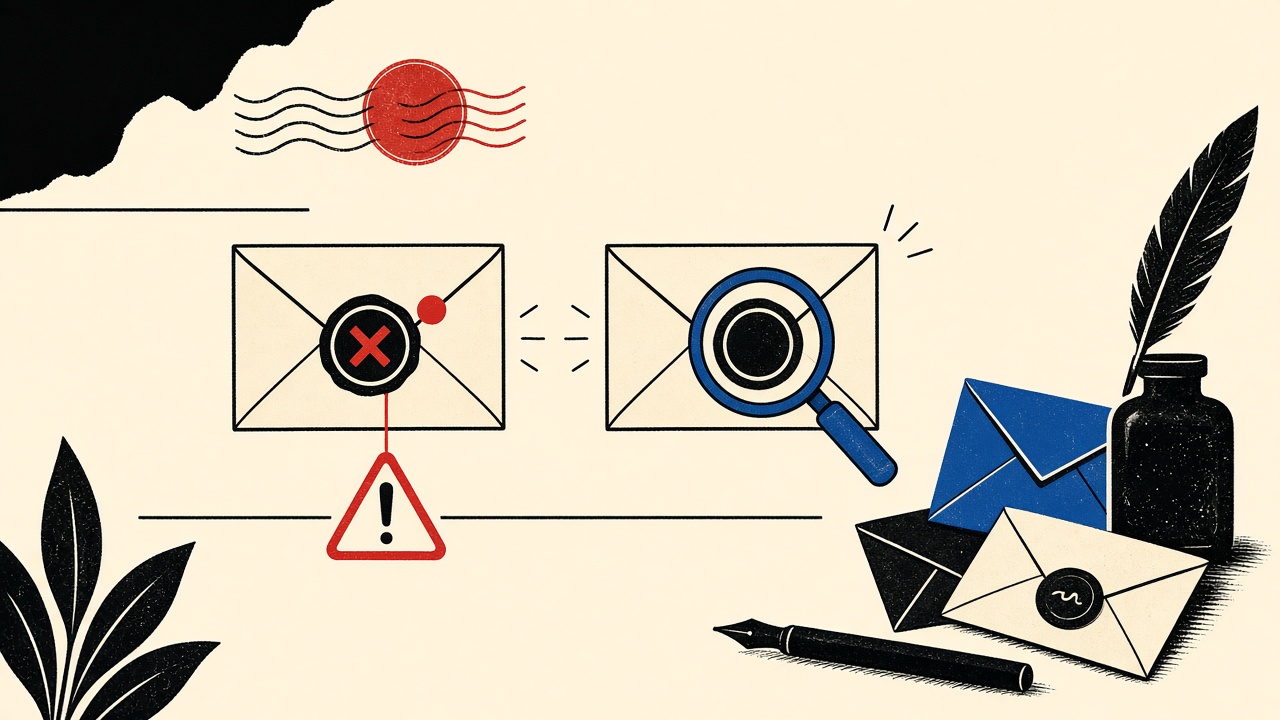
Before you click a signup verification link, compare the sender domain to the site you typed—lookalikes exploit urgency, and a disposable inbox does not make them safe.
Read guide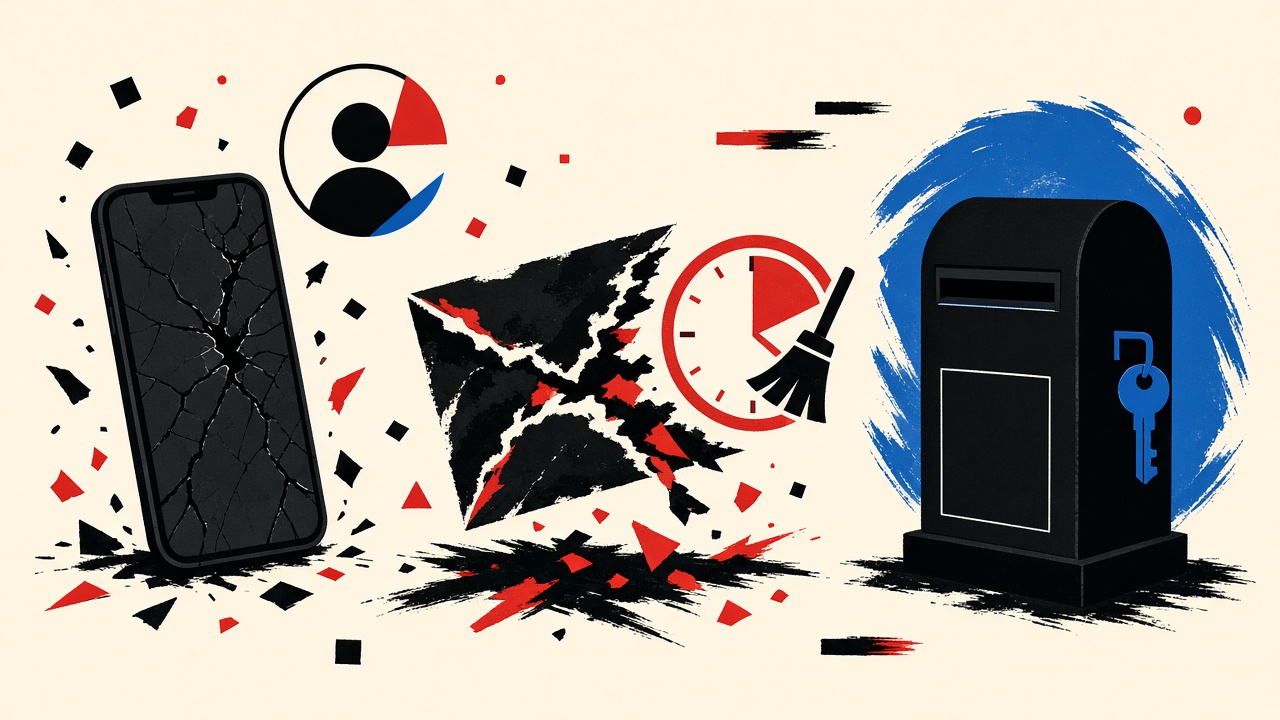
Use a durable address for social profiles you will reinstall after a new phone; temporary inboxes expire and break recovery.
Read guide
Do not use a temporary inbox as the recovery email on a social profile you may need again—two-factor resets require durable mailbox access.
Read guide
If you might reset a social profile password later, do not register with an expiring temporary inbox—use a durable address or alias you control.
Read guide
For online shopping accounts you may reopen after a device replacement, choose a durable email—temporary inboxes expire and block recovery.
Read guide
For shopping accounts that may need a two-factor reset, choose a durable email—temporary inboxes expire and leave you locked out.
Read guide