
Account recovery
Social profile email and two-factor reset: what breaks
Do not use a temporary inbox as the recovery email on a social profile you may need again—two-factor resets require durable mailbox access.
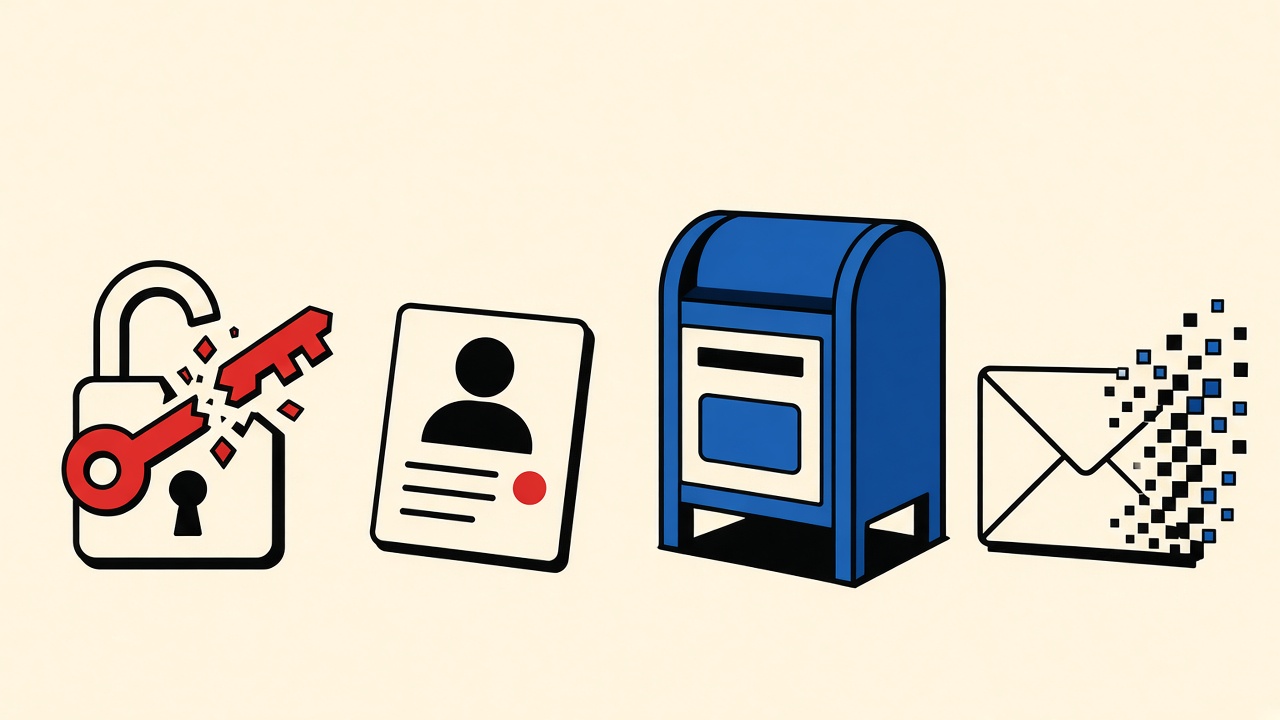
For a social profile you might reopen months later, choose a durable recovery email—not a temporary inbox. Two-factor resets, device approvals, and “confirm it’s you” challenges almost always need an address that still receives mail when the crisis hits. A disposable lease that already purged is a locked door with no spare key.
Use Quick Inbox only for throwaway trials you will never recover. If the profile has followers, DMs, ads billing, or creator tools, treat email choice as a recovery decision from day one.
Work backward from the two-factor reset
Imagine the failure first:
- You lose the phone that held the authenticator or SMS number.
- The platform offers email-based recovery, backup codes, or a support form that emails a link.
- That email must be readable now, not “that temp address from signup night.”
If step 3 points at an expired disposable inbox, the reset stops. Support teams rarely accept “I used temp mail” as proof of ownership.
Messages that must remain available
| Recovery event | Necessary email access | Consequence if expired | Safer option |
|---|---|---|---|
| 2FA device lost | Reset / approval link | Permanent lockout risk | Durable primary or alias |
| New device login challenge | One-time approve mail | Delayed access; lock | Durable mailbox |
| Password forgot | Reset token | Same as any account | Durable mailbox |
| Security alert (new login) | Read-only awareness | Missed compromise signal | Durable mailbox |
| Throwaway test profile | Optional | Lose the toy account | Temporary OK |
Social profile context and boundaries
“Social profile” here means consumer networks and creator-adjacent accounts where identity continuity matters more than a one-click demo. Boundaries:
- Mailby is receive-only. You cannot send appeals from the disposable address.
- Free retention is short; Privacy Pro extends windows via /pricing but is still not a lifetime recovery mailbox.
- No anonymity guarantee; platforms may still bind phone, device, or payment identity.
- Some platforms block disposable domains at signup—another signal they expect continuity.
Counterexample (failure) and working path
Failure: temp mail as “recovery”
- Create profile with a Quick Inbox address to avoid spam.
- Enable 2FA on a personal phone.
- Six months later: phone stolen; backup codes unused/lost.
- Platform emails a reset to the signup address → inbox lease long gone.
- Outcome: locked profile; support friction; possible permanent loss.
Working path: durable alias + optional temp for experiments
- Create a long-lived alias (
social+network@yourdomainor provider alias). - Store backup codes offline.
- Use temporary inboxes only for separate throwaway tests (feature previews, spammy “join our community” clones)—never as the recovery channel on the real profile.
- Periodically open the durable mailbox and confirm security mail still arrives.
Evidence that flips advice: The profile is explicitly disposable (spam test, throwaway username, no payment methods). Then temporary email is proportionate—just do not promote that account into something you care about without migrating email first (most platforms allow changing email only while you still control old + new).
Mechanism: why expiring inboxes break 2FA recovery
Two-factor systems assume at least one out-of-band factor survives device loss. Email is often that factor or the channel that delivers backup-code reminders and support tickets. Lifecycle mismatch—account lifetime measured in years, inbox lease measured in hours—guarantees eventual failure.
Encryption and TLS on a temporary service protect messages during the lease; they do not preserve access after deletion. See /data-retention and /security.
Platforms also rate-limit reset mail. If you bounce between dead addresses, you burn attempts without progress.
Address-selection checklist
Before pasting an address into a social signup:
- Will I care about this username in 90 days?
- Am I enabling 2FA?
- Is payment or ID verification possible later?
- Do I have backup codes stored offline?
- Can I name a person who should not control this mailbox? (shared inboxes are a risk)
If (1)–(3) lean yes, use durable mail. Temporary receiving belongs to experiments, not roots of trust.
Alternatives
- Password manager + backup codes as primary recovery; email as secondary.
- Hardware keys / passkeys where supported—reduces email dependence.
- Dedicated recovery mailbox used only for security messages (not shopping noise).
- Privacy-oriented durable providers with strong 2FA—still durable, not disposable.
- Temporary Quick Inbox for disposable trials without future account value—link only when that is honest: /inbox.
Related reading: account recovery email hub and signup decision guides under /blog/signup-email-decisions.
Migrating off a risky signup email before crisis
If you already used a temporary address and still control the session:
- Add a durable email in account settings while logged in.
- Confirm the change via both old and new if required.
- Remove the temporary address.
- Rotate password and refresh 2FA backup codes.
- Verify a test security mail lands in the durable mailbox.
If the temporary inbox is already gone, you may be unable to confirm the change. That is the failure mode this article exists to prevent. Some platforms allow support-driven email changes with government ID; many do not for pseudonymous social accounts.
Shared inboxes and household accounts
Families sometimes share a “house Gmail” for streaming and social. Shared recovery email means shared lockout and shared takeover risk. Prefer individual durable aliases per adult, with documented backup-code storage. Temporary mail is irrelevant here—it solves neither sharing nor recovery.
Creator and ads accounts
Billing profiles, pixel access, and business verification elevate email choice from preference to operational dependency. A purged disposable address can strand ad spend and client campaigns. Treat creator profiles like small-business infrastructure: durable mail, hardware keys where offered, offline backup codes, and a written recovery playbook.
Threat model notes
- Curious privacy: durable alias is enough.
- Stalking / harassment: temporary mail does not fix phone SIM or device compromise; seek platform safety tools and legal channels.
- Nation-state: out of scope for consumer temp-mail blogs.
Mailby will not claim anonymity guarantees. Encryption at rest and TLS in transit are necessary baselines, not personal safety plans.
Table expansion: time horizons
Think in horizons, not vibes:
- Minutes: OTP for first login — temp possible on throwaways
- Days: device approval emails — durable
- Months: inactive account prompts — durable
- Years: memorialization / estate access — durable + legal planning elsewhere
Social graphs persist longer than almost any free temporary lease. Design for the long horizon if the username matters.
Complementary Mailby guides
Pair this piece with signup continuity decisioning and verification-code troubleshooting when the reset mail is delayed rather than missing because the inbox expired. Different failure, different fix.
Backup codes are not optional decoration
People enable 2FA, screenshot backup codes into the same camera roll that syncs to a compromised cloud, or skip downloading codes entirely. Offline paper or a sealed password-manager secure note beats a disposable inbox as a recovery strategy. Email should be a secondary channel, not the only channel.
Walk through a yearly drill: revoke one session, confirm security mail arrives, confirm backup codes still redeem on a staging test if the platform offers it. Drills feel tedious until the night your phone dies abroad.
Platform-specific gotchas (generalized)
Without naming every network’s trademarked flows, expect some combination of:
- Email confirmation for new login locations
- 30-day delay when changing recovery email
- SMS as hard dependency even when authenticator is on
- Support forms that email only the signup address
Read each platform’s help center before you need it. Bookmark those pages from a durable browser profile.
What Mailby is for in this cluster
Quick Inbox remains appropriate for:
- Spinning up a disposable community account to test spam volume
- Verifying that a social app’s mail templates render (on systems you are authorized to test)
- Keeping primary inboxes clean during throwaway experiments
It is not appropriate as the root recovery factor on a profile that holds identity, audience, or money. Privacy Pro extends retention clocks; it does not convert a temporary product into a lifelong identity provider. See /pricing and /data-retention.
Decision vignette: three profiles, three answers
Profile A — throwaway username for a game forum. No payment, no audience, 2FA optional. Temporary inbox is acceptable if the domain is allowed. Expect to lose the account.
Profile B — personal network with family photos. Durable alias, authenticator app, printed backup codes, recovery email tested quarterly. Temporary mail never touches this account.
Profile C — creator account with brand deals. Durable mailbox on a domain you control, hardware key, finance contact on file with the platform, secondary admin where supported. Temporary mail only for parallel test pages that never receive payouts.
Most readers are Profile B pretending the risk is Profile A. Be honest about which vignette you inhabit before pasting an address.
Operational checklist (printable)
- Recovery email is durable and tested
- Backup codes stored offline
- Authenticator on more than one device or with cloud encrypted backup per your threat model
- Password unique and in a manager
- Temporary addresses reserved for toys only
- Someone you trust knows how to find the backup codes if you are incapacitated (optional, estate planning)
Why “I will remember to switch later” fails
Migration friction, forgotten logins, and platforms that throttle email changes create a one-way trap. The cost of choosing durable mail on day one is small; the cost of excavating a purged disposable address is often infinite. Default to durable whenever uncertainty exists.
Short answers
What goes wrong with social profiles and two-factor resets?
Recovery mail targets an address that no longer exists or is unreadible.
What should I do first?
Inventory recovery factors: authenticator, SMS, backup codes, durable email. Fix gaps before you lose a device.
When is a permanent address safer?
Almost always for real social identities.
What evidence changes the recommendation?
Documented throwaway intent with no 2FA and no payment—rare in practice.
Sources and limitations
- Guidance aligns with common consumer-platform recovery patterns as of 2026-09-24; each network’s UI differs.
- NIST digital identity guidance discusses authenticator recovery at a high level (NIST SP 800-63 family)—platforms implement variants.
- Mailby claims limited to public product pages; no promise that any social network accepts disposable domains.
Extended operational notes
Treat this section as the practical appendix that turns a short briefing into something you can run under pressure. The goal is not filler; it is the set of reminders teams usually rediscover after an outage or a confused stakeholder thread.
Pre-change capture
Before you touch production-adjacent settings, capture the current state into the ticket: screenshots of DNS panels, dig outputs with timestamps, application config hashes, and the names of the humans on call. When the fix works, you will want that baseline to explain what changed. When the fix fails, you will need it to roll back without guesswork.
Communication template
Post a short status to your engineering channel: symptom, blast radius, current hypothesis, next check, and ETA for the following update—even if the ETA is “in 20 minutes.” Silence creates duplicate debugging. Include whether customers are impacted or only staging.
External vantage points
Test from at least two networks you do not control (home broadband, mobile data, or a VPS in another region). Corporate egress filtering regularly lies to you about port 25 and about DNS recursion. A false “it works on VPN” has wasted more hours than almost any MIME nuance.
Customer messaging
If outsiders are affected, publish honest status text: what failed, what to retry, and whether mail will be replayed. Do not promise recovery of messages you cannot recover. Temporary infrastructure without retention guarantees should never be described as a durable archive in status pages.
Post-incident review prompts
- What signal would have caught this in five minutes?
- Which runbook step was missing or wrong?
- Did we have ownership for DNS vs app vs ESP clearly assigned?
- Were TTLs too high for the risk of the change?
- Did anyone debug the wrong layer first, and how do we prevent that habit?
Training reps
Quarterly, recreate a staging failure intentionally (authorized chaos): wrong MX in a sandbox zone, empty text/plain part, expired OTP TTL, purged temporary inbox mid-QA. Muscle memory beats wiki pages written once and never read.
Tooling shortlist
Keep a known-good set of commands and accounts documented: dig/drill, openssl s_client, a throwaway outbound sender you control, a receive-only inspector such as Mailby Quick Inbox for MIME peeks on systems you own, and access to your ESP’s event logs. Replace tribal SSH lore with links in the runbook.
Security and authorization reminder
Only test systems you are allowed to test. Do not use verification techniques as a pretext to probe third parties. Logging and retention policies still apply during incidents; do not paste customer message bodies into public Slack channels.
Product-truth recap for Mailby mentions
Mailby remains receive-only: no send, no forward, no open relay, no anonymity guarantee, no claim of universal deliverability. Quick Inbox is live at /inbox. Privacy Pro is live via /pricing. Developer Test Inbox Cloud is live at /developers and /account/developer. Encryption is at rest plus TLS in transit—not E2EE. Retention differs from address lease—read /data-retention before promising timelines to users.
Closing bridge
If you only remember one habit from this appendix, make it this: establish the failing layer with evidence before changing two systems at once. Parallel unscientific edits create myths (“restarting the app fixed DNS”) that haunt the next deploy.
Appendix note 1
Re-verify live configuration on the day you act; screenshots in this article are narrative composites dated 2026-09-24 and may not match your vendor UI.
Conclusion
Two-factor reset is the wrong moment to discover your signup email was temporary. Pick durable recovery mail for social profiles that matter; reserve disposable inboxes for experiments you can afford to lose. If you are mid-crisis with an expired inbox, contact the platform’s documented support path—do not expect a receive-only temp service to resurrect deleted mail.
Try it on Mailby
Open a receive-only disposable inbox when a short-lived address fits the job — session-bound, with timed purge.