
Account recovery
Shopping account email and device replacement
For online shopping accounts you may reopen after a device replacement, choose a durable email—temporary inboxes expire and block recovery.
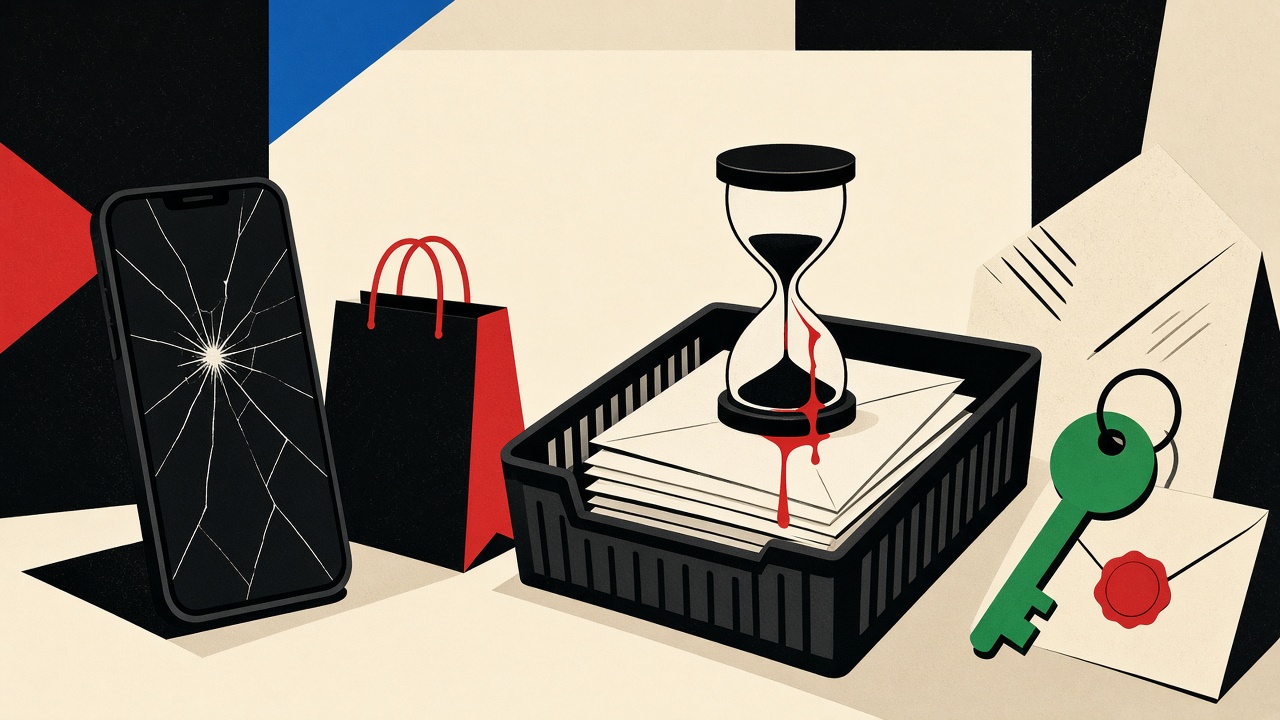
Work backward from the day the phone dies. If an online shopping account might need email access after a device replacement—order history, refunds, password reset, or “new device” confirmation—the signup address must still be readable then. A temporary inbox fails that test when the lease and retention clocks end. Use disposable receive-only mail only for trials with no future account value.
This piece sits under account recovery email but focuses on device replacement, not generic password-reset theory.
Device replacement context and boundaries
Replacing a phone or laptop often triggers:
- “Confirm this device” email OTPs
- Password resets when biometrics fail
- App reinstalls that demand the original email
- Carrier or marketplace notices tied to the same address
Boundaries:
- About accounts you might reopen months later—not one-hour coupon gates.
- Mailby Quick Inbox receives only during a live session/lease; it does not send recovery mail or keep free messages forever. See data retention.
- Privacy Pro extends clocks; it is still not a permanent shopping identity.
- Never assume every retailer accepts temporary domains.
Counterexample: temporary email meets a new phone
Failure path (annotated fixture):
- January: Shopper creates a marketplace account with a disposable address to avoid marketing.
- June: Phone is stolen. New device installs the shopping app.
- App demands email OTP or password reset to the signup address.
- Disposable inbox lease ended hours after signup; address is tombstoned for reuse prevention.
- Support asks for ID matching the card on file. Shopper loses saved addresses and open returns.
Working path: Same shopper uses a durable personal or alias address owned long-term. Device replacement OTP arrives in Gmail/Outlook. Account restored in minutes.
Limitation: some merchants also require SMS or authenticator apps. Email is necessary but not always sufficient. This guide does not claim email-only recovery always works.
Sibling risk note: Gmail verification diagnosis when the durable mailbox itself filters OTPs.
Mechanism: what must remain available, and how long
Device replacement is a recovery event. Recovery email must be:
- Reachable (you can still open the mailbox)
- Writable by the merchant (domain not blocked)
- Readable for the OTP TTL (minutes, not months—but the mailbox itself must still exist)
Temporary inboxes separate receive lease (accepts new mail) from message retention (how long bodies stay). When either ends, device-replacement mail cannot land or cannot be read. That is the failure mode—not “temp mail is evil.”
Recovery table
| Recovery event | Necessary email access | Consequence if expired | Safer option |
|---|---|---|---|
| New-device OTP | Live mailbox that still receives | Locked out of app | Durable personal or owned alias |
| Password reset after wipe | Same, for hours/days of support thread | Lost account | Durable mailbox + saved backup codes |
| Refund / return notices | Readable for weeks after shipment | Missed deadlines | Durable mailbox; filter marketing |
| Price-match / warranty | Readable for months | Claim denied | Durable mailbox |
| Throwaway coupon signup | Minutes only | No loss if abandoned | Temporary Quick Inbox |
Address-selection checklist
Before signup, ask:
- Will I reorder, track, or return from this account?
- Does the merchant use email for 2FA or device checks?
- Can I afford losing order history?
- Do I own the mailbox for years (personal domain, major provider, or reputable alias service with recovery)?
- Am I only sampling a newsletter or demo? → temporary may fit.
If (1)–(3) are yes, skip temporary. If (5) only, temporary is proportionate.
Worked example
Scenario: Marketplace account used twice a year for household goods.
- Wrong: Disposable address at signup. Device replacement six months later → lockout.
- Right: Primary Gmail with a filter labeling “Marketplace.” Marketing filtered; recovery intact.
- Alias option:
shop+market@example.comon a domain you control. Forwarding to primary. Still durable if the alias system is yours.
Mailby role: optional receive-only check when you are building a shopping app and need to see OTP HTML safely—see developers—not as the shopper’s long-term identity.
When temporary is still fine
- One-time demo storefronts with fake data
- QA of your own checkout email templates
- Reading a merchant’s welcome sequence without polluting Primary
Stop conditions for temporary: payment methods stored, loyalty points, open returns, or legal invoices.
Short answers
What causes failure for shopping accounts on device replacement?
Signup address no longer receives or retains mail when the new-device OTP arrives.
What should I do first?
If locked out: try merchant support with order IDs; if choosing signup email now: pick durable.
When is a permanent address safer?
Whenever the account has future value—almost all real shopping accounts.
What evidence changes the recommendation?
If the merchant documents SMS-only recovery and never emails, email choice matters less—but invoices still need a durable destination.
Sources, test date, limitations
- Editorial recovery walkthrough dated 2026-09-24 (failure vs durable paths).
- Retention clocks: Mailby data retention.
- General account-recovery hygiene aligns with guidance from identity and consumer security orgs; treat merchant docs as authoritative for each store.
- Limitation: we cannot enumerate every marketplace’s recovery policy.
What device replacement actually demands from email
A new phone is not a single event. It is a sequence:
- Install apps from the store (may require account email).
- Restore passwords from a manager (email still needed for gaps).
- Pass risk checks (“we noticed a new device”).
- Re-link payment methods or loyalty IDs.
- Catch up on shipping exceptions that arrived while the old phone was offline.
Each step can generate mail. If the signup address is gone, steps 3–5 fail even when step 2 succeeds via a password manager. Temporary inboxes create partial lockouts that feel mysterious: you remember the password, yet the merchant still emails a dead destination.
Retention vs lease: why Privacy Pro is not permanent shopping email
Mailby separates receive lease from message retention on /data-retention. Privacy Pro lengthens both relative to Quick Free. That helps when a refund email lands two days later. It does not replace a five-year Gmail identity for a marketplace you use seasonally. Treat paid temporary retention as a longer paper cup, not a safe-deposit box.
Annotated decision tree
Need account again in > 30 days?
  NO  → temporary OK for pure trial
  YES → durable address
Does merchant email 2FA / new-device codes?
  YES → durable address mandatory
Only marketing after purchase?
  Prefer durable + aggressive filters
  Temporary only if you will never request returns
The cost of a wrong choice is hours with support, not seconds on the form.
How this differs from the account-recovery hub
The hub covers recovery email strategy broadly. This article locks onto device replacement as the forcing function: new hardware, reinstall, risk emails, and the failure mode of expired disposable addresses. Sibling articles cover two-factor reset phrasing; the mechanism—expired destination—is shared, the trigger differs.
Merchant support realities
When lockout already happened:
- Gather order IDs, approximate dates, last four card digits, shipping addresses.
- Contact support via the website chat/ticket, not a random phone number from search ads.
- Ask whether login email can be changed after identity verification.
- Do not send government ID photos to an unverified email thread that cold-contacted you.
Mailby cannot recover merchant accounts. Disposable tools only prevent the mistake on the next signup.
Secondary mailbox patterns that still count as durable
- Plus-address on a provider that supports it (
name+shop@…) - Alias service that you can regenerate without losing the mailbox root
- Domain you own with provider-independent recovery codes
These keep marketing segmented without inviting lease expiry. Shopping stakes are higher than newsletters, so bias harder toward durable. See also newsletter alias trade-offs.
Pre-purchase email hygiene
Before storing a card on file, confirm you can open the merchant’s last message on the same device you will use for recovery. If you cannot inbox-search that sender today, you will not magically gain access after a phone theft tomorrow.
Order mail versus account mail
Shopping systems mix categories in one address:
- Transactional: shipments, cancellations, recalls
- Account: password resets, device checks
- Marketing: launches, win-backs
Temporary mail users often intend to dodge marketing and accidentally discard transactional and account classes too. Filters on a durable mailbox separate the three without discarding recovery. If a merchant offers separate preferences, disable marketing only—keep transactional forced on.
International travel and SIM swaps
Device replacement sometimes coincides with travel: new eSIM, new phone purchase abroad, offline periods. Email that still works offline-via-sync on durable providers beats an expired temporary lease you cannot renew without the original browser session. Session-bound Quick Inbox is the wrong dependency when you are offline in an airport.
Evidence that should change your signup choice mid-form
Stop and switch to durable if the form shows any of:
- Credit card fields on the same page
- “Enable one-click reorder”
- Loyalty points
- Tax invoices
- Age-gated legal agreements
Continue with temporary only for guest checkout styles that truly never create an account—or when the account is a sandbox you will abandon same day.
Worked recovery timeline (durable vs expired)
Durable timeline
- Day 0: Signup with personal alias; enable MFA authenticator where offered.
- Day 200: Phone replaced. Install app → email OTP in 40 seconds → continue.
- Day 201: Refund email for damaged item arrives; processed same day.
Expired temporary timeline
- Day 0: Signup with disposable inbox; ignore retention clock.
- Day 200: Phone replaced. App demands email OTP. Inbox gone.
- Day 200–210: Support tickets, ID uploads, partial access or closed account.
- Day 211: User recreates account; loses order history and stored carts.
The second timeline is not a hypothetical scare story—it is the mechanical result of binding recovery to a TTL’d destination. Write the Day 200 test into your signup habit: “Will this address still be mine?”
Payment instruments and email coupling
Stored cards sometimes trigger email challenges on new devices even when the password manager autofills. Losing email access can strand a working password. Before deleting old phones, confirm you can receive from the top five merchants you use. That ten-minute drill prevents multi-hour lockouts.
Kids’ and family shared shopping accounts
Shared family accounts should use a durable address owned by the adult responsible for recovery—not a temporary inbox created on a child’s school Chromebook session. Session-bound tools vanish with the profile. Family planning beats clever disposable tricks.
Conclusion
Device replacement reveals whether your shopping email was an identity or a paper cup. Prefer durable addresses for accounts with future value. Use Quick Inbox only for disposable trials without recovery needs—and read security before trusting any receive-only tool with sensitive purchase mail.
Try it on Mailby
Open a receive-only disposable inbox when a short-lived address fits the job — session-bound, with timed purge.