
Phishing and inbox safety
How to assess lookalike sender domains on parcel emails
Treat unexpected parcel emails with lookalike domains as hostile until verified—never click tracking links; confirm via the carrier’s official app or site.
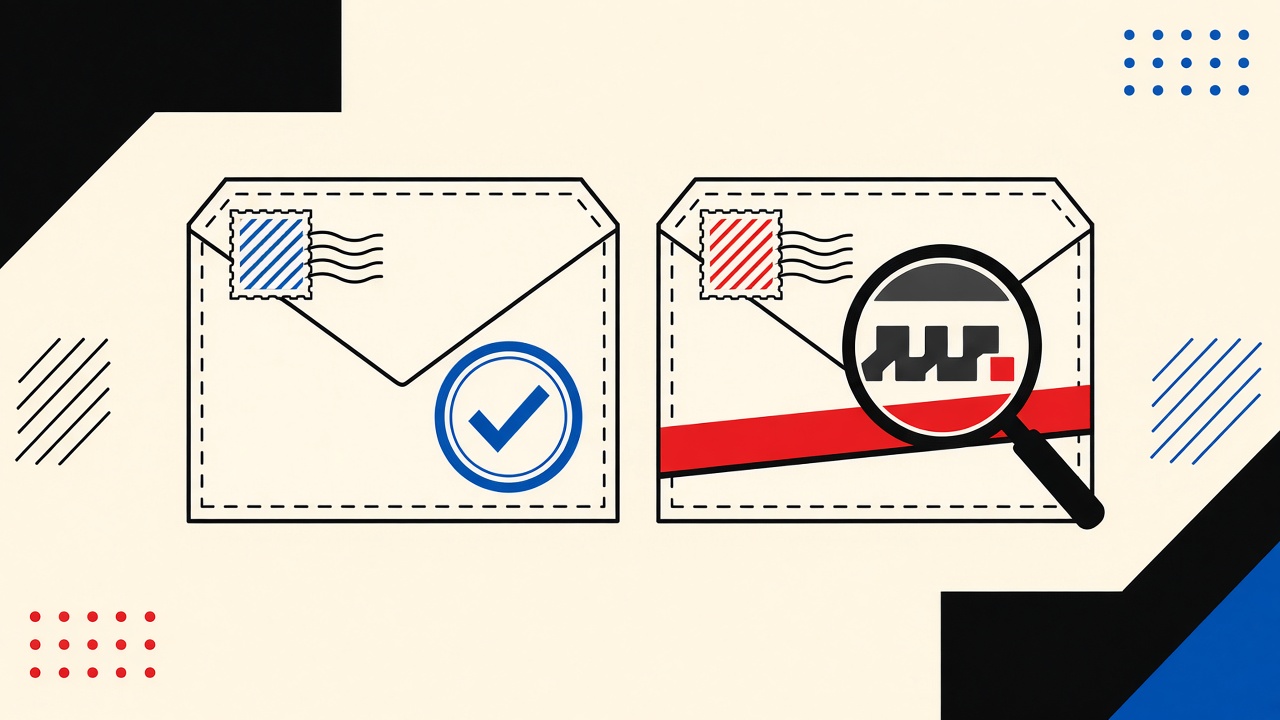
The decision in plain terms
If a parcel email arrives from a domain that is almost the carrier or marketplace you expect—extra syllable, swapped TLD, unicode lookalikes—do not click tracking links or “pay customs” buttons. Verify shipment status in the official app or by typing the carrier URL yourself. A temporary inbox does not make a phishing message safe; it only changes where the bait was delivered.
Parcel delivery context and boundaries
Delivery phishing works because urgency is built in: packages feel time-sensitive, fees sound plausible, and logos are easy to imitate in HTML. Attackers register lookalike domains (carrier-support.example, carrrier.com, xn-- punycode twins) and send mail that passes casual glances.
You might receive these messages in a primary inbox, an alias, or a disposable inbox used for marketplace signups. The verification procedure is the same. Disposable mail is not a phishing detector and Mailby does not claim automatic scam classification.
This guide is a non-clicking assessment procedure for parcel lookalikes—not a general email-safety encyclopedia.
Safe verification procedure (do this first)
- Stop. Do not open attachments. Do not click tracking buttons.
- Read the visible From domain carefully. Expand the full header if your client allows. Note exact spelling and TLD.
- Compare against memory of the real carrier domain—then confirm via a bookmark or package tracking page you already trust, not via the email.
- Check whether you are actually expecting a package (order email from the retailer, app notification you already had).
- If anything mismatches, mark as phishing/spam and delete. Report to the carrier’s abuse channel if you use one.
- If you already clicked, do not enter card details. Change passwords for any account where you typed credentials; watch banking alerts.
Working path
You ordered shoes from a known retailer. Carrier app already shows “Out for delivery.” A parallel email from notify.carrierr-delivery.example asks for a $1.29 “address correction.” You ignore the email, trust the app, and the package arrives. No click, no loss.
Counterexample / failure
A shopper using a temporary inbox for marketplace accounts assumes “it’s just temp mail, so phishing doesn’t matter.” They click a lookalike customs fee link, enter card data, and still lose money. The disposable address did not sandbox the browser session or the card.
How lookalike domains work
Attackers rely on:
- Typosquatting — missing/extra letters
- Homoglyphs — characters that look alike across scripts
- Sibling brand domains —
brand-shipping.comvs the corporate domain - Subdomain tricks —
carrier.com.evil.exampledisplayed carefully in HTML - Display-name spoofing — “UPS Support” as the friendly name while the real domain is unrelated (display names are not authentication)
Email authentication (SPF/DKIM/DMARC) can help receiving servers detect spoofing of exact domains the brand publishes. Lookalike domains often authenticate correctly for themselves—DMARC on evil-example passes while still phishing you. Authentication ≠ brand legitimacy.
Signal table
| Signal | benign explanation | suspicious explanation | next safe action |
|---|---|---|---|
| Slightly misspelled carrier domain | Rare partner ESP (uncommon) | Typosquat phishing | Ignore; check official app |
| “Pay customs/redelivery fee” CTA | Real broker fees exist in some regions | Classic credential/card harvest | Verify via official channel only |
| Urgent “package held 24h” | Occasional real holds | Pressure tactic | Confirm tracking number you already have |
| PDF invoice attachment | Some shippers attach labels | Malware/phish PDF | Don’t open; use app |
| From display name matches brand | Easy to set | Spoofed display name | Inspect underlying domain |
| Link URL differs from link text | ESP click tracking on real mail | Homograph redirect | Type URL manually if needed |
| You have no open orders | Misdelivery notice | Pure cold phish | Delete/report |
Concrete worked example
Message subject: “Delivery attempt failed — schedule redelivery”
Shown From: DHL Support <noreply@dhl-redelivery-secure.example>
Assessment:
- Brand name in display only
- Domain is not the carrier’s known corporate/mail domain
- CTA wants payment method “to release parcel”
- User has a DHL shipment, but the real tracking number in the retailer’s order page does not match the email’s number format
Action: No click. Open retailer order → carrier tracking. If tracking is fine, delete email. Optionally forward headers to carrier abuse (from a durable mailbox).
Related reading: tracking pixels on newsletter signup (different threat: telemetry vs. theft) and shopping account lost-password email choice (why parcel merchants should not use throwaway recovery addresses).
Temporary inboxes and parcel mail
People sometimes use disposable addresses for online marketplaces to limit spam. That can be valid for low-value accounts, with caveats from our recovery guide. Safety rules do not relax:
- Phishing links are still dangerous in any inbox UI
- Safe HTML preview reduces active content risk; it does not vouch for the sender
- Never treat “received in temp mail” as “therefore fake” or “therefore safe”
See /security for how Mailby handles preview and transport. Product pages: /features, /how-it-works.
Alternatives and escalation
- Prefer carrier and retailer apps for tracking
- Enable order notifications inside the shopping account rather than random email CTAs
- For businesses, train on lookalike recognition; use secure email gateways—but still teach non-click verification
- Escalate confirmed phishing to the platform’s report channels and, when money moved, to your bank immediately
Use a durable mailbox for high-value shipping accounts so legitimate notices remain available—without clicking sketchy lookalikes that arrive anywhere.
Short answers
What causes lookalike parcel domains?
Profit from fake fees and credential theft; domains are cheap; urgency converts.
What should I do first?
Non-click verification via official app/site you typed or bookmarked.
When is a permanent address safer?
For marketplace accounts with payment methods and dispute history—recovery and legitimate notices need continuity. Safety of links is independent of address durability.
What evidence changes the recommendation?
Cryptographically clear brand mail you already expected, matching tracking numbers you already had—still prefer app confirmation when money is requested.
Header literacy without becoming an analyst
You do not need a full SOC workflow. On most clients you can reveal:
- From: display name + email
- Reply-To: often different in phish
- Return-Path / Envelope (in full headers): may disagree with From
- Authentication-Results: spf=pass/dkim=pass/dmarc=pass for the sending domain
Remember: pass on a lookalike domain only means that domain’s DNS auth aligns. It does not mean the brand is real. Teach yourself to read the domain after @ slower than the logo in the HTML.
Parcel-specific bait kits
Common kits in the wild (patterns, not a live IOC feed):
- Customs fee under small amount (reduces suspicion)
- “Address incomplete” with a form
- Fake delivery driver chat links
- QR codes in PDFs pointing to credential harvesters
- Voicemail transcription attachments
Any request for payment method or password is a hard stop outside the official app.
If you use marketplaces with disposable emails
Some shoppers register marketplace accounts with temporary mail to reduce spam. Legitimate shipping notices may still arrive there during the order window. Phishing will too. The disposable choice does not filter lookalikes; you must apply the same non-click procedure. If your temporary inbox retention ends before delivery completes, you may miss legitimate carrier updates—another reason high-value shipments deserve durable addresses.
Reporting without amplifying risk
- Use the carrier’s published abuse/security page (typed from memory/bookmark)
- Report via the email client’s phishing button when available
- Do not upload the entire raw message to random “scan this email” websites
- If you paid attackers, call your bank; time matters
Team / household playbook
Shared households get package phishing aimed at whoever clicks first. Agree on a rule: no package fee emails; apps only. Temporary inboxes for kids’ game signups are a separate topic—parcel money requests still follow the adult rule.
Unicode and punycode: slow down
Homoglyph domains may render with characters that look like Latin letters. When in doubt, copy the domain into a plain-text editor and look for xn-- punycode in the ASCII form. If you cannot confidently read the domain, you should not click it.
SMS and email combos
Parcel phish often pairs a fake SMS (“Your package…”) with an email follow-up. Consistency across channels is not proof of legitimacy—attackers sprint both. Official apps remain the source of truth.
What Mailby preview helps and does not help
Safe HTML preview can reduce drive-by active content risk while you inspect a suspicious message you intentionally opened in a disposable context. It does not:
- Prove the sender is the carrier
- Rewrite lookalike links into safe ones
- Replace user judgment
See /security. For receive-only product behavior: /how-it-works.
Merchants you actually ordered from
If the retailer sends shipping mail from a third-party logistics domain, compare against prior legitimate messages in your order history—not against the phishing email’s logo. When unsure, open the retailer account page you already use and track from there.
Training yourself with deliberate review
Once a week, pick a real shipping email and practice expanding headers, noting the From domain, and comparing to the carrier’s known domain list from their website footer. Muscle memory beats panic during a fake “final delivery attempt” scare.
Disposable addresses and false confidence
Security decisions are about links and domains, not about whether the inbox is temporary. Keep that separation clear when writing personal rules or team policies.
Marketplace “shipping partner” domains
Legitimate logistics partners may use unfamiliar domains. The safe process is still non-click: open the marketplace order page, follow tracking from there, and compare the carrier name and tracking number. If an email asks for payment outside the marketplace wallet/checkout you already trust, assume hostile until the in-app order page shows the same fee—an uncommon event for normal domestic parcels.
Keep screenshots of legitimate shipping emails from known orders as personal reference samples. Pattern recognition beats logo trust.
After you almost clicked
If you hovered a lookalike link but did not authenticate, close the tab, clear that tab’s cache if you typed anything, and run antivirus only if you downloaded a file. Most parcel phish aim for credentials and cards, not malware—but PDFs still deserve caution.
Write a one-line personal rule you can remember under stress: “Packages: app only, never email buttons.” Share it with anyone who receives parcels at your address.
Sources, test date, limitations
- CISA guidance on avoiding phishing and verifying unexpected requests (CISA).
- DMARC overview for domain authentication limits (dmarc.org).
Date: 2026-09-24. Domain examples above are illustrative (example TLD) and not accusations against real carriers. Mailby does not provide automated lookalike detection as a security guarantee.
Conclusion
Lookalike parcel senders authenticate as themselves while impersonating brands. Your safe move is procedural: no fee clicks, official tracking only, report and move on. Keep disposable inboxes for disposable signups if you must—but never as a substitute for skepticism. For receive-only sampling of merchant mail you already trust, you can use Quick Inbox; for security education without product claims of scam blocking, start at /security.
Try it on Mailby
Open a receive-only disposable inbox when a short-lived address fits the job — session-bound, with timed purge.