
Account recovery
Shopping account email choice and two-factor resets
For shopping accounts that may need a two-factor reset, choose a durable email—temporary inboxes expire and leave you locked out.
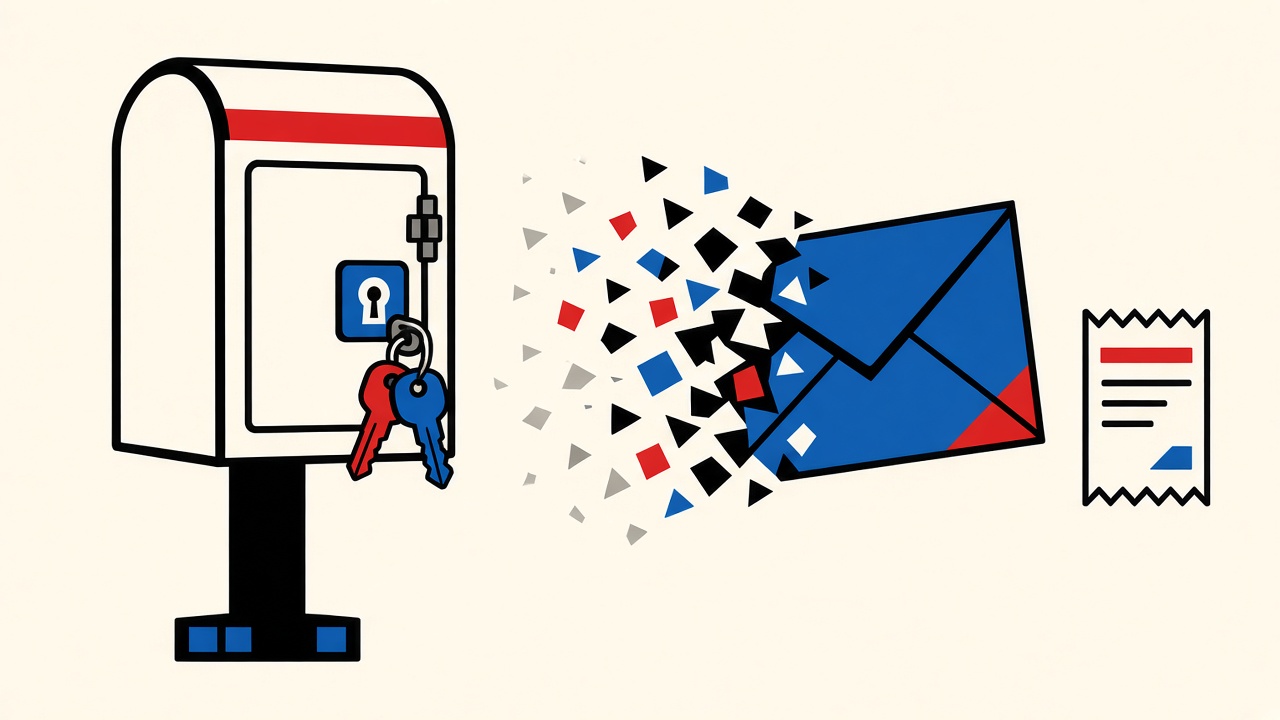
Work backward from reset day. If an online shopping account might need a two-factor or password reset by email, the signup address must still be readable months or years later. A temporary inbox fails that test: when the lease ends, recovery mail has nowhere durable to land. Use disposable receive-only mail only for throwaway trials with no future account value.
Two-factor reset context and boundaries
Modern retailers often combine:
- Password reset links
- Email OTPs for new devices
- “Confirm it’s you” messages after risk signals
- Order and refund notices on the same address
Boundaries:
- This is about accounts you might reopen, not one-hour coupon gates.
- Mailby does not send resets; it only receives during a live lease via Quick Inbox.
- Longer retention plans on pricing extend how long messages remain available; they still are not a permanent identity for banking-grade recovery.
- Never assume anonymity or universal merchant acceptance.
Counterexample: temporary email meets a 2FA reset
Scenario (failure path): In March, a shopper creates a store account with a temporary address to skip marketing. In September they need a password reset after a device change. The temporary inbox is long gone. The merchant’s only email factor fails. Support may demand government ID or refuse recovery. The shopper loses order history and stored payment instruments.
Working path: Same shopper uses a durable shopping alias (shop@example.com or a provider alias). Reset mail arrives in September; OTP completes; account continues.
The distinctive lesson versus a generic recovery hub: shopping accounts look low-stakes at signup and high-stakes at reset. Address choice must assume the high-stakes day.
Mechanism: what messages must remain available
| Recovery event | necessary email access | consequence if expired | safer option |
|---|---|---|---|
| Password reset link | Hours to days after request | Cannot reset; support ticket | Durable mailbox |
| Email 2FA OTP | Minutes after prompt | Locked out of checkout | Durable mailbox |
| New device verification | Same session | Delayed purchase; lock | Durable mailbox |
| Refund / chargeback notices | Weeks–months | Missed financial mail | Durable mailbox |
| Warranty / recall | Months–years | Safety/financial loss | Durable mailbox |
| Marketing only | Optional | Clutter avoided | Temporary OK |
Why temporary leases break recovery
Receive leases and message retention are related but not identical. When an inbox expires, you typically lose the ability to authenticate to that mailbox. Even if some systems retain blobs briefly for ops reasons, you cannot count on reading recovery mail after expiry. Public policy lives on data retention—treat anything beyond published terms as unavailable.
Encryption at rest protects stored mail during life; it does not resurrect an expired inbox.
Address-selection checklist (before you click Create account)
- Will I ever reorder, return, or dispute a charge? → Durable.
- Does the site offer passkeys or authenticator 2FA I control? Still keep durable email as backup.
- Am I only previewing UI with no payment method? → Temporary may be fine.
- Does the form block disposable domains? → Alias or primary.
- Can I store the address in a password manager labeled “recovery”? If you hesitate, do not use temp mail.
Worked example
Sam wants a mid-tier apparel brand account for occasional buys.
- Correct: Gmail/Outlook/Fastmail alias dedicated to shopping; authenticator app for 2FA when offered; email kept as backup factor.
- Incorrect: Temporary inbox for the “real” account because the welcome coupon required verification.
- Hybrid: Use Quick Inbox to inspect whether the brand’s verification mail looks legitimate before creating the durable account—then sign up properly with the durable alias.
Alternatives
- Provider aliases — separate retail from personal mail without sacrificing longevity.
- Catch-all on your domain — powerful but requires you to operate DNS and security well.
- Privacy Pro — longer temporary retention for extended evaluations, not for primary recovery (pricing).
- Authenticator / passkeys — reduce reliance on email OTPs, but merchants still email critical notices.
Short answers
What causes shopping-account pain during a two-factor reset?
Expired or inaccessible recovery email, SIM-swap SMS issues, or lost authenticator devices without backup codes.
What should I do first?
Inventory how the merchant resets access. If email is required, upgrade the account email to a durable address before you need a reset—if the UI allows.
When is a permanent address safer?
Whenever the account can hold payment methods, order history, or identity verification.
What evidence changes the recommendation?
Merchant emails that include one-time purchase links only, with no account, can stay temporary. Account dashboards with stored cards cannot.
Sources, test date, limitations
- Editorial recovery patterns reviewed 2026-09-24 against Mailby product truth: receive-only Quick Inbox, live Privacy Pro plans, live developer API for application testing—not consumer recovery.
- NIST digital identity guidelines discuss authenticator recovery tradeoffs at a high level: NIST SP 800-63.
- SMTP mailbox longevity is an operational choice of the provider, not guaranteed by RFCs alone (RFC 5321).
Limitations: Merchant recovery policies vary; some refuse email-only recovery. This page does not claim Mailby replaces durable mail.
Conclusion
Choose shopping-account email for the reset you hope never happens. Temporary inboxes are appropriate for disposable trials without future value—not for accounts that may need a two-factor reset. When the trial ends, move to a durable address or start over with one.
Educational next step: read security and data retention. Use Quick Inbox only for throwaway checks, then register the real account on mail you will still own next year.
Recovery timeline thinking (months, not minutes)
Write the account’s expected life on paper:
- Impulse boutique account: maybe one season.
- Primary apparel / electronics retailer: years.
- Marketplace with stored payout methods: years plus tax documents.
Email access must outlast that life. Temporary leases measured in hours cannot. Even “I’ll remember to change the email later” fails when the merchant lacks an email-change UI or requires the old address to confirm the new one.
Second-factor inventory
List every factor the merchant offers:
- Email OTP
- SMS OTP
- Authenticator app / TOTP
- Passkeys
- Backup codes
- Support PIN
If email is the only reset path, durable mail is mandatory. If passkeys plus backup codes exist, email still matters for notices—but the lockout risk drops. Temporary email remains wrong for the primary factor whenever email can alone recover the account.
Migrating off a bad signup choice
If you already registered with a disposable address and the account gained value:
- While the lease still lives, open security settings and change email to durable—if permitted.
- Add authenticator or passkey immediately.
- Download order history and invoices.
- Remove stored cards if you cannot secure recovery.
- If the lease is dead and email change is impossible, contact support with order IDs and payment proofs; accept that some merchants will not recover access.
Prevention is cheaper than this sequence.
Shopper personas
- Deal hunter: aliases + filters beat temp mail for repeated stores.
- Privacy absolutist: guest checkout and prepaid methods; avoid accounts.
- Household shared login: durable shared shopping mailbox with a password manager; never temp.
- Gift returns: durable, because return windows outlive leases.
Policy and product notes
Mailby receive-only inboxes and Privacy Pro longer retention (/pricing) help evaluations. They do not replace a recovery-grade mailbox for shopping accounts you intend to keep. Read /data-retention so lease expectations stay factual.
Storyboard: ninety days later
Day 0: You create a retailer account with a temporary address during lunch to grab a welcome coupon.
Day 2: You save a card for faster checkout.
Day 40: You travel; risk engine emails a “confirm it’s you” code.
Day 40 + 1 hour: Temporary inbox is long gone. You cannot confirm. Checkout fails. Support asks you to reply from the email on file—an email you cannot open.
That storyboard is why address choice is a recovery architecture decision dressed up as a signup convenience.
Merchant capability matrix (ask before signup)
| Capability | If present | Address implication |
|---|---|---|
| Change email in settings | Yes | You can repair a bad choice early |
| Change email | No | First choice is permanent—choose durable |
| Passkeys | Yes | Still keep durable email for notices |
| SMS-only recovery | Yes | Email still used for receipts; phone becomes critical |
| Support ID verification | Yes | Painful backup if email dies |
Screenshot the security settings page after signup so you know which row you live in.
Family and gift accounts
Shared household logins amplify lockout blast radius. Use a durable shared mailbox with a password manager, not a disposable inbox one person happened to open on their phone. When relationships or devices change, temporary mail becomes irrecoverable shared state.
Financial dispute mail
Chargebacks and invoice corrections often arrive weeks later. Card networks and merchants email PDF letters. If your only copy lived in an expired inbox, you weaken your paperwork position. Save PDFs to cloud storage the day they arrive.
Aligning with Mailby product truth
Quick Inbox helps you inspect verification UX safely. Privacy Pro extends retention for longer evaluations (/pricing). Neither is a recovery identity for a shopping account you intend to keep. Developers testing their retail apps should use /developers, not consumer shopping advice.
Checklist before first purchase
Complete this before storing a payment method:
- Account email is durable and in your password manager.
- MFA beyond email is enabled when offered.
- Backup codes downloaded to a sealed note.
- Order confirmation forwarding/filter rules set if you use aliases.
- You tested a password reset on a throwaway secondary account with the same merchant only if allowed—or you verified settings pages show reset-via-email options.
Skipping this checklist is how temporary-email experiments become expensive lockouts.
What “two-factor reset” means in retail UX
Retailers overload the phrase. Sometimes it is email + SMS. Sometimes it is email OTP alone marketed as 2FA. Sometimes a push to a store app. Read the security page literally. If email alone can authorize a password change, that mailbox is a bearer instrument—protect its longevity accordingly.
Comparing alias vs temporary vs primary
| Option | Longevity | Spam isolation | Recovery fitness | Merchant acceptance |
|---|---|---|---|---|
| Primary personal | High | Poor | High | High |
| Provider alias | High | Good | High | High |
| Custom-domain catch-all | High | Excellent | High if you operate it well | High |
| Mailby temporary | Low | Excellent short-term | Poor | Variable |
| Privacy Pro longer temp | Medium | Good | Medium at best | Variable |
Pick the row that matches reset day, not signup day.
Try it on Mailby
Open a receive-only disposable inbox when a short-lived address fits the job — session-bound, with timed purge.