Shopping account email: what happens on a lost password?
Do not use a temporary inbox for a shopping account you may reset later—password recovery needs a mailbox that still exists when you lose access.
Read guide
Editorial
Showing 91–99 of 109
Do not use a temporary inbox for a shopping account you may reset later—password recovery needs a mailbox that still exists when you lose access.
Read guide
Do not use an expiring temporary inbox for a discussion forum you might recover after a device replacement—choose a durable address or alias.
Read guide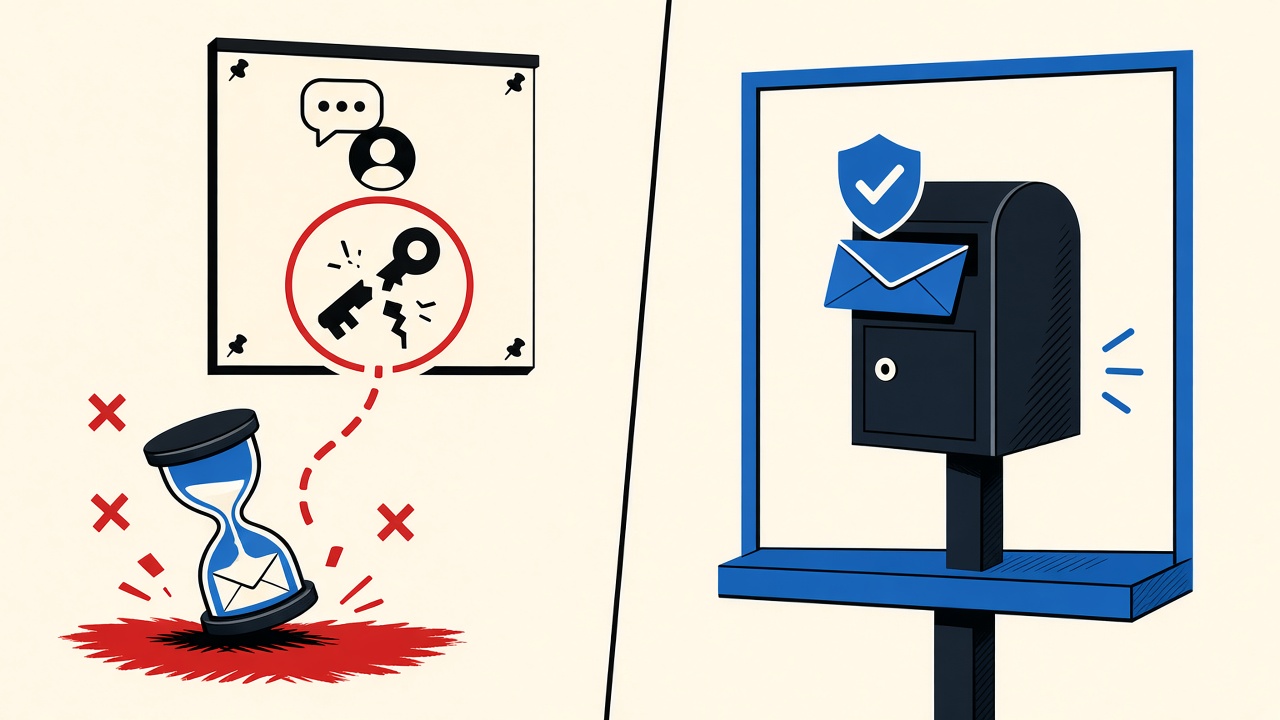
Do not use an expiring temporary inbox as the recovery email for a discussion forum you might keep—two-factor and password resets fail when the mailbox is gone.
Read guide
Pick a durable address for discussion forums you might revisit—lost-password mail fails if your disposable inbox already purged.
Read guide
Reusing one email across checkouts lets merchants and partners stitch your purchase graph; isolate low-trust shops with aliases or temporary inboxes.
Read guide
Reusing one email across newsletters links your identity for ESPs and brokers—use a disposable or unique alias per signup when you do not need continuity.
Read guide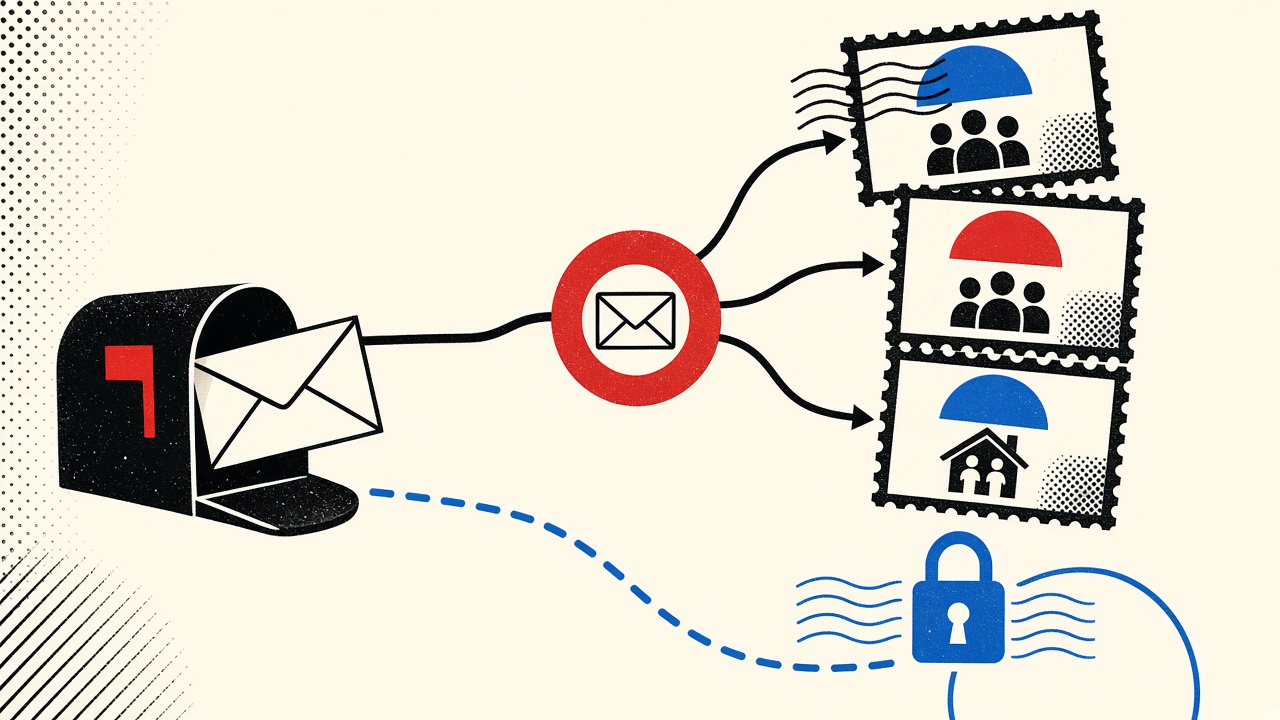
Reusing one email across community signups lets operators and brokers correlate identity; a temporary inbox reduces reuse but not on-site tracking.
Read guide
When port 25 fails during an initial inbound-mail deployment, find the earliest broken hop with measurable checks, then roll back safely.
Read guide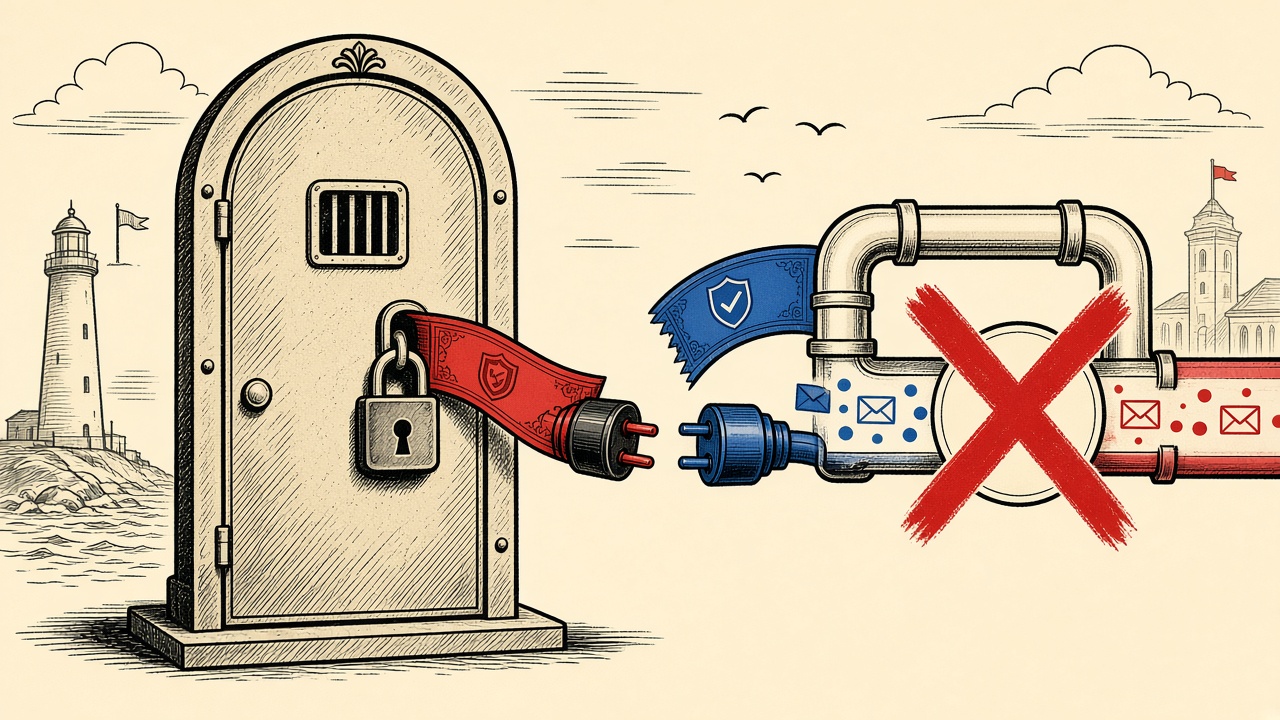
When inbound mail fails after a TLS certificate change, isolate DNS, port 25 reachability, TLS handshake, and MTA config before rolling certificates back.
Read guide