
Phishing and inbox safety
How to assess lookalike sender domains on a password-reset request
Before clicking a password-reset link, compare the visible From domain to the real site hostname character by character—lookalikes exploit urgency, and a disposable inbox does not make the message safe.
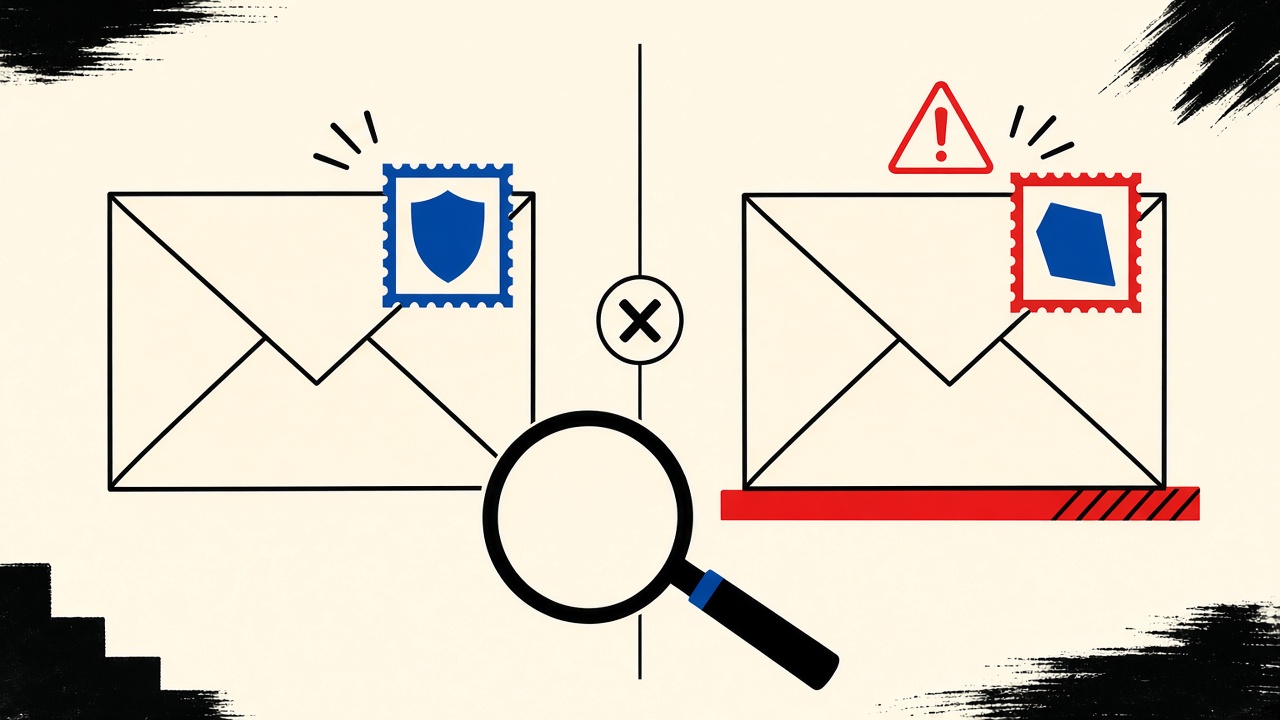
How to assess lookalike sender domains during a password-reset request
Do not click a password-reset link until you have verified the sender domain against the real service hostname—lookalike domains are designed to pass a hurried glance. Start the reset yourself from a bookmarked site when unsure. A temporary or disposable inbox does not make a message trustworthy; it only changes where the bait arrives. Escalate to the real provider’s support channels if pressure tactics appear (“account locks in 10 minutes”) without an action you initiated.
Password-reset context and boundaries
Password-reset mail is high-value for attackers because:
- Users expect it and act quickly
- The call to action is a single link
- Mobile screens truncate domains
- Display names can say “Security Team” while the domain is hostile
You might be assessing a message because you requested a reset—or because one appeared unsolicited. The safe procedure is the same: authenticate the channel before authenticating yourself to the link.
Mailby provides inbox receive-only workflows and security documentation for product posture. We do not claim automatic scam detection, phishing classification, or that receiving mail in a disposable inbox sanitizes dangerous links.
Boundary: This is a non-clicking assessment guide. It is not permission to phish, to test third-party domains without authorization, or to bypass account recovery controls.
Annotated fixture: lookalike vs legitimate
Legitimate pattern (example shape):
- You are on
https://app.example.comvia bookmark - You click Forgot password
- Mail arrives From something like
noreply@example.comorsecurity@example.com - Link host matches
example.comor a documented CDN/auth host in their help docs
Lookalike fixture (illustrative, not a live attack kit):
- Display name:
Example Security - From address domain:
examp1e.com(digit1forl) orexample-security.comorexample.com.attacker.tld - Link preview:
https://example.com.session-reset.net/reset/... - Urgency: “Unusual login—reset within 5 minutes or lose access”
Working path: You notice the From domain ≠ the site you use. You ignore the link. You open a bookmark to app.example.com, request a new reset, and only follow links on that page’s subsequent mail after domain check.
Failure / limitation: Internationalized domain names (IDN) and homograph characters can look identical in some fonts. If anything feels off and you cannot confirm Unicode details, abandon the email path and use a vendor’s out-of-band recovery (phone, authenticator, support ticket).
This teardown differs from a general email-safety hub by focusing on the password-reset request moment—when urgency peaks.
Mechanism: why lookalikes work
Attackers register domains that mistype easily or that visually mimic brands. They send reset-themed mail hoping you:
- Trust the display name
- Skim the From header
- Click before the OTP from a real parallel message arrives
- Enter the old password or session token on a fake page
Even careful users fail when the real service’s ESP uses a third-party sending domain that looks unfamiliar. That is why vendor documentation matters: know which sending domains are normal before an incident.
Reference reading: CISA phishing guidance (rel="nofollow noopener") and RFC 3986 (rel="nofollow noopener") for how URLs encode hosts—always read the hostname, not the path marketing text.
Signal table
| Signal | Benign explanation | Suspicious explanation | Next safe action |
|---|---|---|---|
| Display name matches brand | ESP sets friendly From name | Trivial to forge | Ignore display name; check domain |
| From domain = site apex / known ESP | Normal transactional mail | — | Proceed with caution; still verify link host |
| From domain has extra words/hyphens | Rare partner ESP | Lookalike registration | Do not click; use bookmark reset |
| Link host ≠ From domain | Click wrappers / tracking | Credential harvest page | Hover/long-press only; prefer manual navigation |
| You did not request a reset | Account probe or parallel login | Targeted phishing | Change password via bookmark; enable 2FA |
| Spelling errors / odd logos | Bad ESP template | Mass phishing | Treat as hostile until proven |
| Temporary inbox received it | You signed up with temp mail | Same phishing risk | Still verify domains; temp ≠ safe |
Concrete worked example (non-clicking)
- Message appears: “Reset your Example password.”
- On desktop, show full headers or detailed From. Domain is
examp1e-support.com. - Real site is
example.com. Digit substitution spotted. - Do not click. Do not “preview” the link in a way that loads the attacker page with tokens.
- Open bookmark → account settings → change password / enable 2FA.
- If you did request a reset earlier, wait for the message from the known domain; delete the lookalike.
- Report via the real site’s abuse form if available.
Stop condition: If you already clicked and entered a password, assume compromise: change passwords on that site from a clean bookmark, revoke sessions, and check financial instruments tied to the account.
Alternatives and durable mailbox notes
- Durable mailbox with 2FA is the right home for accounts that matter. Password resets must remain reachable months later.
- Aliases help compartmentalize breaches but do not validate sender domains for you.
- Temporary inboxes are fine for throwaway signups; they are irrelevant to lookalike assessment quality. Seeing a reset in Quick Inbox does not vouch for the domain.
Prefer authenticators and passkeys where available so email becomes a secondary recovery path, not the only one. Product overview: features. Retention realities: data retention.
Short answers
What causes lookalike sender domains in password-reset scams?
Attackers buy domains that mimic brands and send reset-themed lures timed with leaks, breach news, or random blasts.
What should I do first?
Compare From-domain and link-host to a bookmarked real site. When uncertain, initiate reset yourself from that bookmark.
When is a permanent address safer?
For any account whose recovery you must retain. Temporary mail is the wrong recovery channel.
What evidence changes the recommendation?
- Vendor publishes exact sending domains that match the message → more confidence
- Homograph suspicion you cannot resolve → out-of-band recovery only
- You did not request a reset → treat as hostile
Sources, test date, and limitations
Test date: 2026-09-24. Examples are illustrative patterns, not an exhaustive phishing catalog. Mailby does not auto-detect lookalikes.
Limitations: Header forging and display-name tricks vary by client. Mobile UIs hide detail—when in doubt, use the official app or bookmarked HTTPS site only.
Header checklist you can run in under a minute
On desktop webmail or a raw .eml:
- From domain — read the part after
@carefully; watch forrn/mswaps, extra hyphens, and punycode (xn--). - Reply-To — if Reply-To differs from From and points off-brand, treat as hostile until proven.
- Link host — long-press or hover without clicking; read the hostname left of the first
/afterhttps://. - SPF/DKIM alignment hints — some clients show authentication badges. A pass is not proof of legitimacy (attackers authenticate their own domains), but a hard fail increases suspicion for brands that normally pass.
- Subject urgency — countdown language without a matching in-product banner is a classic lure.
If any step is ambiguous on mobile, stop and continue on desktop—or abandon email and use the official app’s in-app reset.
Parallel reset races
Attackers sometimes send a lookalike while you are waiting for a real reset. You may receive two messages a minute apart. Compare domains, not which one arrived first. Prefer the message that matches the sending domains documented by the vendor. When documentation is silent, prefer the message whose link host exactly matches the site you bookmarked.
Never enter codes from message A into a page opened from message B. That mix is how credential harvesting kits succeed even against careful users.
Where temporary inboxes fit (and do not)
If you signed up with a temporary address, password-reset mail arrives there. The assessment procedure does not change. Disposable reception does not validate domains. After you finish a throwaway account, skip resets entirely and let the account expire. For real accounts, store recovery on durable mail plus authenticator apps so a single phishing email cannot strand you.
Homographs and mobile fonts
Unicode lookalikes (Cyrillic а vs Latin a) fool hurried eyes. If the From domain “looks right” but the message feels off, paste the domain into a text editor that reveals Unicode code points, or type the real domain manually into your browser bookmark instead of tapping the mail link. On iOS/Android, link previews can show brand icons scraped from the attacker page—icons are not authentication.
Corporate SSO reset mails may legitimately come from no-reply@auth0.com or similar IdP domains. Know your company’s IdP sending domains in advance via IT docs. Unexpected IdP names deserve a chat with IT, not an immediate click.
Incident response mini-runbook
If you submitted credentials to a lookalike:
- Change password on the real site from a bookmark on a trusted device
- Revoke sessions / “log out everywhere”
- Rotate MFA recovery codes if the attacker may have viewed them
- Check forwarding rules and OAuth app grants
- Notify your bank if the account ties to payments
- Report the lookalike domain to the real brand’s abuse channel when available
Temporary mail neither causes nor cures this incident class.
Additional practical notes
Display-name spoofing remains trivial on many paths: the friendly name can read your bank while the domain is attacker-controlled. Train yourself to ignore the friendly name entirely during resets. The same discipline applies to reply buttons—replying to a spoofed message can land in an attacker inbox even if you never clicked the reset link.
QR-code reset flows on printed mail or chat apps are out of scope for email domain checks but create parallel risk. If a reset starts in email and continues in QR, verify each hop. Attackers chain channels hoping fatigue sets in.
Security keys and passkeys shrink the importance of email resets. Where available, enroll them before an incident. Email then becomes a backup, not the primary control. Temporary inboxes should never be the only recovery factor on an account with financial or identity value.
When evaluating a borderline domain, search the vendor’s official status or support pages for “email from” documentation. Many vendors publish exact sending domains. Cache that list in your notes for services you use weekly so you are not researching under duress.
If your company uses a mail gateway that rewrites From headers, internal IT documentation overrides public mental models. Ask IT for the rewritten form of password-reset mail before reporting false positives.
Worked false-positive: legitimate ESP domain looks unfamiliar
You request a reset on app.example.com. Mail arrives from alerts@mail.example-esp.com with correct SPF/DKIM for that ESP. The link host is app.example.com. A hurried reader flags “unfamiliar From domain” and ignores a real reset. The fix is advance knowledge: save the vendor’s documented sending domains. When undocumented, compare link host first; From can be an ESP while the link remains first-party. If both From and link are unfamiliar, do not click—use in-app reset from the bookmarked site.
Worked true-positive: subdomain trap
Message From security@login-example.com linking to https://example.com.login-example.com/reset. The apex brand appears in the string, but the registrable domain is attacker-controlled. Read domains right-to-left: the effective site is login-example.com, not example.com. Teach this pattern to teammates; it catches a large fraction of lookalike resets.
Conclusion
Assessing lookalike sender domains during a password-reset request is a discipline problem, not a tooling problem: verify domains, prefer self-initiated resets, never trust urgency. Disposable mail does not equal safety. Use real security habits and keep recovery addresses durable for accounts you care about.
Try it on Mailby
Open a receive-only disposable inbox when a short-lived address fits the job — session-bound, with timed purge.