
Email privacy and tracking
Email reuse at community registration: what is exposed?
Reusing one email across community signups lets operators and brokers correlate identity; a temporary inbox reduces reuse but not on-site tracking.
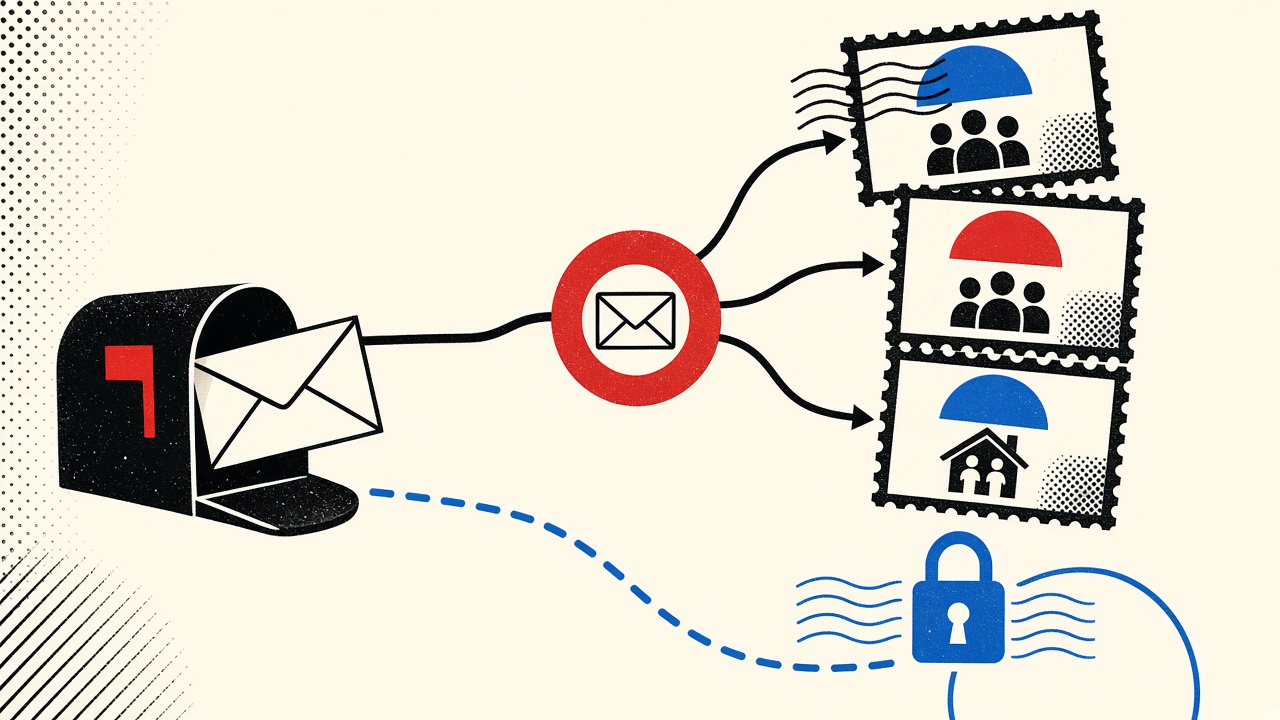
Reusing the same email across community registrations is the highest-leverage correlation handle most people hand out voluntarily. Operators, ESP partners, and enrichment services can join profiles across sites when the address matches. A temporary receive-only inbox reduces that reuse for throwaway communities—but it does not erase cookies, pixels, or device fingerprints on the registration page, and it is unsafe when you need account recovery later.
Community registration context
“Community” here means forums, Discords gated by email, Slack-alike invites, open-source contributor portals, local meetup tools, and niche membership sites. Registration usually collects:
- Email (required)
- Display name
- Sometimes phone, OAuth, or payment
The email is the durable foreign key. Display names change; emails often do not.
Boundaries:
- Mailby Quick Inbox is receive-only; no send/forward
- Not a guarantee of anonymity
- Short free retention—/data-retention
- Many communities block known disposable domains
What reuse exposes (and to whom)
| Information shared | Observer | Exposure path | Mitigation | Limit |
|---|---|---|---|---|
| Same email on Site A and Site B | Both operators + brokers | Match on address string | Unique alias or temp per community | Blocklists; recovery needs |
| Welcome mail open | Sender ESP | Tracking pixel / link redirect | Prefetch-blocking clients; text copy | Not all clients block |
| IP at signup | Site + CDN logs | Form POST | VPN (separate choice) | Account risk / ToS |
| OAuth identity | IdP + site | Token scopes | Avoid OAuth for throwaways | Convenience loss |
| Payment email | Processor + site | Billing identity | Never use temp for paid memberships | Financial continuity |
Field notes (editorial check, 2026-09-24)
Working path: Register for a low-stakes open newsletter-community hybrid with a Quick Inbox address → verify via receive-only preview → never reuse that address elsewhere → primary inbox stays clean.
Failure / limitation: A second community required GitHub OAuth. Email reuse was avoided, but GitHub identity became the correlator instead. Temporary email cannot fix upstream identity binding.
Counterexample: Reusing a primary Gmail across five meetup sites produced cross-invites and a single sales sequence that clearly merged profile fields (same first name + email). The merge is the exposure.
Mechanism
Email addresses are designed to be unique contact identifiers (RFC 5321 / RFC 5322 addressing). CRM and CDP systems treat them as join keys. Even without a formal “data broker,” two honest operators who share an ESP or who both upload hashed emails for advertising match can re-identify overlap.
Temporary inboxes interrupt the join key by making the address short-lived and single-purpose. After purge and tombstone, that exact address should not return as a reusable public identity—see /data-retention. That helps future correlation of that string; it does not scrub historical copies already stored by the community.
Privacy posture of the product: /privacy, /security. Encryption at rest + TLS; not E2EE.
Practical privacy choices (ranked)
- Throwaway community, no recovery need: Quick Inbox. Verify once; leave.
- Community you might keep: Durable alias per community (or per “social” bucket).
- Paid or reputation-bearing community: Primary or well-backed alias; enable 2FA.
- Research-only peek at onboarding mail: Temp inbox, then abandon—similar to freelancer newsletter samples.
Do not use temporary mail for communities that hold payment methods, legal identity, or professional reputation you cannot afford to lose—see forum device replacement risks.
Worked example: three registrations, three strategies
Goal: Join (A) a one-off AMA waitlist, (B) a hobby forum you will keep, (C) a paid mastermind.
| Community | Address choice | Why |
|---|---|---|
| A AMA waitlist | Quick Inbox | One verification; no future value |
| B hobby forum | hobby@your-domain or plus-alias | Recovery + filters |
| C paid mastermind | Primary durable | Billing + legal notices |
Mixing these strategies is normal. Reusing one address for A+B+C maximizes convenience and exposure.
What temporary email cannot prevent
- On-page JavaScript trackers during registration
- Browser fingerprinting
- OAuth account linkage
- Admin-side screenshots or exports of member lists
- Legal process against the community operator
For tool comparisons when you need longer-lived segmentation, see plus addressing vs alternatives for shopping and features overview at /features.
How this differs from a general email-privacy hub
A privacy hub surveys pixels, open tracking, and policy posture. This page focuses on address reuse as a join key during community registration. The distinctive gain is the exposure table (observer × path × mitigation × limit) and the three-community worked example that assigns different address classes to throwaway, keep, and paid contexts. Tracking pixels inside welcome mail are adjacent—not the core decision.
Hashing myths and “privacy-preserving” uploads
Some advertising and enrichment flows upload “hashed emails.” Hashing does not make a widely used address private among parties who already know the plaintext candidate set. If you reuse you@example.com everywhere, matching on a hash of that string still correlates you across participants who share lists. Unique aliases or disposable addresses shrink the candidate overlap. They do not make cryptography optional for operators who already have your plaintext from signup.
Registration UX patterns that increase exposure
Social proof widgets that pull Gravatar-style avatars from your email hash can reveal whether an address is “known.” Invite-by-email flows ask you to expose friends’ addresses. Directory opt-ins publish your mail to other members. Decline these when the community is low-trust. Temporary mail helps for your own signup string; it does nothing if you paste other people’s addresses into invite boxes.
Browser-side hygiene that pairs with address choice
Address strategy is one layer. Also consider:
- Separate browser profile for throwaway communities
- Blocking third-party cookies where usable
- Avoiding password reuse across communities (prefer a password manager)
- Skipping phone verification when optional—phone is another join key
None of these are Mailby features; they are complementary practices. Product scope remains receive-only temporary mail: /how-it-works.
When reuse is rational
Reuse is not always wrong. Using one durable alias for “all open-source communities you trust” reduces administrative load and keeps recovery simple. The risk is blending that alias with shopping, banking, and throwaway AMAs. Segment by trust and longevity, not by vibes. A practical split many readers sustain:
- Work / professional communities → work mailbox
- Long-term hobbies → hobby alias
- One-off events → Quick Inbox
- Commerce → shopping alias (see plus-addressing trade-offs linked above)
Documenting your own map
Keep a private note: community → address used → 2FA backup location → paid? That map prevents accidental reuse and speeds recovery after device loss. Without it, people re-register with new emails and fragment reputation—or worse, attempt resets into forgotten temporary inboxes.
Short answers
What causes reuse exposure? The same string acting as a cross-site join key.
What should I do first? Classify the community: throwaway, keep, or paid—then pick address class.
When is a permanent address safer? Recovery, payment, reputation, or blocked disposable domains.
What evidence changes the recommendation? OAuth-only signup, KYC, or payment—temp mail drops out.
Sources, test date, limitations
- Editorial scenarios: 2026-09-24
- RFC 5321, RFC 5322
- FTC guidance on commercial email (sender obligations; recipient privacy is broader)
- Mailby: /inbox, /privacy, /data-retention
Limitations: We do not claim temp mail makes you untraceable. Community policies and blocklists vary.
ESP-level correlation beyond the community operator
Even if Community A and Community B never share databases, they may share an email service provider, a CDP, or an advertising match partner. Uploaded lists of hashed or plaintext emails enable overlap analysis. Using unique addresses per community shrinks overlap. Using one address maximizes it.
This is why “I trust this Discord mod team” is incomplete reasoning. Trust the operators and their processors, or segment addresses.
Invite graphs and social pressure
Communities grow by asking you to invite friends. That UX exports other people’s emails into the operator’s graph. Decline when possible. When you must invite, prefer invite links over address harvest forms. Temporary mail protects your signup string; it does not protect the friends you expose.
Legal and employment-adjacent communities
Bar associations, employer Slack bridges, and regulated industry forums may require real identity. Disposable mail can violate terms and create compliance issues for you—not privacy wins. In those contexts, reuse of a professional address may be mandatory. Segment with aliases under your professional domain rather than consumer temporary inboxes.
Measuring your personal reuse footprint
Export your password manager entries and count unique email local-parts used for “community” or “social” categories. If the count is one, you have a reuse problem. Target: at least a throwaway class, a hobby class, and a professional class. Tools: aliases, plus-tags where they survive, and Quick Inbox for one-offs.
Revisit the map quarterly. Communities die; addresses linger in their backups. Knowing what you used where speeds account deletion requests later.
Cross-posting identities and deanonymization
People reuse not only emails but display names, avatar hashes, and writing style. Email reuse is the easiest automated join; it is not the only one. If you need stronger separation for sensitive communities, change multiple identifiers at once—and still assume admins with legal process can correlate payment instruments. Temporary email is a hygiene tool, not a witness-protection program.
Data subject requests and residue
When you later ask a community to delete your account, they may retain legal archives containing your email. Using a unique address limits how that archive connects to your other lives, but it does not force deletion of backups outside policy. Read the community privacy policy before trusting any signup.
Browser password managers and reuse hints
Password managers that suggest “use a unique password” rarely suggest “use a unique email.” Train the habit manually. Some managers support custom fields for identity aliases—use them. When a community breach dumps emails, unique aliases contain blast radius to that community rather than your entire graph.
Advertising match keys and offline uploads
Retail media networks and social platforms accept hashed email uploads from advertisers. If you reused one address across a hobby forum and a shop, a brand that buys both audiences can overlap you. Unique community aliases reduce—not eliminate—that risk. Combine with the shopping guidance in plus addressing trade-offs.
A week-long experiment you can run on yourself
Day 1: create three addresses—primary, hobby alias, Quick Inbox. Day 2: join one throwaway AMA with Quick Inbox. Day 3: join a hobby forum with the alias. Day 4: intentionally do nothing with primary. Day 5: check which inboxes received cross-talk marketing. Day 6: attempt to list connected apps/sessions on each community. Day 7: delete the throwaway community and confirm the disposable address is gone while the hobby alias still receives digests.
Write down what surprised you. Most people discover at least one unexpected ESP “related community” email that proves shared infrastructure. That experiential evidence beats abstract privacy essays.
Conclusion
Email reuse is the quiet default that builds a graph of your community life. Break the graph for throwaways with Quick Inbox; keep durable aliases for communities that matter. Know the limit: disposable receiving reduces address correlation—it does not erase the rest of the web’s tracking surface.
Try it on Mailby
Open a receive-only disposable inbox when a short-lived address fits the job — session-bound, with timed purge.