Rendering multipart/alternative in webmail: pitfalls
Webmail usually prefers the HTML part of multipart/alternative—validate both parts, avoid contradictory content, and preview safely before trusting links.
Read guide
Editorial
Showing 55–63 of 109
Webmail usually prefers the HTML part of multipart/alternative—validate both parts, avoid contradictory content, and preview safely before trusting links.
Read guide
Mobile clients pick one multipart/alternative part—usually HTML when present. Build sane text parts and avoid relying on a single raw MIME tree.
Read guide
Desktop clients pick one part from multipart/alternative—usually the richest safe type. Broken boundaries and mismatched content create blank or misleading views.
Read guide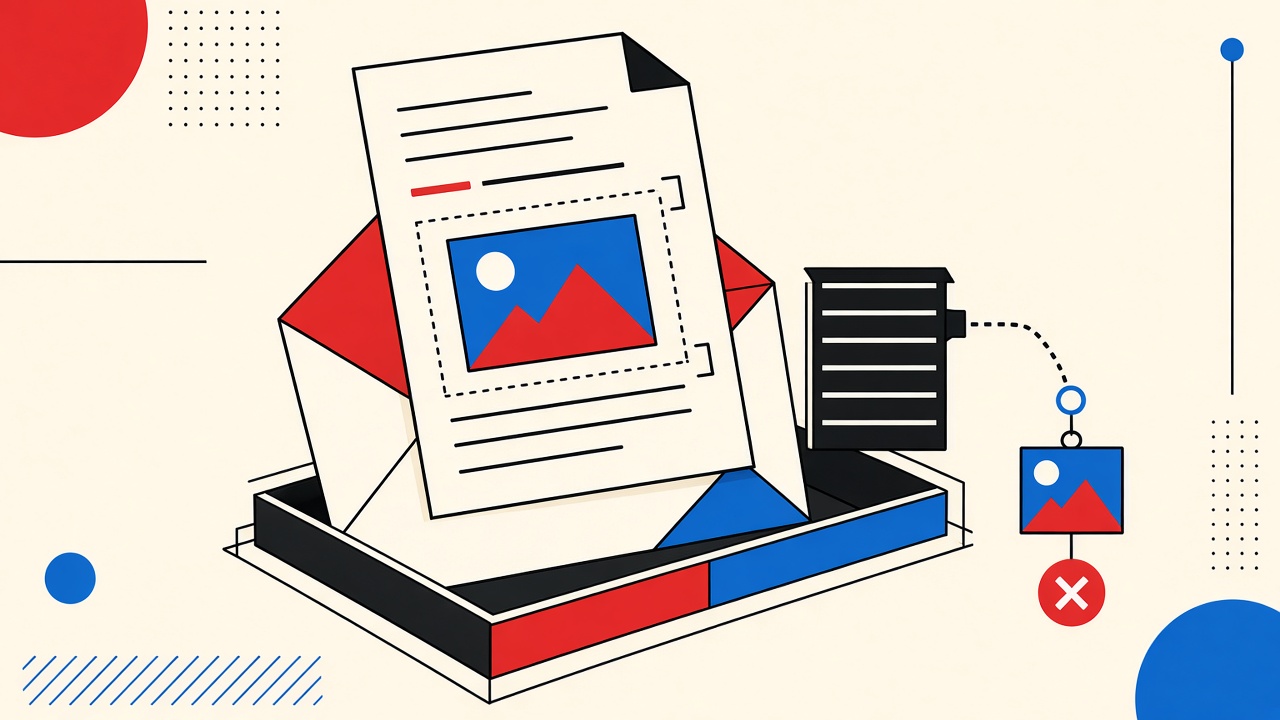
Inline images in webmail depend on correct multipart/related CID links—broken Content-ID references show empty slots, and remote images raise privacy risks beyond CID parts.
Read guide
Mobile clients often block or detach CID inline images—build multipart fixtures deliberately, test with images off, and keep critical content in text.
Read guide
Inline images need correct MIME multipart/related and Content-ID links; broken CIDs show empty frames—test fixtures before blaming the client.
Read guide
Webmail must decode base64 MIME parts safely—valid fixtures render; broken padding, wrong types, and active content should not execute.
Read guide
How mobile email clients render base64 attachments: valid MIME parts, broken padding, declared types, and safe preview practices.
Read guide
Desktop clients decode base64 MIME parts using Content-Type and Content-Disposition—broken padding or wrong types show as garbage or blocked attachments.
Read guide