
Message formats and rendering
Rendering inline images in a webmail client: examples and pitfalls
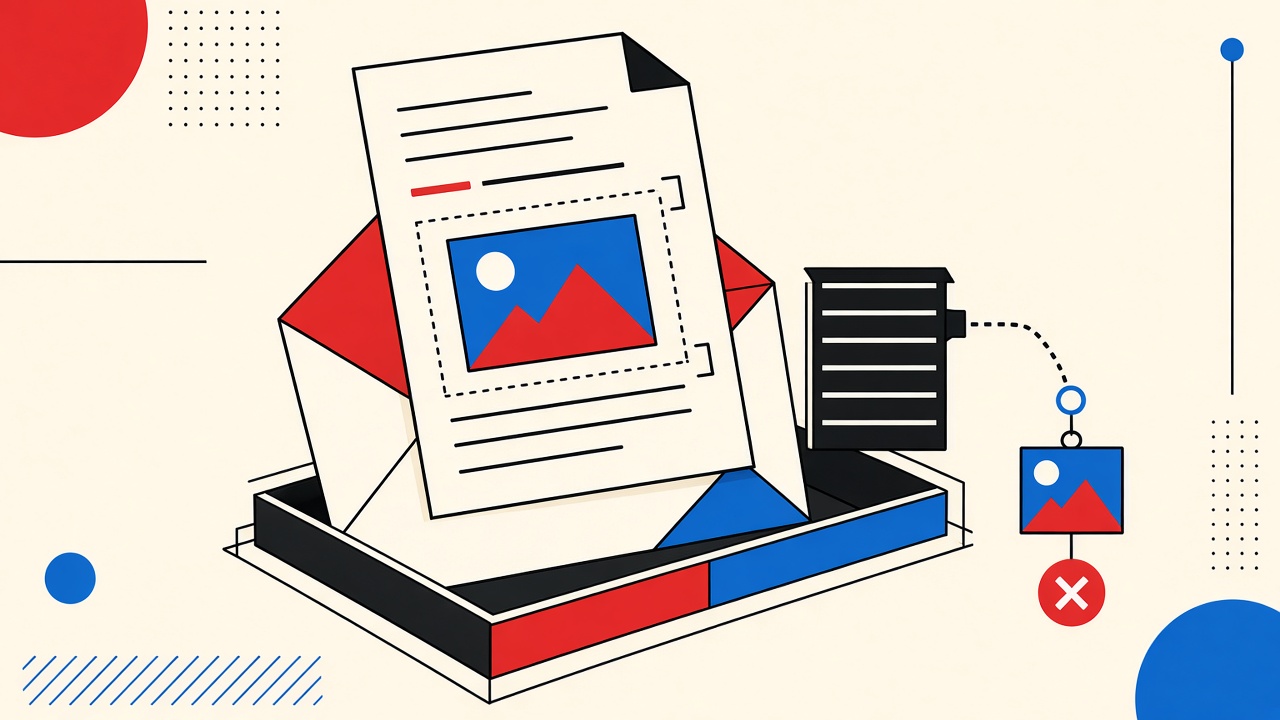
Inline images in webmail depend on correct multipart/related CID links—broken Content-ID references show empty slots, and remote images raise privacy risks beyond CID parts.
Rendering inline images in a webmail client: examples and pitfalls
Webmail shows inline images when an HTML part references a MIME body part via cid: and the message is correctly built as multipart/related—broken Content-IDs render as empty boxes, while https:// images are remote fetches with privacy side effects. If you are debugging a message you received, inspect the raw MIME before blaming the client. Mailby’s Quick Inbox safe HTML preview is useful when it matches the behavior you are validating; it is not a full replica of every provider’s webmail engine.
Webmail client context and boundaries
“Inline image” means different things:
- CID-related — image bytes travel with the message; HTML uses
<img src="cid:logo@example"> - Remote — HTML points at an external URL; client may block until user consents
- Attachment-only — image present as
multipart/mixedattachment without CID link (shows in paperclip, not in body)
This guide constructs minimal valid and intentionally broken fixtures and describes what webmail typically does. It is for developers and curious receivers handling messages they are authorized to inspect.
Mailby is receive-only: encryption at rest + TLS in transit; not E2EE. See security.
Demonstrate inline images
Minimal valid fixture (conceptual)
Content-Type: multipart/related; boundary=BOUND

--BOUND
Content-Type: text/html; charset=utf-8

<html><body>
  <p>Welcome</p>
  <img src="cid:hero@mail.local" alt="Hero diagram">
</body></html>

--BOUND
Content-Type: image/png
Content-ID: <hero@mail.local>
Content-Transfer-Encoding: base64

iVBORw0KGgoAAAANSUhEUgAAAAEAAAABCAYAAAAfFcSJAAAADUlEQVR42mP8z8BQDwAEhQGAhKmMIQAAAABJRU5ErkJggg==
--BOUND--
Working path: Webmail maps cid:hero@mail.local to the part whose Content-ID is <hero@mail.local> (angle brackets are normal in headers; HTML cid: usually omits them). The 1×1 PNG renders.
Failure / limitation: Content-ID mismatch (cid:hero vs <hero@mail.local>) → broken image icon. Many generators silently disagree on bracket and domain-shaped IDs.
Intentionally broken fixture
HTML references cid:missing@mail.local with no matching part. Webmail shows alt text or a placeholder. Accessibility: missing images without meaningful alt fail users who never see the graphic.
Remote image contrast
<img src="https://cdn.example/track.png"> may render only after “load images.” That path is a privacy decision, not a MIME CID issue—see also our shopping-pixel discussion mindset and privacy.
Mechanism and pitfalls
- Wrong multipart type — HTML + image as
multipart/mixedwithoutrelatedoften prevents CID resolution. - Charset / transfer encoding — corrupt base64 → decode failure.
- SVG inline — some webmail sanitizers strip SVG for XSS risk.
- Very large inlines — clients clip or degrade; prefer remote CDN for huge assets in outbound product mail you send from your own ESP (Mailby still won’t send).
- CSP-like sanitizers — scripts and exotic handlers removed; good for safety, surprising for marketers.
- Dark mode recoloring — some clients invert images poorly.
Authoritative MIME references: RFC 2045–RFC 2047 family and RFC 2387 (multipart/related) (rel="nofollow noopener").
Rendering table
| Raw part | Declared type | Observed rendering | Accessibility/security implication |
|---|---|---|---|
| HTML + matching CID PNG | multipart/related | Inline image | Provide real alt text |
| HTML CID without part | multipart/related | Broken/empty | Blind users miss meaning if alt empty |
| Image as mixed attachment only | multipart/mixed | Paperclip, not body | Users may not open attachment |
| Remote HTTPS image | text/html | Blocked until allow | Open-tracking / IP leak risk |
| Inline SVG with script | image/svg+xml | Often stripped | XSS hardening |
| Huge base64 image | image/jpeg | Slow or clipped | UX degradation |
Concrete worked example
Goal: Confirm a vendor’s welcome mail logo is CID-inline, not remote.
- Receive message in a webmail you use, and optionally in Quick Inbox if the send targets that address.
- View raw source. Locate
Content-IDand HTMLcid:reference. - If they match and still fail in one client only, you have a client sanitizer quirk—not a sender MIME error.
- If Quick Inbox preview shows the image but a corporate webmail blocks it, corporate policy may strip inlines—document that for your support team.
Counterexample: Marketer converts CID inlines to remote URLs “so we can update the creative later,” then wonders why open rates spike and privacy-conscious clients show blank headers. Different trade-off, not a renderer bug.
Alternatives and durable mailboxes
- Developers building senders: test across Gmail/Outlook.com/Yahoo/Apple Mail—not one engine.
- Receivers debugging: durable mailbox with raw-source view helps long investigations.
- Temporary inbox: fine for one-shot MIME inspection when you control the send to that address.
Product orientation: features, how it works, /developers for intentional receive tooling.
Short answers
What causes inline image issues in webmail?
CID mismatches, wrong multipart structure, sanitizer policy, and confusion with remote images.
What should I do first?
Diff HTML cid: against Content-ID headers in the raw message.
When is a permanent address safer?
When you need to keep samples for days of cross-client debugging.
What evidence changes the recommendation?
- Matches in raw MIME but fails in one client → client quirk
- Mismatch in MIME → fix generator
- Remote URL → privacy/settings issue, not CID
Sources, test date, and limitations
Test date: 2026-09-24. Webmail sanitizers change without notice. Mailby preview supports safe HTML inspection; exact parity with every vendor is not claimed.
Limitations: Do not paste untrusted HTML into tools that execute it unsafely. This article does not provide exploit payloads.
Building a tiny fixture generator
For authorized testing, generate messages with Python’s email.message.EmailMessage:
- Set
Content-Type: multipart/related - Attach HTML with
cid:logo@local - Attach PNG with
add_attachment(..., cid='logo@local')(API specifics vary—assert the resulting raw contains matchingContent-ID)
Send that fixture through your staging ESP or local MTA into a mailbox you own. Compare Gmail web, Outlook web, Yahoo web, and Quick Inbox preview. Record which clients:
- Show the image automatically
- Require image load consent (should not for pure CID, but proxies differ)
- Block SVG
- Rewrite CID to proxy URLs
Keep a spreadsheet; it becomes gold during customer tickets (“logo missing in Outlook”).
Accessibility and legal copy
Inline images that carry critical instructions (“click the red button pictured”) fail accessibility and often compliance reviews. Duplicate instructions in text. Alt text should describe purpose, not “image1.”
If the image is a tracking-looking 1×1, treat it as a pixel even when attached—some systems still fetch related parts through proxies that log access.
Security sanitizer expectations
Webmail will strip:
<script>and inline event handlers- External CSS
@importin many cases - SVG scripting and some filters
data:URLs depending on policy
So a “perfect” desktop-client rendering is not a security bug when webmail looks plainer—it is intentional hardening. Design HTML emails to survive sanitization: tables, inline CSS subset, CID or hosted images with meaningful alt.
When remote is better than inline
Newsletters with weekly creative updates may prefer remote images for operational flexibility. Transactional mail (password reset, invoices) should prefer CID or tightly cached remote assets with plain-text fallback so privacy-conscious users still complete the task.
Proxy rewriting and cid: breakage
Some secure email gateways download related parts, store them, and rewrite HTML to gateway URLs. That can fix remote image privacy while breaking fragile CID references if the gateway mishandles Content-ID matching. When only corporate webmail breaks, ask whether a gateway sits in path before rewriting your generator.
Testing dark mode
Clients may invert PNG logos into unreadable messes. Provide versions that work on dark backgrounds or use tables with background colors that remain readable when images are missing. Always include textual brand identification near the logo for when images fail.
Additional practical notes
Content-Disposition: inline versus attachment influences some clients. For CID-related parts, include both correct Content-ID and a filename. Omitting filename rarely breaks CID but can confuse download UX for users who save the logo.
Base64 line wrapping must follow MIME rules; broken wraps produce gray boxes that look like client bugs. Validate with a MIME linter in CI for outbound templates you control.
Animated GIFs inline may autoplay in some webmail and drain battery; prefer static PNG for transactional headers.
When comparing Mailby preview to consumer webmail, note that safe preview may intentionally neutralize active content more aggressively. Treat differences as security features unless raw MIME itself is wrong.
Internationalized alt text should match message language. Mismatched alt is a quality bug users notice more than designers expect.
If you attach the same image twice—once inline, once as downloadable asset—ensure CIDs and Content-Locations do not collide. Duplicate parts confuse related resolution.
QA script you can reuse
- Generate valid CID message; confirm render in three webmails + Mailby preview.
- Break Content-ID; confirm placeholders; confirm alt visible.
- Convert image to remote URL; confirm block-by-default behavior differs.
- Inject a harmless SVG; document which clients strip it.
- Send 2MB inline JPEG; document clipping.
Store .eml fixtures in the repo under fixtures/mail/ for regression. Do not commit malware samples. Authorized fixtures only.
Product implication for Mailby users
If you receive mail in Quick Inbox to inspect a vendor’s HTML, remember preview is a safety-oriented renderer. Use it to read OTPs and check rough layout, not to certify pixel-perfect marketing across Outlook versions.
Collaboration with designers
Give designers a constraint sheet: max inline weight, CID vs remote policy per template type (transactional vs promo), required alt text, and dark-mode safe logos. Most inline bugs start as design exports pasted into ESPs that silently rehost images as remote URLs. Re-check raw MIME after each ESP “save.” If the ESP rehosted, your CID tests in CI will not match production—test the rendered ESP output, not only the generator.
Reader checklist
Before you act on this guide, confirm: (1) you are authorized to test or decide for this account, (2) you understand Mailby is receive-only and does not send or forward mail, (3) you have opened the linked policy or product pages when making retention or security claims, and (4) you picked durable mail whenever recovery, receipts, or multi-day continuity matter. Temporary inboxes excel at short receive tasks and fail loudly when pressed into identity roles they were never meant to fill. Re-read the decision table above if you are unsure; tables compress the judgment call better than memory under time pressure. When evidence disagrees with a default recommendation—vendor blocks, legal holds, employer policy—let that evidence win. Update your personal defaults after each surprising failure so the next decision is faster and safer.
Summary for implementers
Treat inline images as a MIME contract, not a design flourish. Validate Content-ID pairs in CI, re-check after ESP saves, and keep textual fallbacks for every critical instruction. Use Quick Inbox when you need a quick receive-side glance at HTML you sent to a disposable address, and remember its preview is safety-first. For long debugging campaigns across many clients, keep samples in a durable mailbox with raw download enabled. Prefer CID for transactional logos; prefer remote with blocked-by-default awareness for frequently updated marketing creatives. When renderings disagree, trust raw MIME first, then client sanitizers, then ESP rewriting. That order prevents weeks of finger-pointing between design, backend, and IT gateways.
Conclusion
Inline images in webmail are a MIME contract: multipart/related + matching CIDs + sensible alt text. Remote images are a separate privacy story. Validate with raw fixtures, compare clients, and use Quick Inbox when its preview actually helps the check you are running.
Try it on Mailby
Open a receive-only disposable inbox when a short-lived address fits the job — session-bound, with timed purge.