
Email privacy and tracking
Tracking pixels in newsletter signup: what is exposed?
Newsletter tracking pixels can reveal opens and device hints via remote images—a temporary inbox reduces address linkage but does not erase every signal.
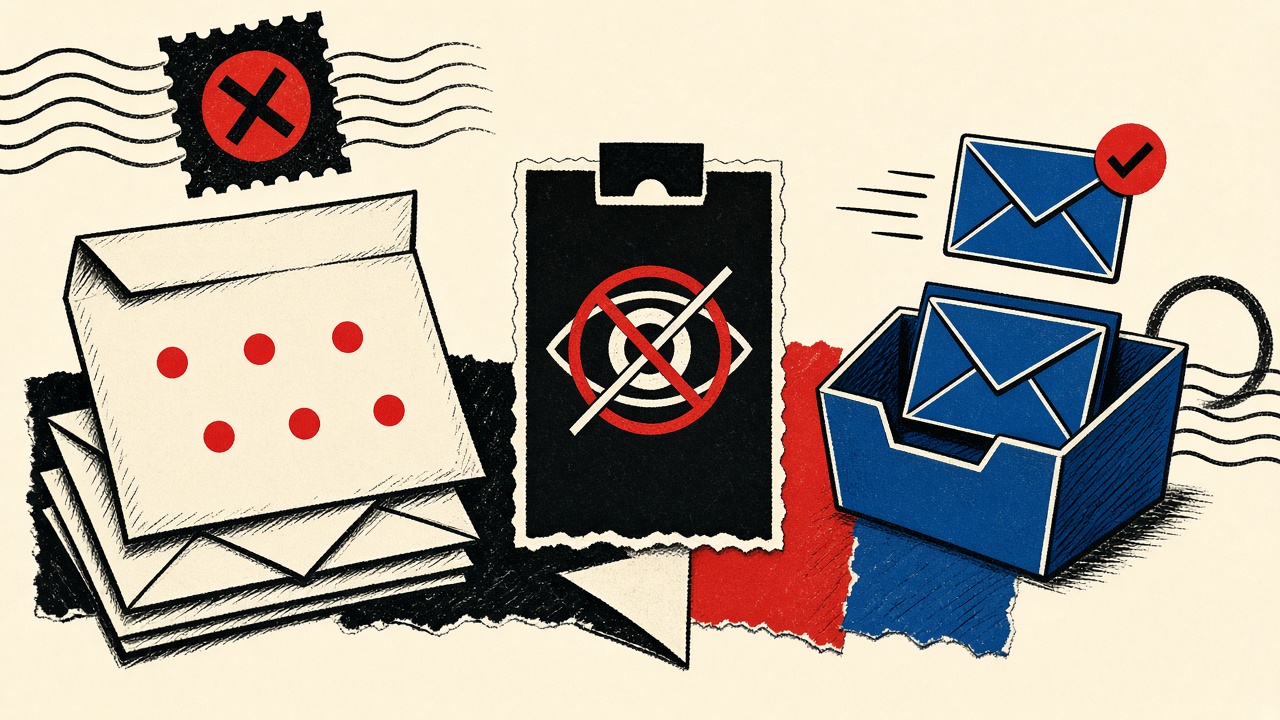
The decision in plain terms
When you sign up for a newsletter, expect the welcome message (and later issues) to include remote images or tracked links that can report opens and engagement. A temporary receive-only inbox reduces long-term linkage to your primary identity, and safe HTML preview that blocks remote loads can stop classic open pixels—but it cannot hide the fact that you subscribed, nor stop every server-side log on the click path.
If the newsletter is something you will read for years, prefer an alias or dedicated mailbox with remote images off by default. Use Quick Inbox when the signup is a one-sample peek.
Newsletter signup context and boundaries
Publishers want deliverability metrics: who confirmed, who opened, who clicked, who unsubscribed. Tracking pixels—typically 1×1 remote images with unique URLs—are the traditional open signal. Click wrapping sends you through a redirect that records the event before the destination loads.
Your exposure starts before any pixel fires:
- The address you typed is stored in the ESP (email service provider) list.
- Confirmation clicks prove control of that mailbox.
- IP and user-agent may be logged on confirm and on later opens/clicks depending on client behavior.
Mailby helps on the address compartment and preview safety axes. It does not make you invisible to the publisher’s list database, and it does not claim to strip every tracker from every message format.
This piece is a teardown of pixels during newsletter signup, not a full email-privacy hub.
Technical teardown: where pixels live
A typical multipart newsletter contains HTML like a remote <img> whose src includes a subscriber id. When a client fetches that URL, the ESP logs an open. Some clients proxy images; some block them until the user enables remote content.
Annotated fixture (conceptual):
<!-- welcome message fragment -->
<img src="https://track.example-esp.test/o/SUBSCRIBER_TOKEN.gif" width="1" height="1" alt="">
<a href="https://track.example-esp.test/c/SUBSCRIBER_TOKEN?u=https%3A%2F%2Fnews.example%2F">Read issue</a>
Working path: Signup with a disposable address → confirmation arrives → preview with remote images blocked → pixel URL never fetched → open not recorded (or recorded only if the ESP counts delivery differently). You still appear on the list.
Failure / limitation: User clicks a tracked link to read the article → redirect logger records engagement tied to that subscriber token regardless of pixel blocking. Temporary address does not erase that click event.
Desktop clients and webmail differ. Apple Mail Privacy Protection and similar proxies can inflate opens industry-wide; treat open rates as noisy. The privacy lesson for individuals is still: prefer clients that do not auto-load remote images, and separate identities for curiosity vs. long-term reading.
Exposure table
| Information shared | observer | exposure path | mitigation | limit |
|---|---|---|---|---|
| Email address | Publisher / ESP | Signup form + list storage | Temporary or alias address | List still stores some address |
| Confirmation time / IP | Publisher web logs | Confirm-link click | Use privacy network if warranted | May still need to click once |
| Open / pixel fetch | ESP tracker | Remote image load | Block remote images; safe preview | Proxied opens muddy signals |
| Click stream | ESP redirect | Tracked links | Copy destination URL carefully; prefer text links | Easy to mis-copy |
| Device / UA hints | Tracker CDN | Image or link request headers | Block loads | Not relevant if never fetched |
| Long-term identity graph | Data brokers (indirect) | Address reuse across sites | Compartment addresses | Deterministic matching still possible on other PII |
Concrete worked example
Goal: Sample one industry newsletter without attaching it to a work mailbox.
- Open Quick Inbox.
- Subscribe with the generated address.
- Receive the confirm message; use extracted action link if needed.
- Keep remote content blocked while you decide whether the content is worth a durable alias.
- If yes, resubscribe from an alias and unsubscribe the disposable path (if the UI still works before purge).
- If no, let retention expire—future issues bounce or vanish with the mailbox.
Counterexample: Someone uses temporary mail, enables remote images “to see the design,” clicks three tracked CTAs, then later reuses personal details on the publisher’s paid tier. The pixel compartment helped less than the address compartment; the click graph and billing PII reconnect the identity.
For address-strategy comparisons, see email alias vs long-term shopping. For signup continuity trade-offs, see webinar free-trial email choice.
What temporary email can and cannot prevent
Can help
- Keep marketing lists off your primary inbox
- Reduce cross-site correlation when you use unique disposable addresses per publisher
- Pair with preview that avoids automatic remote fetches
Cannot
- Prevent the publisher from storing the disposable address you gave them
- Stop server logs when you click confirm or tracked links
- Guarantee the ESP is not sharing list data under their privacy policy
- Provide end-to-end encryption of newsletter content (Mailby uses TLS in transit and encryption at rest—not E2EE)
Read /security and /how-it-works for product boundaries.
Alternatives and when a permanent address is safer
- Alias with remote images off — best default for newsletters you keep.
- RSS / reader apps — skip email tracking entirely when the publisher offers feeds.
- Primary address — fine for high-trust institutions where compartmentation costs exceed benefit.
- Temporary inbox — one-issue sampling, contest signups you will abandon, “required email” gated PDFs.
Permanent (or stable alias) is safer when newsletters double as account channels—receipts, license keys, community invites.
Short answers
What causes tracking pixels on newsletter signup?
ESPs monetize and optimize via engagement metrics; pixels and wrapped links are the standard instrumentation.
What should I do first?
Decide if this is a sample or a long-term subscription. Sample → /inbox. Long-term → alias/durable with remote images blocked.
When is a permanent address safer?
When the list is also your license, billing, or community login channel.
What evidence changes the recommendation?
Publisher offers confirmed RSS-only delivery with no email account—or you must receive legal notices at an identity you own.
Pixel vs fingerprint vs list membership
People conflate three different exposures:
- List membership — they have your address and consent record
- Open pixel — they learn a client fetched a unique image URL
- Fingerprinting / enrichment — IP, UA, and sometimes cross-site graphs
A temporary inbox primarily attacks (1) relative to your primary identity. Blocking remote images attacks (2). It does little against (3) if you click through to the publisher’s website and log in elsewhere with real PII.
Safe preview vs full client render
Mailby’s safe HTML preview is built for disposable workflows: reduce active content risk and help extract codes/links. Desktop and mobile clients may auto-load images depending on settings. If you forward a newsletter from a temporary inbox to a personal mailbox (Mailby does not forward—you would be copying content manually), the destination client’s rules apply.
Practical habit: read samples with remote images off. If the design is the product (e.g., you are a designer evaluating email templates), use an alias and accept the open signal—or use a screenshot from a sandboxed machine.
ESP architectures (why one signup creates many URLs)
Modern ESPs mint per-subscriber tokens embedded in:
- Open pixels
- Click redirects
- Unsubscribe links
- Preference-center links
Unsubscribe links are worth using even on temporary addresses if the inbox still lives—polite and sometimes legally expected. After purge, bounces may eventually suppress the address depending on ESP configuration; do not rely on that as your privacy plan.
Worked privacy preference matrix
- Curious about one issue: temporary + remote images blocked
- Weekly industry brief you trust: alias + remote images blocked + filters
- Publisher is also your software vendor: durable billing identity; separate marketing preference center if offered
- Researching trackers themselves: intentional lab mailbox; never your bank identity
Limits of “plus addressing” here
you+news@gmail.com helps filtering but still reveals your root identity to anyone who strips tags. Publishers and brokers know this trick. Real aliases on separate domains compartment better. Temporary addresses compartment differently: they die. Pick based on whether death is acceptable.
Click tracking without opens
Even with pixels blocked, marketers learn from clicks. A single “read on the web” button may be enough to mark you engaged. If your goal is to sample content without engagement scoring, copy the destination URL from the message source when possible, or visit the public archive on the publisher’s site without your subscriber token.
Some newsletters include untracked plain URLs in the text part. Prefer those.
Corporate and school filters
Enterprise mail gateways sometimes prefetch links and images for threat scanning, which can fire pixels on messages you never opened. That is an organizational exposure separate from your personal client settings. Temporary inboxes on Mailby are outside those gateways—useful for personal experiments, not a fix for corporate telemetry policy.
Legal and expectation notes
Privacy regulations may require clear consent and unsubscribe mechanisms; they do not magically disable open pixels everywhere. This article is technical and practical, not legal advice. Publishers’ privacy policies describe their processors; read them for newsletters that also sell data enrichment.
Building a personal newsletter diet
- Trial with temporary or alias
- Promote to durable alias only if you read issues twice
- Keep remote images off globally in your main client
- Review subscriptions quarterly; unsubscribe ruthlessly
- Never use banking or employer identity for casual lists
How this differs from the email-privacy hub
Hub material covers many tracking surfaces. Here the journey is specifically newsletter signup → welcome MIME → pixels/links, with a clear temporary-inbox boundary: great for sampling, insufficient as a complete anti-tracking strategy once you click.
Product links for compartmentation tools: /inbox, /features, /how-it-works.
Prefetch and privacy proxies
Some clients rewrite image URLs through privacy proxies. That can hide your IP from the ESP while still registering a generic open. Your threat model should state whether you care about publisher engagement scoring or network observer IP linkage. Temporary addresses help identity compartmentation; proxies help network compartmentation; neither replaces the other.
When testing what a publisher sees, use a clean client profile with remote images explicitly enabled or disabled—do not infer from corporate device behavior.
Sources, test date, limitations
- IETF RFC 2045 / MIME — HTML parts enable remote resources.
- Electronic Frontier Foundation writing on email tracking and browser/email privacy patterns (EFF).
Editorial date: 2026-09-24. Tracker implementations vary by ESP. Mailby does not claim complete tracker neutralization for every MIME structure. No “undetectable” marketing claims.
Conclusion
Newsletter pixels expose engagement when clients fetch remote content or users follow tracked links. Compartment the address for samples; block remote loads; upgrade to an alias when the publication becomes part of your routine. For a disposable peek, open a Quick Inbox—and know exactly which signals still remain after the pixel is blocked.
Try it on Mailby
Open a receive-only disposable inbox when a short-lived address fits the job — session-bound, with timed purge.