
Choosing an email privacy tool
Is an email alias right for long-term shopping accounts?
Email aliases fit long-term shopping when you need durable recovery and spam control—temporary inboxes do not; pick aliases that can still receive resets.
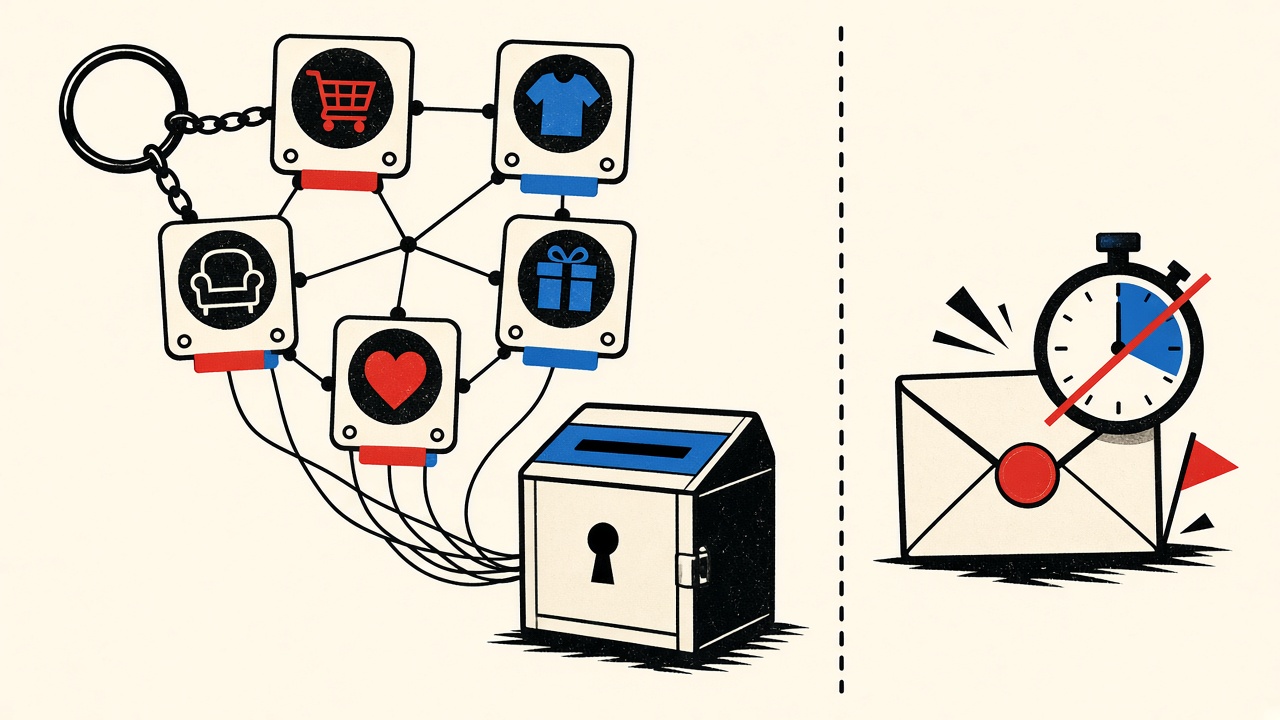
The decision in plain terms
For a long-term shopping account—stored cards, returns, reorder history—an email alias that forwards to a mailbox you keep is usually the right privacy tool. A temporary receive-only inbox is the wrong tool: recovery mail must remain available. A raw primary address works but couples every merchant to your main identity graph.
Choose aliases when you need compartmentation without expiring the recovery channel.
Long-term shopping context and boundaries
“Long-term” means any of: payment methods on file, gift cards, warranties, frequent reorders, or dispute history. Those accounts generate security alerts and password resets years later. Privacy goals (hide primary address from merchants/breaches) conflict with durability goals unless the alias remains under your control.
Mailby Quick Inbox is receive-only and time-bounded. It does not forward to Gmail, does not send merchant replies, and is not an alias service. Privacy Pro extends retention; it still is not a multi-year shopping identity.
This comparison is alias vs alternatives for shopping longevity—not a generic privacy-tools catalog.
How aliases behave for this job
Typical alias properties:
- Unique address per merchant (
shop-brand@alias.provideroryou+brand@yourdomain) - Forwarding to one or more real mailboxes
- Disable/delete switch when a merchant turns abusive
- Sometimes reply-via-alias; sometimes not
Working path: Create alias → register store → enable 2FA → years later reset password via forwarded mail → disable alias only after account closed and balances zero.
Failure / limitation: User “burns” the alias after a marketing spam spike while gift-card balance remains. Reset mail has nowhere to go. Same class of failure as temporary inboxes, self-inflicted via alias deletion.
Comparison table
| Option | available later? | replies? | control | risk for this job |
|---|---|---|---|---|
| Primary personal email | Yes | Yes | Low compartmentation | Breach/marketing correlation |
Plus-address (+tag) | Yes if mailbox lives | Yes | Filter-friendly; weak hide from smart merchants | Some forms reject + |
| Privacy alias (forwarding) | Yes until you disable | Often | High | Accidental early disable |
| Custom-domain catch-all | Yes | Yes | Highest | Ops burden; DNS mistakes |
| Temporary inbox | No (by design) | No (Mailby receive-only) | Session/retention clocks | Failed recovery |
| Shared family mailbox | Yes | Yes | Poor audit | Insider / confusion risk |
Concrete worked example
Merchant: electronics retailer with email login and email-based password reset.
Alias setup: orders.electronics@alias.example → forwards to personal inbox; reply enabled.
Year 1: Orders and tracking stay filterable; primary address never given to merchant.
Year 2: Data breach dumps the alias. User disables other aliases from the same provider wave but keeps this one because the account still holds a warranty.
Counterexample: Same user used Mailby Quick Inbox for the retailer to “avoid spam,” paid for an extended warranty email confirmation, then lost access at month three when retention ended. Support recovery required doxxing yourself to a call center.
Related: lost password + shopping email choice and newsletter tracking pixels.
Trade-offs: retention, recovery, reply, deliverability, cost
- Retention: Aliases inherit the destination mailbox’s retention. Temporary inboxes use short clocks (/data-retention).
- Recovery: Aliases succeed if kept alive; temp fails after purge.
- Reply: Needed for dispute emails; Mailby cannot send/forward—alias or primary required.
- Deliverability: Merchants may block disposable domains; aliases on reputable domains fare better. No guarantee either way.
- Cost: Alias subscriptions vs. free plus-addressing vs. paid Privacy Pro for longer temp retention (still not long-term shopping).
Safer alternatives by scenario
- High-value store (apple-tier devices, jewelry): custom-domain alias + password manager + 2FA
- Mid-value fashion reorders: privacy alias or plus-address
- One-time coupon site: Quick Inbox
- Marketplace with seller messaging: durable alias with reply; never temp
When the task needs durable identity—taxes, warranties, regulated goods—skip temporary entirely.
Short answers
What causes people to consider aliases for shopping?
Breach fatigue and marketing spam while still needing recovery.
What should I do first?
List shops with saved payments; migrate those off any temporary addresses while you still can log in.
When is a permanent address safer?
Always vs. temporary for long-term shops; permanent primary vs. alias is preference for simplicity vs. compartmentation.
What evidence changes the recommendation?
Merchant supports passkeys + non-email recovery exclusively and you accept app-only notices—still keep a durable contact email on file if the form requires one.
Alias hygiene rules that preserve recovery
- One alias per high-value merchant — blast radius stays small
- Label aliases with purpose in the alias manager notes
- Never delete until balances, warranties, and returns are closed
- Disable forwarding filters carefully; a too-aggressive spam rule can drop resets
- Audit quarterly — which aliases still map to live accounts?
Burner culture from temporary inboxes trains bad alias habits. Aliases are doors with locks you control; temporary inboxes are doors that vanish.
When plus-addressing is enough
If you already own a stable mailbox and merchants accept + tags, plus-addressing is a zero-cost start. Limitations: some forms disallow +; correlation to root identity is trivial; corporate Google Workspace admins sometimes strip subaddressing. Upgrade to real aliases when you hit those limits.
Cost and operational complexity
Privacy alias subscriptions are usually less than one impulse purchase per year—cheap relative to lockout pain. Custom domains cost DNS + mail hosting attention. Freelancers who already run a domain should prefer orders@ or catch-all strategies over temporary mail for shops.
Interplay with password managers
Store the alias as the username/email field explicitly. Do not “remember” the temporary address from last year. Include a note: “warranty until DATE—do not delete alias.”
What Mailby is for in this comparison
Mailby wins when the shopping interaction is disposable: coupon sites, one-time downloads, merchants you will never reopen. It loses—by design—for long-term accounts. Honest product positioning beats forcing a conversion CTA where continuity matters. See /pricing for longer temporary retention when a short project needs more than free clocks—not for perennial retailers.
Reply paths and merchant support
Disputes sometimes require replying to merchant email. Aliases with reply-enable keep the merchant from learning your primary address. Plus-addresses reply as your root identity. Temporary Mailby inboxes cannot send replies at all—another hard disqualifier for long-term shops.
Breach response playbook with aliases
When a merchant announces a breach:
- Change that shop’s password
- Revoke sessions
- Decide whether to rotate the alias (only if the account email can be changed and confirmations still work)
- Watch financial accounts
- Keep the alias alive through the investigation window
Rotating too early can strand reset messages.
Family and shared shopping
Shared grocery or household accounts should use a shared durable mailbox or a clearly owned alias—not a personal temporary inbox of whoever set it up on a Friday night.
Comparison to temporary “Privacy Pro” retention
Longer paid temporary retention helps multi-day projects and QA. It does not match multi-year shopping warranties. Buy the right tool: alias subscription or domain mail for shops; /pricing for extended temporary needs elsewhere.
Differs from the privacy-tools hub
Here the job is fixed: long-term shopping account. The distinctive recommendation is alias-with-discipline over temporary-with-hope. Related recovery deep dive: lost password shopping email. Disposable product: /inbox. Features: /features.
One-page decision sticker
- Saved card or returns likely → alias/durable
- Warranty → alias/durable
- Never returning → temporary OK
- Need to reply to support → not Mailby temporary
- Merchant blocks disposable → alias
International shops and OTP-only flows
Some international retailers lean on SMS OTP more than email. That reduces email recovery dependency but introduces SIM-swap risk. Still provide a durable email if the form requires one—order notices and invoices often remain email-based even when login is SMS-first.
If a shop allows either, prefer authenticator-based 2FA with a durable email backup over SMS-only wherever available.
Alias providers with audit logs help when you need to prove when an alias was created—useful for support disputes about account ownership timelines.
Migrating off temporary shopping addresses
Inventory accounts where the vault lists a disposable domain. Prioritize by stored value (gift cards, warranties). For each: log in, change email, confirm, enable 2FA, then retire the disposable inbox. Expect some merchants to require support intervention if the temporary inbox is already dead—start while sessions still exist.
Schedule this migration like a security chore, not a rainy-day wish.
Alias provider exit strategy
Export alias maps periodically. If you leave a provider, you need a list of merchant→alias pairs to re-create. Without that map, “which shop used which address?” becomes archaeology.
Psychological traps
Temporary mail feels productive because the signup form goes green in seconds. Alias setup costs five minutes and pays for years. Teams under time pressure pick temporary and inherit recovery debt. Budget the alias creation as part of “account setup,” same as password manager entry.
Another trap: using one alias for all shopping. That recreates a primary identity under a different string. Prefer per-merchant aliases for anything with payment methods.
When employers issue shopping accounts
Procurement cards and company stores should use company-managed mailboxes, not personal temporary inboxes. Offboarding then remains possible. Freelancers without a company domain should still prefer alias or durable personal mail over disposable for warranties tied to expensive tools.
Cross-check recovery guidance: shopping lost-password email choice. Product boundaries: /how-it-works, /pricing.
Reader takeaway
Match the mailbox lifetime to the longest message you still need. For this article’s scenario, that rule decides temporary versus durable more reliably than any generic “always use temp mail” tip. Re-read your vendor’s security and billing emails settings after signup so the address you chose still matches the account’s real role.
Checklist closeout
Confirm frontmatter-level decisions one last time: do you still need recovery next quarter? Do you still need to reply? Do you still need attachments as records? Any yes pushes you off temporary receive-only inboxes for this job. Keep Mailby Quick Inbox for short receive tasks where purge is acceptable and session-bound access is understood.
Bottom-line shopping rule
If the account can hold money, goods in transit, or warranty value next season, skip temporary inboxes. Use an alias or durable mailbox, enable 2FA, and record the address in your password manager. Keep Quick Inbox for merchants you will never reopen.
Sources, test date, limitations
- OWASP authentication recovery guidance (OWASP Cheat Sheet)
- General consumer privacy practice: unique addresses per merchant (EFF privacy resources)
Date: 2026-09-24. Alias products differ (reply support, audit logs). Mailby is not positioned as an alias manager. No anonymity guarantee.
Conclusion
Aliases win for long-term shopping because they preserve recovery while limiting blast radius—if you do not burn them early. Temporary inboxes win only for disposable carts. Start compartmentation with aliases; keep Quick Inbox for truly throwaway signups, and read /pricing only when you need longer temporary retention for short projects—not for the store you will use next year.
Try it on Mailby
Open a receive-only disposable inbox when a short-lived address fits the job — session-bound, with timed purge.