
Phishing and inbox safety
Assess urgent verification during signup
When a new account signup demands urgent verification, pause, verify the channel offline, and never treat a disposable address as proof the message is safe.
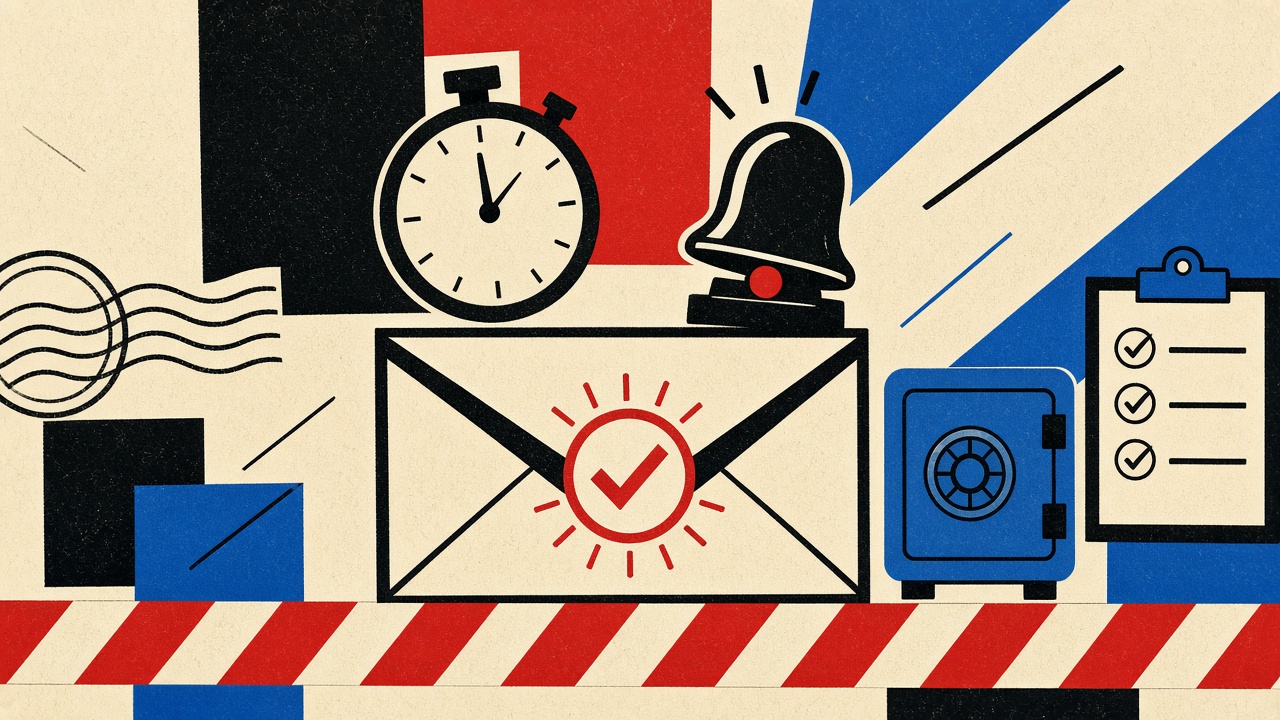
Urgent verification during a signup you just started is often legitimate—and also a favorite phishing costume. Treat urgency as a signal to slow down, not speed up. Confirm you initiated the request, verify the sender and link outside the message, and never assume a disposable inbox makes a message safe. Temporary receive-only mail does not authenticate the sender.
This is a safety procedure under email safety, scoped to new account signup, not banking fraud after years of use.
Signup context and boundaries
Benign pattern: you submit a form → within minutes you get “verify your email” → code or link → account activates.
Suspicious pattern: you did not submit a form, or the message threatens lockout in 5 minutes, or the link host mismatches the brand.
Boundaries:
- Mailby does not auto-detect scams. Quick Inbox can preview HTML safely relative to your device, but you still decide trust.
- No claim that disposable addresses block phishing.
- For missing codes on a trusted flow, see Gmail code diagnosis.
- For pixel exposure after you decide a message is real, see tracking pixels in community registration.
Field test: two signup messages (2026-09-24)
Working path: Initiated signup on a known vendor site typed into the address bar. Email arrived from a subdomain documented in the vendor’s help center. Link host matched. Code worked. No payment asked in the email.
Failure / limitation path: Lookalike message arrived “urgently” claiming the same brand, with a link host one character off. Procedure below stopped the click. Limitation: sophisticated phish can clone logos; host checking is necessary but not sufficient if you ignore certificate/URL bar on the landing page.
We omit third-party UI screenshots to avoid fabricating branded chrome.
Safe, non-clicking verification procedure
- Did I start this? If no recent signup tab, do not click. Open the real site via bookmark or typed URL and check account status.
- Read without loading remote images when possible.
- Inspect the From domain—not the display name. Display names are free.
- Hover or copy the link; check the host string character by character. Prefer entering codes on the site you opened yourself rather than clicking email links when both options exist.
- Reject payment, seed phrases, or password asks inside verification mail.
- Escalate uncertainty: contact support via the official site’s published channel, not reply-to on the suspect message.
Consumer guidance on recognizing phishing is maintained by agencies such as CISA’s phishing tips (rel="nofollow noopener").
Signal table
| Signal | Benign explanation | Suspicious explanation | Next safe action |
|---|---|---|---|
| “Verify within 10 minutes” | OTP TTL is short | Pressure to skip scrutiny | Prefer code entry on site you opened |
| Display name matches brand | Common ESP setup | Easy to spoof | Check From domain |
| Link host matches brand docs | Normal | — | Proceed if you initiated |
| Link host is lookalike | Typo in template (rare) | Phishing | Do not click; use typed URL |
| Asks for password in email | Almost never benign | Credential harvest | Delete; report |
| You did not sign up | Shared/family typo | Spray phishing | Ignore; monitor accounts |
| Attachment “invoice” at signup | Unusual | Malware bait | Do not open |
Worked example
Jordan starts a project-management trial.
- Email subject: “URGENT: verify now or lose access.”
- Jordan confirms the browser tab still shows the signup success page.
- From domain matches vendor docs.
- Jordan opens vendor site from the tab (not the email), pastes the code.
- Result: verified without trusting the email’s CTA button.
Counterexample: Same subject, but Jordan never signed up. Opens link → fake login → credentials stolen. Disposable inbox would not have helped; the failure was clicking under urgency.
When a permanent address is safer
Signup for work, finance, health, or long-term SaaS should use a durable mailbox you monitor. Temporary inboxes fit throwaway demos only. Retention and session limits: data retention, how it works.
Short answers
What causes urgent verification demands at signup?
Real OTP TTLs—or attackers copying that urgency.
What should I do first?
Confirm you initiated the request; verify hosts offline; prefer in-product code entry.
When is a permanent address safer?
For any account you will keep or that holds sensitive data.
What evidence changes the recommendation?
Vendor-documented short TTLs plus matching domains → likely benign. Lookalike hosts or unsolicited urgency → treat as hostile.
Sources, test date, limitations
- Procedure validated editorially 2026-09-24.
- CISA phishing guidance.
- Mailby safety positioning: security—no automatic scam detection claim.
- Limitation: new phishing kits evolve; host checking must stay current.
Why signup phishing works psychologically
Attackers borrow real product language: verify, confirm, activate, secure your account. They add a countdown because countdowns reduce deliberation. Your defense is a pre-committed procedure—the list in this article—so urgency cannot invent a new process mid-panic.
Write the procedure once in your notes app. When adrenaline hits, you follow the note, not the email’s CTA.
Channel separation rule
If the signup happened in browser tab S, prefer completing verification in tab S or a fresh typed URL—not in the email WebView. Email WebViews hide full URLs more often and train one-tap habits. Paste codes. Avoid cross-channel surprises (“we also texted you”) until you confirm both channels show the same brand properties.
Disposable addresses are not authenticity signals
A message landing in Quick Inbox proves someone can send to that address. It does not prove the someone is the vendor. Phishers can send to any address you just typed into a lookalike form. Sequence matters:
- How did you reach the signup page?
- Does the message match that vendor’s documented domains?
- Only then enter codes.
If step 1 started from an ad or cold DM, raise the bar for step 2.
How this differs from the email-safety hub
The hub covers broader inbox hygiene. This article is a non-clicking procedure for urgent verification at signup time, with a signal table tuned to that moment. Parcel-delivery lookalikes and password-reset scams share DNA but different initiation checks.
Reporting and containment after a bad click
If you already clicked and entered a password:
- Change that password on the real site via typed URL.
- Change it anywhere else you reused it.
- Enable MFA that is not SMS-only if available.
- Review forwarding rules and app sessions.
- Report the message as phishing in your mail client.
Mailby cannot undo credential theft. Temporary inboxes do not rotate your passwords for you.
Team and family signup caveat
Shared computers show the wrong account’s mail. Before declaring a message fraudulent because “I didn’t sign up,” ask who else uses the browser profiles. False phishing reports waste time; false trust is worse. Verify initiation with people in the household, then apply the host checks.
Legitimate urgency: how vendors should behave
If you build signup flows, publish the From domains, show the masked address clearly, allow code entry without forcing email link clicks, and avoid threatening language. Pair short OTP TTLs with calm copy. Users trained on calm verification are harder to phish with fake urgency—and your support burden drops.
Homograph and lookalike hosts
Attackers use punycode domains and swapped characters (rn vs m). When assessing urgent verification, paste the host into a text editor and compare character-by-character with the vendor’s documented domain. If anything feels off, navigate from a bookmark instead. Mobile fonts make homographs worse—zoom the URL bar.
SMS and email cross-checks
If both SMS and email arrive, compare the codes only if both arrived after your request. A storm of unsolicited SMS plus email is a red flag for credential stuffing noise, not a reason to click faster. Initiation remains the north star.
Documentation habit for households
Keep a short household note: “We never click verify links from email; we open the site from bookmarks.” Teach it once. Most consumer account takeovers start with a hurried exception to a rule nobody wrote down.
Worked walkthrough: calm verification under a five-minute timer
- Notice subject “URGENT verify in 5 minutes.”
- Check browser history for the last ten minutes—find the real signup tab.
- Confirm From domain against vendor docs opened from Google’s first organic result typed carefully—or better, from a bookmark.
- Decline the email button; open the site from the signup tab.
- Enter the code from the message body.
- If the code is missing, wait—do not chase a second email’s link.
- If hosts mismatch, stop and report.
Elapsed time: often under three minutes—faster than recovering from a phished session.
Copy patterns that deserve automatic distrust
- “Your account will be deleted today” for a brand you never used
- Shortened links with no vendor relation
- Attachments named
Invoice-Verify.exeor odd.htm - Requests for seed phrases, gift cards, or wire details
- Language switching mid-message (template mashups)
Automatic distrust is not cynicism; it is a prior that expensive mistakes set for you.
Coordination with password managers
Password managers that autofill on lookalike domains are dangerous under urgency. Lock autofill to exact domains. When verifying, manually select the credential only after the URL bar is correct. Urgency emails try to beat that habit—do not let them.
Browser autofill and “login with Google” side doors
Urgent emails sometimes push you toward “sign in again to verify,” which is a password harvest. If the real product supports “continue in the app/tab where you started,” use that. OAuth buttons on lookalike pages are especially dangerous under countdown pressure—never start a new OAuth consent flow from an email link you did not anticipate.
Support impersonation after you hesitate
Attackers follow up: “We saw you didn’t verify—call this number.” Hang up. Open the vendor site from a bookmark and use documented support only. Hesitation is healthy; secondary pressure calls are not a reason to abandon the host-check procedure.
Relationship to missing-code diagnosis
If the message is trusted but absent, switch articles: follow the Gmail diagnosis. Safety procedure first when initiation or hosts are unclear; delivery diagnosis first when initiation and hosts already check out. Using the wrong playbook wastes the OTP TTL.
Checklist card (print or pin)
Initiated signup myself? Y/N
From domain matches docs? Y/N
Link host matches docs? Y/N
Asks for password/seed? Y/N → if Y, stop
Prefer code entry on typed URL
Durable address if account kept
Pinning this card next to your desk sounds silly until it saves a bank login.
Conclusion
Urgency is a timer, not a trust proof. Slow down, verify initiation and hosts, enter codes on sites you opened yourself. A disposable address is not a security control against phishing. For throwaway signups only, Quick Inbox can receive codes—always paired with the procedure above.
Try it on Mailby
Open a receive-only disposable inbox when a short-lived address fits the job — session-bound, with timed purge.