
Phishing and inbox safety
Assess QR-code sign-in links on password-reset mail
Treat unexpected QR codes in password-reset emails as hostile until you verify the sender, domain, and out-of-band context—never scan first.
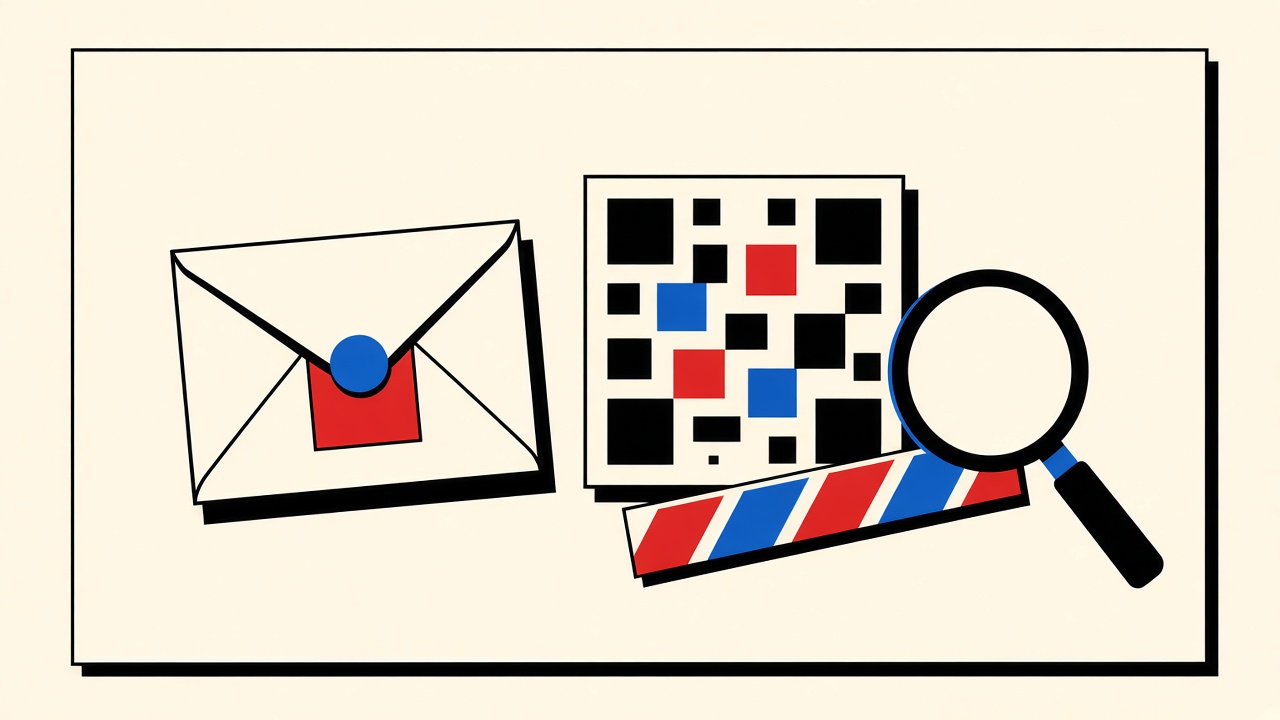
Do not scan a QR code from a password-reset email until you have verified the message belongs to a reset you started, from a domain you recognize, on a channel you expected. QR codes are just URLs with better camouflage: your camera app follows them before your brain finishes reading the host. A disposable inbox does not make a phishing QR safe.
This is a non-clicking assessment procedure for password-reset contexts.
Password-reset context and boundaries
Legitimate resets usually follow you clicking “forgot password.” Unsolicited reset mail is already suspicious. QR-based “sign in to finish reset” patterns appear in some enterprise and consumer flows—and in phishing kits that mimic them.
In scope: visual and header cues you can inspect without opening the destination.
Out of scope: claiming Mailby detects scams automatically; using temp mail as a “safe browser”; bypassing malware analysis sandboxes you do not run.
Mailby’s safe HTML preview reduces script execution risk in-browser; it does not certify that a link or QR target is benign. See /security and /blog/email-safety.
Safe assessment procedure (no scan yet)
- Did you initiate a reset in the last few minutes? If not, stop. Delete or ignore. Check the real site by typing the URL yourself (not from the mail).
- Sender display name vs underlying address. Lookalike domains (
rnicrosoft.com, extra hyphens) fail here. - Transport authenticity signals if your client shows them (DMARC pass, etc.). Absence is not proof of phish, but fail + urgency is a strong tell.
- Hover or inspect link targets for any parallel “click here instead of QR” button. Compare hosts to the vendor’s documented domain list.
- QR inspection without camera follow: On desktop, use a local QR decoder that shows the URL string without navigating—or view the image URL only if you understand the risk. Prefer official vendor apps’ documented flows.
- Out-of-band confirm: Call or use an already-authenticated app session. Enterprise users: check IdP status pages.
- Only then proceed on a device you trust—or abandon and restart reset from the typed official URL.
Uncertainty rule: If any step is ambiguous, do not scan. Restart from the official site.
Signal table
| Signal | Benign explanation | Suspicious explanation | Next safe action |
|---|---|---|---|
| QR in reset mail you started | Vendor’s mobile-friendly flow | Attacker mirrored timing | Compare host to official docs |
| Unsolicited reset + QR | Account enumeration noise | Phishing lure | Ignore; secure real account password |
| Shortener inside QR payload | Rare for serious vendors | Hides final host | Do not scan; contact vendor |
| Urgency + threat language | Poor copywriting | Classic phish | Stop; type site URL |
| Attachment + QR image only | Unusual | Malware + phish combo | Do not open attachment |
| Domain mismatch vs brand | ESP subdomain (check docs) | Spoof | Verify SPF/DKIM UI; prefer typed URL |
Technical teardown (fixture thinking)
A QR encoding https://vendor.example/reset?token=… is only as safe as:
- TLS to the real host
- Token binding to your account
- One-time semantics
- No open redirect to attacker-controlled hosts
Phishing variants encode https://vendor.example.evil.tld/… or IP literals. Humans read the bitmap as “official app branding” and skip the host.
Working path: User starts reset on typed https://vendor.example → expects email → compares QR payload host to vendor.example → matches → continues in official app.
Failure / limitation: User scans first from a forged mail; camera opens login clone; credentials stolen. Disposable receiving addresses do not help after credential entry.
Temporary email and this threat
Receiving a reset on Quick Inbox might happen during a throwaway test account you control. That does not lower QR risk. If anything, attackers also spray temp domains. Treat safety procedure as identical.
Never use temporary mail as the recovery path for high-value accounts (see /blog/account-recovery-email).
Alternatives and escalation
- Prefer magic links only on domains you typed
- Prefer authenticator / passkey recovery over email QR when offered
- Enterprise: report to security team with full headers
- Consumers: report phishing to the provider and the platform
- Educate teammates: QR is a URL
Why password-reset is a high-value phish theme
Attackers know resets imply:
- You may already be locked out and impatient
- You expect an unusual email
- You are primed to “complete a step”
QR codes exploit mobile muscle memory—point camera, trust OS chrome. Slowing down is the control.
Enterprise vs consumer differences
Enterprise IdPs may legitimately use QR for device registration (Authenticator app add-account flows). Those usually happen inside an already authenticated portal session, not as cold email. Cold email + QR + reset narrative deserves extra scrutiny. When in doubt, open the IdP bookmark you already use and check notifications there.
Camera app previews
Some mobile OSes show a URL preview before navigation. Use that. If the preview host looks wrong, cancel. Teach this to teammates who only “just scan.”
Disposable inboxes as malware attachment bait
Phishing sometimes ships QR images as attachments to bypass link filters. Receiving that on a temp inbox does not sandbox your phone camera. Same rule: decode offline or discard.
Building an internal playbook snippet
Copy/adapt for your team:
- Initiate reset only from typed URL.
- Expect mail within N minutes.
- No QR scan unless host matches allowlist.
- Report unsolicited resets.
- Never reuse temp mail for privileged accounts.
Accessibility note
QR-only resets exclude users who cannot scan. Legitimate vendors usually offer a link alternative. QR-only cold email is an extra smell.
After a suspected scan
If you already scanned and landed on a login page:
- Do not enter credentials.
- Close the page.
- From a typed URL, change passwords and revoke sessions.
- Check 2FA devices.
- Monitor banking if you reuse passwords (you should not).
Temporary email history will not help incident response if the inbox expired; another reason durable mail matters for real accounts.
Parallel text links: compare before you scan
Many legitimate messages include both a QR and a text URL. Decode or hover both. If they disagree, treat the message as hostile. Attackers sometimes put a clean-looking text link (still attacker-owned) beside a QR to a different host—or the reverse—to confuse hurried readers.
Image-only emails
If the entire reset message is a single image containing a QR and no selectable text, you lose copy-paste host inspection. That format is uncommon for mature security teams and common in phish. Prefer restarting reset from the official site rather than decoding under pressure.
Role of safe HTML preview
Mailby and similar receive-only previews may neutralize active scripts in HTML. QR codes are usually static images; neutralization does not evaluate the destination URL’s reputation. Preview ≠ approval.
Training exercise for teams
Send yourself a simulated phishing QR in a controlled awareness platform (authorized). Measure who scans first vs who checks hosts. Replace shame with muscle memory: host first, camera second.
Limits of this guide
We do not provide exploit instructions, credential-stealing techniques, or tips to bypass security controls. The goal is defensive assessment only. Laws and employer policies apply when testing on systems you do not own.
Decision vignette
You requested a reset one minute ago from the official site. Mail arrives from a lookalike domain with a QR and countdown threats. Action: ignore QR; reopen the official site from a bookmark; if no legitimate mail, contact support.
You did not request a reset. Mail arrives with QR “to secure your account.” Action: ignore; visit official site via typed URL; check sessions; report phish.
Your company IdP emails a QR to enroll MFA after you authenticated on VPN. Action: confirm against internal docs; enroll on a work device; still verify host allowlist.
Physical QRs vs email QRs
Poster QRs in offices can be overstickered. Email QRs can be wholly attacker-controlled. Different medium, same rule: decode destination before trust. This article stays on email password-reset contexts.
Children and less technical users
If you help relatives: teach “call me before scanning email QR codes.” One phone call beats a drained bank account. Temporary inboxes are irrelevant to that mentorship.
Product CTA with honest limits
Mailby can host receive-only test messages while you practice inspection on accounts you own. It will not auto-detect phishing QRs. Pair inbox tools with human procedure. Safety hub: /blog/email-safety. Security overview: /security.
Checklist you can keep beside your laptop
- Did I start this reset?
- Does the From domain match official docs?
- Do text link and QR decode to the same host?
- Is urgency language threatening loss?
- Have I typed the official URL instead of trusting the mail?
- If unsure, have I stopped?
Five honest checks prevent most QR reset phishing in consumer settings.
Browser password-manager warnings
If a scanned page asks for a password and your manager does not autofill because the domain is new, treat that as a gift. New domain + reset narrative = stop. Official sites you have used before should already be saved under the correct host.
Wi-Fi and camera combo risks
Public Wi-Fi plus hasty QR scans stack network and phishing risk. Prefer mobile data for security-sensitive resets when traveling.
Documenting incidents
Save full headers and a hash of the QR image for your security team. Do not forward the live phishing link broadly in Slack where others might click. Use vendor-approved reporting channels.
Recap
Initiation, domain, decode-without-navigate, out-of-band confirm, then act. Temporary inboxes neither validate nor invalidate QR safety.
Related Mailby pages
Pair this procedure with general /security reading and the email safety hub. For recovery-address choice—not phish assessment—see account recovery guides. Keep concerns separated so you apply the right control.
Short answers
What causes risky QR sign-in links in reset mail?
Either real vendor UX or phishing that copies it; intent is decided by initiation + domain.
What should I do first?
Confirm you started the reset; inspect hosts without scanning.
When is a permanent address safer?
For real accounts—recovery must outlive any disposable lease.
What evidence changes the recommendation?
Official vendor documentation that QR is expected and host matches.
Sources and limitations
- CISA and similar agencies periodically warn about QR phishing (“quishing”); consult current CISA guidance for public campaigns.
- Editorial procedure dated 2026-09-24; vendor UIs change.
- Mailby does not claim automated scam classification.
Conclusion
QR codes in password-reset email deserve more suspicion than text links because they skip casual host reading. Verify initiation and domain first; scan never first. Disposable inboxes neither cause nor cure this class of attack—good hygiene does. For broader inbox safety patterns, use the email safety hub and keep real recoveries on durable addresses.
Try it on Mailby
Open a receive-only disposable inbox when a short-lived address fits the job — session-bound, with timed purge.