
Phishing and inbox safety
How to assess QR-code sign-in links on parcel emails
Do not scan unexpected QR sign-in codes on parcel emails—verify the carrier in the official app or site, and never treat a disposable inbox as proof the message is safe.
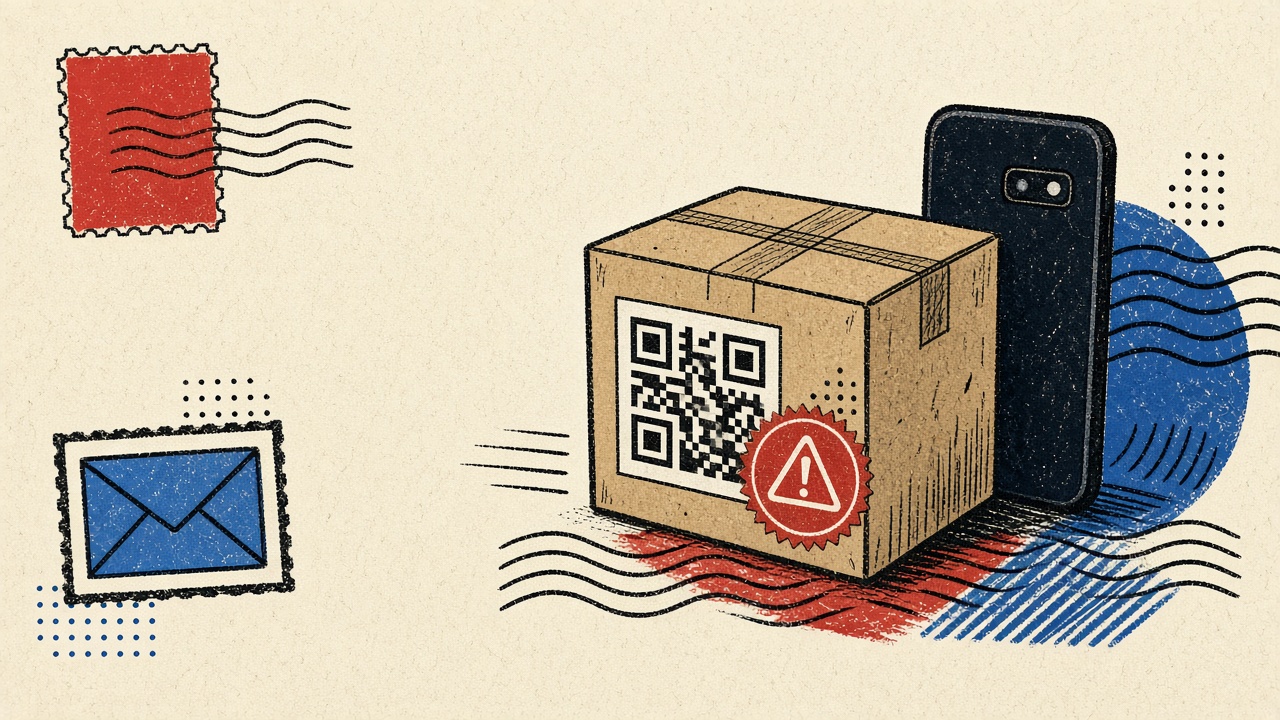
Do not scan a QR-code sign-in or “confirm delivery” code from an unexpected parcel email until you verify the shipment in the carrier’s official app or website. Disposable email does not make a message safe. Treat QR payloads like links: they can open phishing pages, trigger OAuth grants, or install profiles.
This guide gives a non-clicking verification procedure for parcel-delivery contexts, with uncertainty handling and escalation—not a claim that any inbox product detects scams automatically.
Parcel delivery context and boundaries
Carriers and retailers send:
- Tracking updates
- Delivery exception notices
- Duties/customs payment requests
- Occasional “share ID / sign for package” flows
Attackers send lookalikes with urgency (“held at depot,” “pay £1.50,” “scan to release”). QR codes hide the destination URL behind a camera hop, which is why they appear in modern phishing.
Boundaries:
- Mailby Quick Inbox can receive shipping mail for throwaway checkouts, but safe preview ≠ scam verdict.
- We never claim automatic phishing detection.
- Do not use temp mail as the recovery address for a real carrier account you rely on.
- If money, customs, or government ID is requested, slow down—use official channels only.
Safe procedure (non-scanning first)
- Stop. Do not open the QR with your camera yet.
- Check expectation. Did you place an order? Does the tracking number match a retailer portal you already trust?
- Ignore the email’s buttons and QR. Open the carrier app from your phone’s app library (not from the email) or type the carrier domain manually.
- Look up the tracking number you already have from the retailer checkout page.
- Compare facts: status, delivery address fragment, dates. If the official app shows nothing held for payment, the email is suspect.
- Escalate: report phishing to the carrier’s published abuse address; delete the message. If you already scanned and entered secrets, change passwords and review account sessions.
Working path: Official app shows package in transit; email QR ignored; no credentials entered.
Counterexample / failure: User scans QR → fake carrier login → session token stolen. A disposable inbox would not have prevented the scan; it only would have limited long-term address exposure if the checkout used temp mail.
Mechanism: why QR sign-in is risky in shipping mail
- Indirection: cameras resolve URLs you never read.
- Mobile trust UI: full-screen login pages look “official.”
- OAuth / SSO: “Sign in with Google” prompts can grant attackers access if you approve the wrong client.
- Homoglyph domains: parcel-tracking lookalikes are common.
Email authentication (SPF/DKIM/DMARC) helps receivers decide alignment; many users never see those signals. Even aligned mail can be abused after account takeover at a legitimate brand—so content judgment still matters.
For general Mailby safety posture, see security. For how receive-only inboxes fit throwaway retail tests, see how it works.
Signal table
| Signal | Benign explanation | Suspicious explanation | Next safe action |
|---|---|---|---|
| Unsolicited “held at customs” QR | Rare legitimate duties email | Classic lure | Verify in official app only |
| Tracking number matches retailer | Real shipment | Attacker scraped number | Still avoid email QR; use app |
| Slight domain misspelling | Display-name spoof | Phishing | Do not click; report |
| Asks for password via QR login | Some carriers use SSO | Credential harvest | Use app from store; never from QR |
| PDF attachment “invoice” | Real invoice | Malware drop | Prefer portal download |
| Pressure countdown | Ops urgency | Social engineering | Slow down; official channel |
| Arrives in disposable inbox for test order | You used temp mail at checkout | Still could be phishing copy | Same verification steps |
Worked example
You ordered headphones. Retailer email (already in your order history) lists tracking 1Z…. Later, a second message with a QR says “confirm identity to release.”
- Open UPS/FedEx/DHL/etc. app from the store.
- Enter
1Z…. - Status: out for delivery—no identity hold.
- Delete QR message. Optional: report.
If the official app does show a duties payment, pay only inside that app or the carrier’s typed URL—not via the email QR.
Alternatives and durable mail
- Carrier accounts should use durable email you control.
- One-off marketplace experiments may use Quick Inbox at checkout so marketing follow-ups die with the lease—still verify shipping notices the same careful way.
- Password managers reduce damage if you never type passwords from QR pages.
Related: travel purchase email choice for continuity on high-value trips; attachment after manual clear if you downloaded files into a temp inbox.
Short answers
What causes risky QR sign-in links in parcel delivery mail?
Attackers exploit urgency and the opacity of QR codes to push fake carrier logins and fee payments.
What should I do first?
Do not scan. Verify tracking in the official app or typed site.
When is a permanent address safer?
For real carrier accounts, paid memberships, and any shipment tied to your home identity. Temp mail is only for disposable merchant experiments.
What evidence changes the recommendation?
Official app confirms a real hold/payment; then use in-app flows. Or corporate security gives a different known-good procedure.
Sources, test date, and limitations
Test date: 2026-09-24.
External sources:
- CISA phishing guidance — social engineering patterns.
- NIST phishing insights — broader awareness context.
Limitations: Carriers differ. We do not provide a blocklist of QR destinations. Mailby does not auto-classify parcel phishing.
Why delivery phishing converted to QR
Filters got better at naked suspicious URLs in email body text. QR images dodge some link scanners and most human hesitation. Attackers also print QR codes on paper fake “missed parcel” cards; the email variant is the inbox twin of that physical lure.
Phone OS hazards
Scanning may:
- Open Safari/Chrome immediately
- Suggest adding a Wi-Fi profile or configuration (rare but severe)
- Deep-link into banking apps if the URL is crafted around universal links
If you must inspect a QR from a trusted channel, use a QR reader that shows the URL first without navigating. Still prefer official apps for carriers.
Lookalike content checklist
- Greeting uses the wrong name or none
- Tracking number format does not match the carrier
- Spelling of the carrier brand is off by one letter in the From display name
- PDF “label” attachment unexpected
- Demands payment via gift cards or crypto—always fraud
Role of disposable mail in shipping
Using Quick Inbox at a sketchy marketplace checkout can reduce long-term spam if the merchant is dubious—but the QR safety procedure stays identical. Disposable mail is not a malware scanner.
How this differs from a generic email-safety hub
Hub content covers many lure types. This page specializes in QR-mediated sign-in during parcel delivery, where urgency and logistics jargon suppress skepticism. Apply the same non-scan discipline to SMS parcel QR codes.
Incident response if you already scanned
- Disconnect from the page; do not enter more data.
- If you typed a password, change it on the real site via typed URL / app, and revoke sessions.
- If you entered card details, contact your bank.
- If you installed a profile or app, remove it and scan the device with reputable tools.
- Report the message to the carrier and to relevant cyber reporting channels in your country.
- Keep a copy of the email headers for investigators—store offline.
Training teammates
Ops and warehouse staff see parcel QR codes daily. Teach “show URL first” readers and ban scanning from unexpected email as policy. Temporary inboxes used for vendor samples should still follow the same rule.
Legitimate QR uses
Some carriers place QR codes on labels for driver handoff—those are physical. Email QR for “sign in to pay £1.99” remains high risk. When in doubt, official app wins.
Interaction with disposable checkout
If your marketplace account used Quick Inbox, you may still receive phishing that looks like that merchant. Judge content, not merely whether the address was temporary.
Safe verification procedure (expanded)
Step A — Establish prior belief. Order exists? Tracking exists in retailer account?
Step B — Official channel only. App Store / Play Store carrier app, or typed domain.
Step C — Compare. Tracking status vs email claim.
Step D — Decide. If mismatch → phishing. If match but payment requested → pay only in app.
Step E — Dispose. Delete or report the email. Do not “just scan to see.”
Counterexample narrative
Sam expects a router delivery. Email: “Customs hold—scan to pay £2.99.” QR opens a page with the carrier’s colors. Sam enters card data. Later the real carrier app shows “out for delivery” with no fees. Sam’s card sees a foreign charge. Disposable mail would not have helped after the scan; only non-scanning verification would.
Enterprise receiving docks
Sites that receive hundreds of parcels should ban QR-from-email in SOP and use EDI/carrier portals. Temporary mail is irrelevant to dock ops.
Link to Mailby safety pages
Read security for product posture. Use inbox only when the merchant interaction itself is disposable—never as a scam oracle.
Parcel email red-flag language
Treat these phrases as elevated risk until proven otherwise in the official app:
- “Your package is on hold pending identity verification”
- “Scan to confirm you are the recipient”
- “Immediate action required to avoid return to sender”
- “Pay a small customs fee to release”
- “Unusual login—scan to restore tracking”
Benign shipping mail more often restates a tracking number you already have and points you to manage the shipment on a known domain—still prefer typing that domain yourself.
Secondary channel confirmation
If an email claims a fee is due, call the carrier using the phone number printed on their public website (not the number inside the email). Phone social engineering exists too, so start from the website. For retail packages, the retailer’s order page is often more trustworthy than a forward from an unknown logistics subdomain.
Disposable inbox ≠ quarantine for malware
Some users believe temporary mail “opens attachments safely.” Preview helps, but downloading a malicious file to disk still risks the endpoint. QR-driven phishing pages are the more common parcel lure today; attachments remain a secondary path. Clear the inbox after evaluation; do not treat Mailby as a sandbox OS.
Quick reference card
Do not scan → verify in official app → compare tracking → pay only in app → report lure. Disposable inbox never overrides that chain.
Conclusion
QR-code sign-in links in parcel email are links you have not read yet. Verify shipments in official apps, ignore email QR lures, and remember: a temporary inbox changes address longevity, not message trustworthiness.
For disposable checkout experiments, Quick Inbox is available—with eyes open. For safety baselines, read security.
Try it on Mailby
Open a receive-only disposable inbox when a short-lived address fits the job — session-bound, with timed purge.