
Email privacy and tracking
Tracked links during newsletter signup: what is exposed?
Newsletter tracked links can reveal opens, clicks, device hints, and list identity—a temporary inbox limits address reuse, not click telemetry.
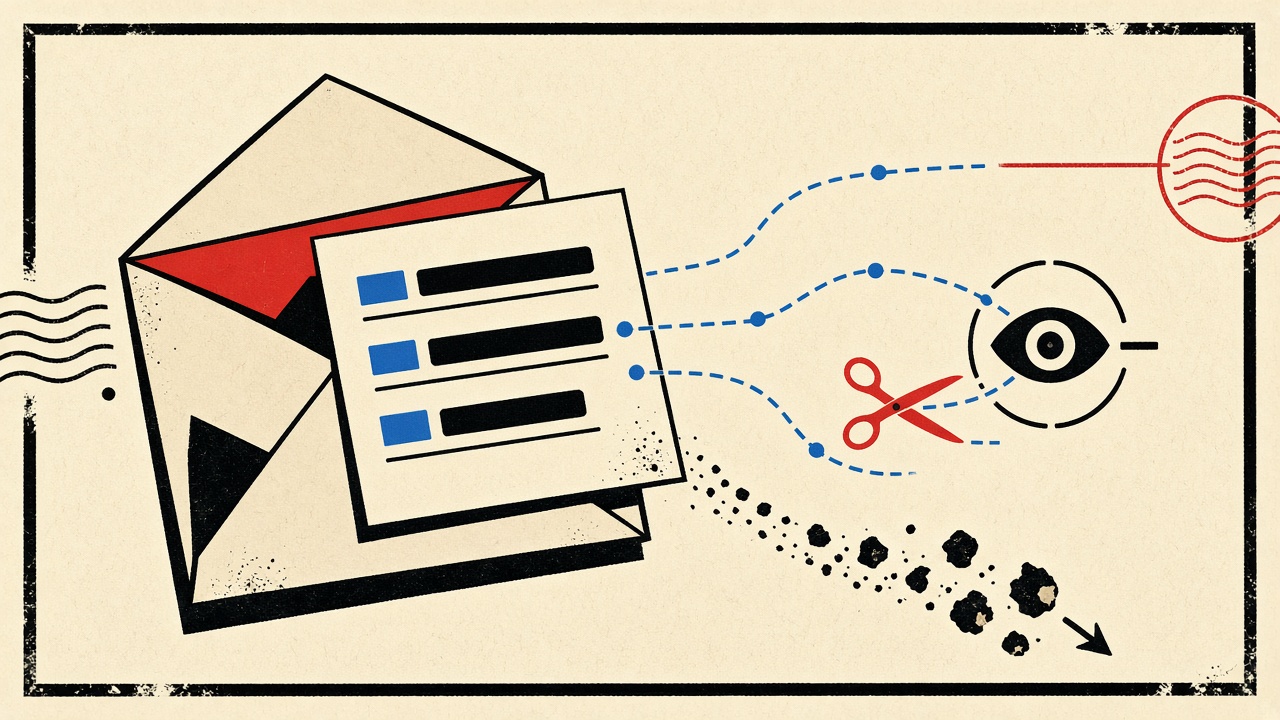
Tracked links in a newsletter signup flow expose click behavior—and often more—to the sender and their ESP, regardless of whether you used a personal address or a temporary inbox. A disposable receive-only address reduces how long that address stays usable and keeps marketing out of your primary mailbox. It does not stop redirect telemetry, open pixels, or list-side profiling once you click.
This article tears down what tracked links leak during newsletter signup and confirmation. It complements the email privacy hub with a link-level fixture rather than a general privacy overview.
Newsletter signup context and boundaries
A typical flow:
- You submit an email on a landing page.
- A confirmation message arrives (double opt-in) or a welcome series starts (single opt-in).
- Links inside those messages wrap destinations in tracking redirects (
click.example.com/ls/click?…). - Opens may fire a tracking pixel; clicks hit the redirect before the real URL.
Boundaries:
- Mailby Quick Inbox receives and previews mail; it does not claim to strip every tracker automatically for you outside the sanitized preview model.
- Temporary email does not make a brand “unable to track”—they track the mailbox identity they have, which may simply be short-lived.
- We never claim anonymity or that disposable mail defeats analytics vendors.
Annotated fixture: a tracked confirmation link
Imagine a confirmation URL that looks like:
https://click.news.example.net/f/a/…encoded… → redirects to https://example.com/confirm?token=…
What can be exposed when you click:
| Information shared | Observer | Exposure path | Mitigation | Limit |
|---|---|---|---|---|
| List member / email id | Sender + ESP | Redirect token maps to subscriber row | Don’t click; confirm via code if offered | Many lists require a click |
| Click timestamp | Sender + ESP | Redirect logs | Delay or skip clicks | Open pixels may still fire |
| User-Agent / IP | Sender + CDN/ESP | HTTP request to redirect | VPN/Tor change IP only; UA still leaks client | Not anonymity |
| Approximate client hints | Analytics | Headers + JS on landing page | Reader mode / no JS where possible | Breaks some confirms |
| Cross-campaign joins | Sender | Same email across campaigns | Unique durable aliases per list | Temp mail also unique but expires |
| Forwarding behavior | ESP heuristics | Distinct client fingerprints | Avoid forwarding tracked mail | Heuristics vary |
Working path: Subscribe with a Quick Inbox address, open the message in sanitized preview, copy a plain confirmation code if present, avoid decorative tracked CTAs, then delete the inbox when done reading the sample issue.
Failure / limitation: Some lists only confirm via tracked redirect with no code. You must click to finish signup. A temporary inbox still helps by isolating the address; it does not hide the click event tied to that subscriber id.
This differs from the privacy hub by focusing on redirect and pixel mechanics at signup time, not long-term identity strategy alone.
Mechanism and failure cases
ESPs encode subscriber ids into path or query parameters. The click server records success, then 302s you to the content URL. Separately, a 1×1 image in HTML requests a unique open URL. Privacy-conscious clients (Apple Mail Privacy Protection and similar) may prefetch pixels, which muddies open data but does not remove click logs when you deliberately follow a link.
Failure cases for readers trying to “stay private”:
- Believing temp mail blocks tracking pixels inside HTML you render in a full browser.
- Clicking “View in browser” links that carry the same tokens.
- Reusing one disposable address across many lists until it becomes a stable identifier for weeks (defeats the point—prefer fresh addresses and short retention).
- Assuming the landing page cannot fingerprint you after redirect.
Mailby’s safe HTML preview is designed to reduce active content risk while showing message substance. Treat full “open in new browser” actions as a conscious telemetry choice.
Concrete worked example
You want one sample issue from a niche newsletter before committing your work address.
- Open /inbox; copy the disposable address.
- Submit the form; wait for confirm or welcome mail.
- In preview, look for a numeric/code confirm. Use it if available.
- If only a “Confirm subscription” button exists, expect a tracked redirect—click only that necessary control.
- Read the sample. Do not click product ads inside the issue if you are evaluating privacy, not shopping.
- Delete the inbox or let retention purge (data retention).
If you later subscribe for real, use a durable plus-address so unsubscribe and preference centers keep working.
Alternatives and when a permanent address is safer
Use a durable address when you:
- Want ongoing issues and archive access
- Need receipt of paid newsletter invoices
- Must prove ownership to support
Use aliases (you+news@domain) to isolate lists without expiry risk. Temporary inboxes win for one-issue evaluation. Longer retention via Privacy Pro helps slow welcome series; it still does not remove click tracking.
Short answers to follow-up questions
What causes tracked-link exposure on newsletter signup?
ESP redirect URLs and open pixels keyed to your subscriber record, plus landing-page requests after the click.
What should I do first?
Decide if you need the subscription long-term. Prefer code confirm over click when offered; use temp mail only for disposable evaluation.
When is a permanent address safer?
Paid or long-running subscriptions, and any list tied to a customer account.
What evidence changes the recommendation?
The list requires identity for paid access; or you notice the same token reused across properties you did not expect.
Sources, test date, and limitations
- Editorial review of common ESP click-redirect patterns as of 2026-09-24.
- Privacy framing references general FTC guidance on commercial email and phishing awareness: FTC phishing article (
rel="nofollow noopener"). - Mailby product pages: privacy, security, features.
- We do not claim pixel-blocking is complete in every client, nor that disposable addresses are undetectable.
How temporary inboxes change the threat model (and how they do not)
Threat model before temp mail: a long-lived personal address becomes a join key across employers, shops, and newsletters. One breach or purchase of a list exposes a mailbox you will keep for a decade.
Threat model with temp mail: the join key dies with the inbox. Marketing automation may still enrich the short-lived subscriber row with click data, but that row ages out of your life when the address is gone. The brand may retain their analytics copy under their policy—that retention is on their side, not yours.
What does not change:
- IP and client metadata on any HTTP request you make
- Payment identity if you purchase from the same session
- Cross-site cookies on the publisher’s web properties
So choose tools proportionally. Temporary email is address hygiene. A tracker blocker is click/open hygiene. A durable alias is continuity hygiene. Rarely does one tool cover all three.
Copy-paste reader checklist
- Is this list worth a durable alias?
- Does confirm require a tracked click?
- Am I logged into other accounts in this browser profile?
- Will I delete or abandon the disposable inbox after the sample?
- Did I avoid secondary CTAs (ads, “shared with friend” refers)?
If you can check those honestly, newsletter signup stays a controlled experiment instead of an accidental identity merge. For product mechanics of receive-only mail, see how it works. When you only need a short-lived destination for the confirm message, Quick Inbox remains the proportionate choice—with eyes open about tracked links.
Open pixels vs click redirects vs list-side enrichment
Three layers get conflated in casual privacy talk:
- Open pixels — image requests that historically meant “the email was viewed.” Client-side prefetch and proxying have weakened this signal, but it has not vanished everywhere.
- Click redirects — strong, intentional signal that you engaged.
- List-side enrichment — the ESP attaches your subscriber id to CRM fields, syncs to ads platforms, and scores engagement.
A temporary inbox primarily attacks long-term join keys at layer 3 by making the address short-lived. It barely touches layer 2 if you click. Layer 1 depends on how you render HTML.
Reading a raw redirect without clicking through
On desktop, hover to reveal the host. If you must inspect further, copy the URL into a text editor and look for obvious uid, subscriber, or base64 blobs. Do not paste tracking URLs into random “URL expanders” of unknown provenance—that just adds another observer. Prefer local decoding of query parameters you already understand.
Preference centers and unsubscribe links
Unsubscribe links are often tracked too. That does not make them unsafe by default; it means the sender learns you opted out. Prefer official preference centers on domains you navigate to manually when the list is one you joined with a durable alias. For disposable evaluations, deleting the inbox is a blunt unsubscribe.
Browser profile hygiene during confirmation
Confirming a subscription while logged into five ad accounts in the same profile links behaviors you may not want joined. Use a clean profile or container tab for disposable newsletter experiments. Combine with /inbox when the address itself should die after the sample issue.
Honest limits of sanitized preview
Sanitized preview reduces active content risk in the mail surface. The moment you open “view in browser” or follow a CTA to the publisher’s site, you leave that shelter. Plan the click as a conscious step, not a reflex. For Mailby’s receive model, see how it works; for retention after you are done, see data retention.
Editorial takeaway
Tracked links are doing their job for marketers. Your job is proportionate countermeasures: disposable addresses for disposable curiosity, durable aliases for durable relationships, and fewer unnecessary clicks either way. Pair this article with the email privacy hub when you zoom back out to strategy.
Publisher economics vs reader controls
Publishers fund writing with attention metrics. Tracked links are how they attribute campaigns. Readers are allowed to care about join keys and click telemetry anyway. The healthy compromise is not “never subscribe”; it is “subscribe with the right address class and click only when the content earns it.”
Double opt-in as a privacy feature
Ironically, double opt-in confirmation—often tracked—also prevents someone else from putting your durable address on a list. For durable aliases, complete confirmations. For disposable evaluations, confirm only if you still want the sample, then delete.
AMP / interactive email
Interactive email formats can execute richer tracking. Prefer plain rendering when evaluating a list’s privacy posture. If the only way to read the issue is a tracked web view, factor that into whether the list deserves a durable alias.
Cross-device identity
Clicking a confirm on your phone while the disposable inbox sits on desktop still ties device IPs to the subscriber id. Temp mail does not erase that request log on the publisher side. Keep expectations honest and move on when the sample is done.
Try it on Mailby
Open a receive-only disposable inbox when a short-lived address fits the job — session-bound, with timed purge.