
Choosing an email privacy tool
Is a temporary inbox right for a one-time product trial?
Use a temporary inbox for a one-time product trial when you will not need recovery, invoices, or replies—otherwise choose a durable alias.
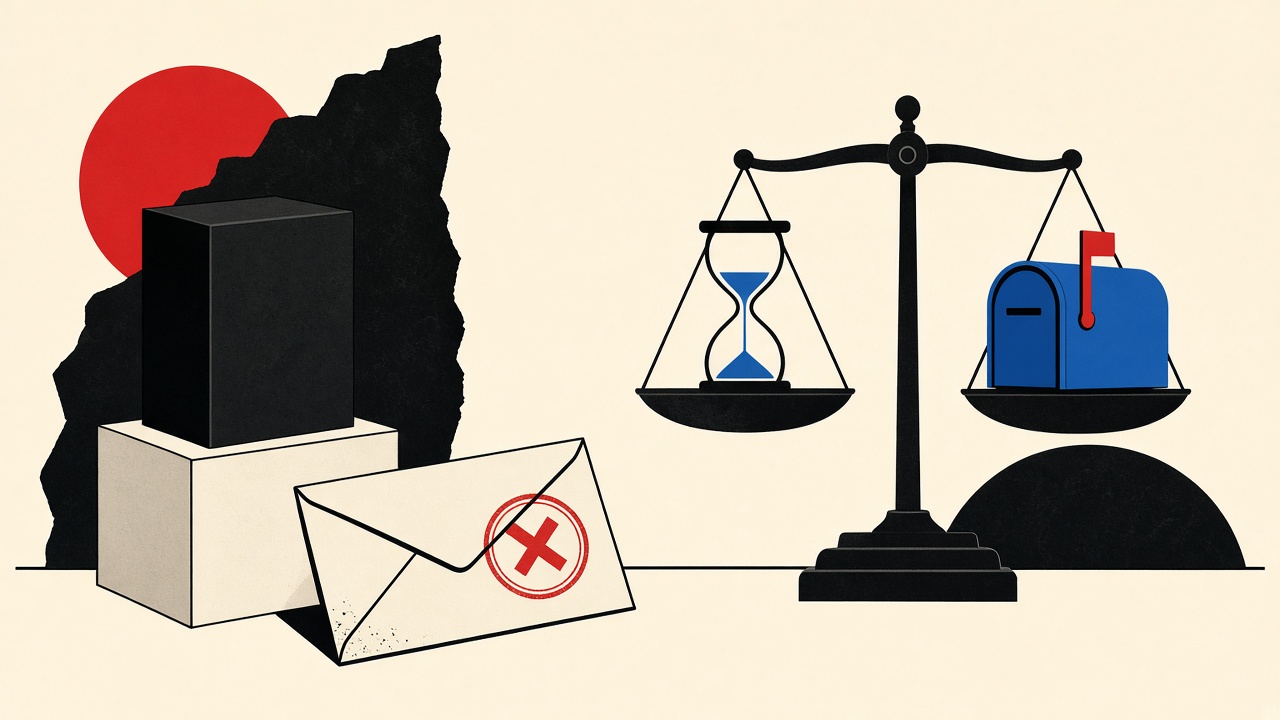
A temporary inbox is right for a one-time product trial when the trial account has no future value—no invoices, no password resets, no support threads. If you might convert, dispute a charge, or reclaim the workspace later, use a durable alias you control. Temporary mail wins on isolation and cleanup; it loses on continuity, replies, and vendors that block disposable domains.
This comparison sits under email privacy tools with a trial-specific scorecard.
One-time product trial context
“One-time” sounds clean until the vendor:
- Auto-converts to paid
- Emails a tax invoice
- Requires email to offboard data export
- Locks SSO to the signup address
Define success before signup: evaluate the product for N days, then leave with notes—or evaluate with intent to buy. Those are different address choices.
Field test: working path and limitation
Working path. Open Quick Inbox, sign up for a design-tool trial, verify OTP, click through core features, export notes, delete the trial account, abandon the inbox. Marketing never hits your work mail.
Limitation. Mid-trial you decide to buy. Card is charged. Invoice goes to the expired disposable address. Finance cannot find the receipt. You now negotiate with support without access to the registered mailbox—Mailby cannot send or forward on your behalf.
Comparison table
| Option | Available later? | Replies? | Control | Risk for this job |
|---|---|---|---|---|
| Temporary inbox | Until lease/retention ends | No (receive-only) | Session-bound on Mailby | High if you convert |
| Plus-address alias | Yes | Yes | Filterable | Low; tied to main account |
| Domain alias | Yes | Yes | Revocable per vendor | Lowest for freelancers |
| Primary work email | Yes | Yes | High noise | Spam + blast radius |
| Privacy Pro longer temp | Longer windows | No | Paid retention | Still not permanent |
See pricing for Privacy Pro and developer plans; longer clocks ≠ durable identity.
Mechanism and failure cases
Trials fail with temp mail when:
- Domain blocklists reject signup
- OTP arrives after Free retention (~1h defaults—see data retention)
- You need to reply to onboarding specialists
- Compliance asks for a “real” email at upgrade
They succeed when evaluation is shallow, time-boxed, and you accept total loss of the account.
Concrete decision example
You want to try a PDF editor for one afternoon. Temporary inbox: yes.
You want to trial a CRM you might roll out to a team next month. Durable alias: yes. Document the alias in the team password manager.
Alternatives
- Vendor “Continue with Google” using a secondary Google account
- Virtual cards + durable email for paid trials (payment ≠ email choice, but combine carefully)
- Local/open-source alternatives when the goal is feature learning, not vendor UX
Short answers
What causes temp-inbox pain on product trials?
Unexpected conversion, invoices, and recovery needs.
What should I do first?
State whether purchase is possible within 30 days.
When is a permanent address safer?
Any trial with payment, team seats, or data you must export later.
What evidence changes the recommendation?
Pricing page shows forced card-up-front; or domain rejection of disposable MX.
Sources, test date, and limitations
- Product truth from Mailby /inbox, /pricing, /data-retention as of 2026-09-24.
- We do not claim temp mail works with every SaaS.
Scoring rubric you can reuse
Give each trial a continuity score from 0–5 before you type an email:
- 0–1: throwaway curiosity → temporary inbox
- 2–3: maybe buy / maybe share with a teammate → durable alias
- 4–5: likely production dependency → primary team mailbox + SSO plan
Write the score in your notes. It prevents “we’ll just use temp mail” from becoming an accidental finance incident.
Deliverability and trust UX
Some trials silently accept disposable addresses but throttle features, demand phone verification later, or flag the workspace. That is a product risk signal worth recording in your evaluation notes—not something Mailby can bypass. Never claim undetectable signup.
When developer inboxes beat Quick Inbox
If you trial your own product’s onboarding, allocate inboxes through /developers so QA is repeatable. Quick Inbox remains the human path for third-party tools. Read features and how it works for the receive-only model, then open /inbox only when the comparison says temporary receiving wins.
Cost math that includes your future time
Temporary inboxes feel free. The hidden cost appears when:
- You rebuild a workspace you already configured
- You re-buy a month because you lost the login
- You spend an hour with support proving purchase
Price those hours against the thirty seconds it takes to create you+vendor@domain. For most trials with non-trivial setup, the alias wins.
Team trials
If two or more people will touch the trial, disposable personal inboxes guarantee lockout for someone. Use a shared durable alias and a shared password manager item from day one.
Data export obligations
Some tools store files you uploaded during the trial. Export before the trial ends—and make sure export links land in an inbox you still read. Temporary mail fights that requirement.
Compliance and education accounts
University or workplace policies may forbid disposable addresses on services that touch research data. Follow local policy; this article cannot override it.
Hybrid approach
Start with a durable alias even for “maybe throwaway” trials. If the product is junk after twenty minutes, delete the account and ignore future mail (or filter it). You still avoided lockout if you change your mind on day two. Use /inbox when you explicitly want the address to die—curiosity newsletters, fly-by community signups, or domain-block testing.
Product truth reminder
Mailby receives only; no send/forward; no anonymity guarantee; not every SaaS accepts the domain. Privacy Pro and Developer plans are live on pricing and developers. Retention clocks are documented at data retention. Choose tools with those constraints in mind, then return to the email privacy tools hub for adjacent comparisons.
Trial types and default address choices
| Trial type | Default address | Why |
|---|---|---|
| Feature curiosity, <2 hours | Temporary inbox | No continuity need |
| Multi-day evaluation, no card | Durable alias | Re-login likely |
| Card required up front | Durable alias | Invoices + cancel mail |
| Team seats | Shared durable | Multiple humans |
| Security tool touching prod data | Corporate durable | Policy |
Defaults beat vibes. Override only with a written reason.
Cancel-flow email
Canceling often requires a link emailed to the signup address. Temporary mail turns cancelation into a support novel. If a card was entered, durable mail is mandatory even if you “probably will cancel.”
Marketplace listings of trials
Some “free trial” aggregator sites resell leads. Using a disposable address there is rational. Using the same disposable address for a paid SaaS you care about is not. Split intentionally.
Negotiation with yourself before the signup form
Ask:
- Will I care about this account in 14 days?
- Is a card required?
- Will a teammate need access?
- Does the vendor block disposable domains?
- Do I need exports?
Two or more “yes” answers → durable alias. Otherwise temporary inbox is proportionate.
Alias naming conventions
you+trial-vendor-2026@domain makes filtering and later deletion of filters easy. Date stamps help you audit abandoned trials quarterly.
Vendor phone verification escalation
Some trials accept temp email then demand SMS. That escalation may be a deal-breaker for privacy goals—or a signal you should stop. Do not try to “solve” phone walls with unrelated tools; decide whether the product deserves your number.
Revisit after purchase intent flips
If mid-trial you decide to buy, change the account email to durable before entering a card when the product allows. If it does not allow changes, finish the trial, export, and restart with durable mail for the paid workspace.
Appendix: converting a trial to paid without losing the workspace
If the product allows email change while logged in, switch to a durable alias before you add billing. Confirm the change. Only then enter the card. If email change is blocked, export everything you need, cancel, and recreate the workspace under durable mail. Painful once; cheaper than invoices into a black hole.
Procurement teams should ban disposable addresses on any vendor that touches company data or money. Write it into the SaaS intake form next to security questionnaire links. Point curious individuals evaluating toys at /inbox; point buyers at durable identity.
Extended comparison narrative
Two freelancers evaluate the same video editor trial. Alex uses Quick Inbox, finishes in an afternoon, deletes everything—optimal. Bailey expects “just looking,” then invites a client into the trial workspace on day four, adds a card on day six, and loses access after the disposable inbox expires before a password reset on day twenty. Bailey’s cost is client trust and a messy rebuild.
The product was the same. The address choice encoded different futures. Make the future explicit before the form. When the future is disposable, /inbox is correct. When the future might include invoices, aliases win. Privacy Pro helps slow trials that stay disposable longer (pricing); it does not invent permanence.
Closing practice notes for trial address choice
Write the continuity score before the signup form. Disposable curiosity gets /inbox. Anything that might bill, export, or invite teammates gets a durable alias. Privacy Pro stretches disposable clocks; it does not create permanence. Revisit the choice the moment purchase intent appears, and change the account email before the card when the product allows.
If a vendor’s sales rep asks why you used a disposable address, a clean answer is: “We evaluate tools in isolated sessions; production rollouts use company aliases.” Honesty beats pretending the temp address is your CFO.
One more pattern: time-boxed alias with calendar reminder
Create a durable alias, set a calendar reminder for the trial end date, and decide then: buy under that alias, or delete the account and filter future mail. You get continuity during the trial without forever commitment. It is often better than temporary mail for multi-day evaluations that might convert.
Reader checklist before clicking Start trial
- Continuity score written (0–5)
- Card required? If yes, durable alias selected
- Teammates need access? If yes, shared durable mailbox
- Disposable domain accepted by the form? If no, stop using temp mail
- Export path understood before data enters the tool
- Reminder set for trial end / cancel date
Complete the checklist in sixty seconds. It prevents most of the lockout stories this article exists to stop. When the checklist says disposable, open /inbox. When it says durable, create the alias first. For longer disposable clocks without pretending permanence, see pricing. For API-driven evaluation of your product, see developers.
Try it on Mailby
Open a receive-only disposable inbox when a short-lived address fits the job — session-bound, with timed purge.