
Verification code delivery
Why the code never arrives with Yahoo Mail: verification diagnosis
When a Yahoo Mail verification code never arrives, separate sender rejection, filtering, lag, and expired OTPs—then follow a safe retry order.
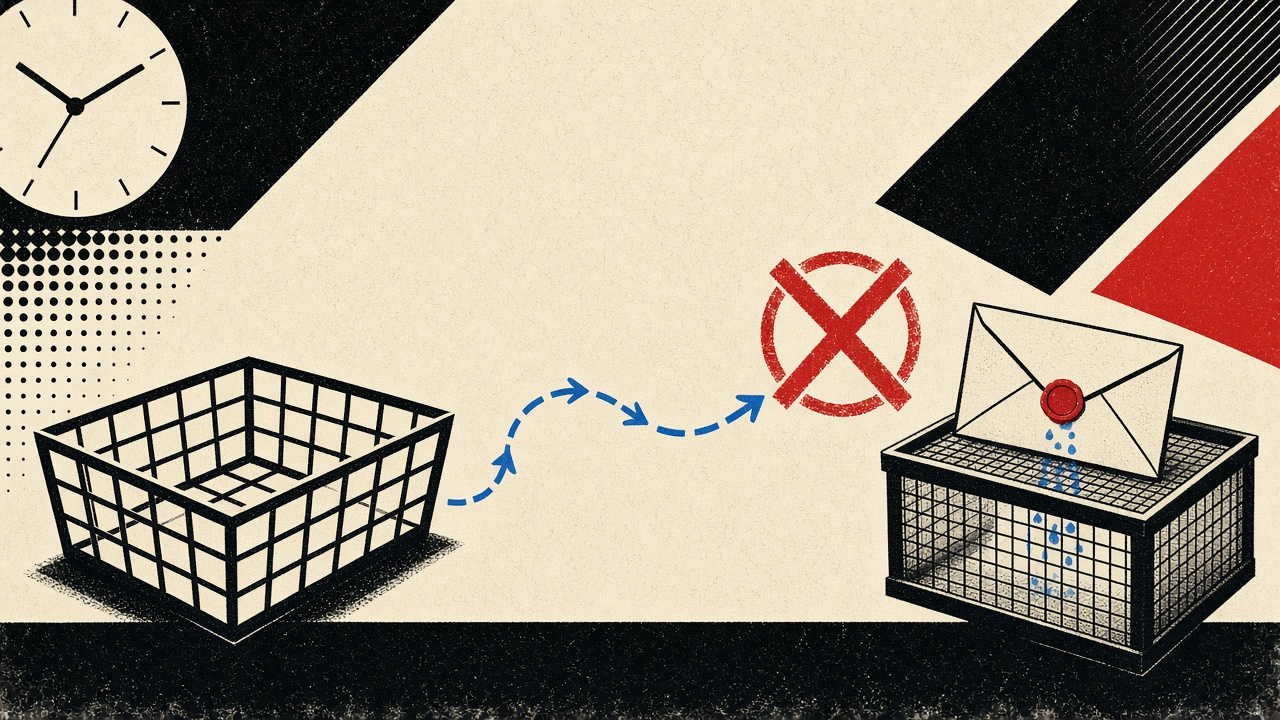
If the verification code never arrives in Yahoo Mail, do not mash “resend” five times first. Most failures sit in one of five layers: the sender never accepted the address, the message is delayed in transit, Yahoo filtered it, the code already expired, or you mistyped the destination. Temporary inboxes are an optional receive-only test destination—not a promised fix for Yahoo delivery.
This diagnosis guide is Yahoo-specific. The hub on email verification codes covers the general pattern; here we isolate client filtering and Yahoo’s quirks, then give a stop condition so you do not lock yourself out.
Yahoo Mail context and boundaries
Yahoo Mail (including ymail.com / rocketmail.com addresses tied to the Yahoo stack) still receives huge volumes of transactional mail. That also means aggressive bulk and spam classification. Verification messages are short-lived: many OTPs expire in 5–15 minutes. A message that lands in Spam after twelve minutes can look like “it never arrived” even though the bytes did.
Boundaries for this article:
- We diagnose legitimate verification email you requested.
- We do not help bypass abuse controls or spoof senders.
- Mailby Quick Inbox is receive-only; it cannot pull mail out of a Yahoo account you already own.
- Switching to a temp address mid-flow only helps if the service lets you change the signup email—many do not once the account is half-created.
Demonstrating “code never arrives” (working path + counterexample)
Working path. You request a code, wait 60–90 seconds, search Yahoo for the brand name and for code / verify / OTP, check Spam and Bulk, then open the newest matching message. The code is still valid; login succeeds.
Counterexample (failure). You request three codes in two minutes. The first email arrives late into Spam; you enter the second code while the server only accepts the third; all attempts fail. The symptom feels like “Yahoo never got it,” but the real layer is code invalidation plus filtering lag.
Another Yahoo-specific pattern: the message arrives without a visible subject in the preview pane, or the HTML is clipped so the code sits below the fold on mobile. Always open the full message and check the plain-text part if available.
This differs from the verification-code hub by focusing on Yahoo client layers (Spam, Bulk, promotions-like sorting) rather than generic SMTP theory alone.
Mechanism and failure cases
Walk the stack in order:
- Sender-side rejection — API returns “invalid email,” or the form refuses Yahoo domains (rare but real for some fraud-sensitive apps).
- Delivery lag — ESP queue, greylisting, deferred connections.
- Client filtering — Spam, Bulk, blocked sender, filters you created years ago.
- Code invalidation — new resend voids previous codes.
- User entry mistakes — wrong account logged in; typo in the address; autocomplete chose an old alias.
Safe retry order:
- Confirm you are in the correct Yahoo account (many people keep 2–3).
- Search All mail / Spam / Bulk for the brand and for numeric subjects.
- Wait one full OTP lifetime before resending once.
- Check whether the sender’s status page or support notes delivery incidents.
- Only then request a single new code.
- Stop if the service rate-limits you, asks for phone verification, or shows lock warnings—contact the sender’s support with timestamps rather than looping.
| Observed symptom | Likely layer | Safe check | When to contact sender |
|---|---|---|---|
| Instant “invalid email” | Sender rejection | Try another durable address you own | If your real Yahoo is wrongly rejected |
| Empty inbox after 5+ minutes | Lag or filter | Spam/Bulk search; wait one OTP window | After one clean resend fails |
| Mail in Spam, code rejected | Invalidation / expiry | Use newest code only; sync device clock | If newest code still fails immediately |
| “Too many attempts” | Rate limit | Stop; wait hours | Yes—ask for unlock |
| HTML blank, no code | Rendering / clip | View plain text; desktop webmail | If raw source also empty |
Mailby can act as an optional parallel receive destination when you control the address field and want to see whether the sender’s ESP delivers to a different MX. That isolates Yahoo filtering from sender failure. It is not a guarantee the vendor will accept a disposable domain—see product truth on features and security.
Concrete worked example
Scenario. You signed up for a developer tools trial with you@yahoo.com. The page says “code sent.” Nothing in Inbox after three minutes.
Steps we recommend:
- Note the exact time (UTC and local).
- In Yahoo, search
from:tools-vendor.comandsubject:code(adjust to the real domains once known). - Open Spam. Sort by date.
- If found: copy the latest code only; do not resend yet.
- If not found after the OTP lifetime: resend once.
- If still empty: try the vendor’s “send magic link” alternative if offered, or use a non-Yahoo durable address for a fresh signup only if you have not already burned the username.
Where Mailby fits. If you abandon the Yahoo attempt and the product allows a new email, open /inbox, receive the code there, and finish—provided you accept that this trial account is disposable. If you need the trial for weeks, prefer a durable alias over Yahoo or temp mail.
Alternatives and when a permanent address is safer
Use a permanent (or long-lived alias) address when:
- The account holds money, identity, or production API keys.
- Yahoo is your only recovery path for other services (do not cascade risk).
- The vendor’s support will only talk to the registered email.
Prefer fixing Yahoo filters (whitelist sender, disable over-aggressive custom rules) over abandoning a primary address you use for real identity. Temporary email helps for throwaway trials; it does not repair a Yahoo account’s spam classification.
For longer receive windows during slow ESPs, Privacy Pro extends retention relative to Free—still not a Yahoo replacement.
Short answers to follow-up questions
What causes “the code never arrives” for Yahoo Mail?
Sender rejection, transit delay, Spam/Bulk filtering, OTP invalidation from rapid resends, or looking in the wrong account.
What should I do first?
Confirm account → search Spam/Bulk → wait one OTP window → resend once → stop on rate limits.
When is a permanent address safer?
Any account you will recover, pay for, or support later.
What evidence changes the recommendation?
Finding the message in Spam (filter problem), instant invalid-email (sender policy), or lockouts (stop and contact support).
Sources, test date, and limitations
- Editorial checks against common Yahoo webmail folders and OTP expiry patterns as of 2026-09-24; Yahoo’s UI labels change—search All/Spam/Bulk regardless of tab names.
- Internet mail delivery behavior: RFC 5321.
- Consumer spam reporting context: FTC: How to Recognize and Avoid Phishing Scams (
rel="nofollow noopener"). - Mailby does not send mail into Yahoo, does not guarantee deliverability to any provider, and does not claim anonymity.
Conclusion
Treat a missing Yahoo verification code as a layered outage, not a single broken button. Filter first, invalidate second, panic never. Use Quick Inbox only when you are free to change the destination address and the account is disposable. For the broader OTP pattern, read email verification codes; for how Mailby receives mail, see how it works.
Yahoo-specific filters and folders worth knowing
Yahoo’s web and mobile clients have renamed tabs over the years, but the practical buckets remain:
- Inbox — primary delivery.
- Spam — bulk and reputation-based quarantine.
- Bulk / promotions-like surfaces — high-volume senders sometimes land here even when “transactional.”
- Blocked addresses / filters — user-created rules that silently divert mail.
Before you blame the sender, disable any filter that matches the brand name, and check whether you accidentally blocked the ESP domain after a previous marketing blast.
Device sync lag
Yahoo mobile apps can show an empty inbox while webmail already has the message, or the reverse, during sync delay. If you requested the code on your phone, open Yahoo in a desktop browser as a second view before resending. Entering a code from a stale push notification is a classic invalidation failure.
Greylisting and deferred delivery
Some ESPs retry after a temporary deferral. A three-minute wait feels broken when the OTP lifetime is five minutes. That is why the safe order is: search thoroughly, wait one full OTP window, then resend once. Hammering resend creates three live codes and one confused human.
When Yahoo is the wrong mailbox for the job
If you routinely miss OTPs in Yahoo because of aggressive filtering, move new high-value accounts to a mailbox with clearer transactional handling or a domain you control. Do not migrate by stuffing a temporary inbox into an existing bank or payroll account—that is the opposite of continuity. Temporary mail is for disposable destinations, not for “Yahoo is messy so I’ll use temp mail for my tax software.”
Parallel receive test (optional)
Only when the product lets you change the email mid-flow or start over:
- Create a Quick Inbox.
- Trigger the same verification to the disposable address.
- If Mailby receives it and Yahoo does not, the sender can deliver—Yahoo filtering or address typo is likely.
- If neither receives it, suspect sender queue failure or an address the API never accepted.
That experiment is diagnostic, not a bypass for blocked disposable domains.
Logging template for support tickets
When you contact the sender, include:
- Yahoo address (exact spelling)
- Timestamps of each send attempt (timezone labeled)
- Whether Spam/Bulk were searched
- OTP error text (“expired,” “invalid,” “too many tries”)
- Browser / app version
Support can search their ESP logs with that packet. “It never arrived” alone rarely helps.
Separating Yahoo problems from sender problems with a timeline notebook
Keep a simple notebook (even a plaintext file) with four columns: time, action, Yahoo folder searched, result. A filled notebook turns a vague complaint into an evidence pack.
Example sequence that resolves most cases without support:
- T+0:00 — Request code; note the on-screen email spelling.
- T+0:30 — Search Inbox for brand tokens.
- T+1:00 — Search Spam and Bulk.
- T+OTP lifetime — If empty, resend once.
- T+OTP lifetime + 2 minutes — Search again; enter only the newest code.
- Stop — If rate-limited or locked, contact the sender with your notebook rows.
Autocomplete traps unique to long-lived Yahoo accounts
Yahoo accounts that have been open for a decade accumulate contacts, aliases, and “recent” addresses. Signup forms on mobile often pull the wrong autofill candidate—an old forwarding address, a plus-alias you abandoned, or a family member’s address saved in the password manager. Before you diagnose delivery, visually confirm the string the form submitted. If the product shows a masked email (j***@yahoo.com), compare character length and domain carefully.
Forwarding and “other Mail apps”
If Yahoo forwards to Gmail or Outlook, verification mail may land in the forward target’s spam while Yahoo’s own Spam stays empty. Check both ends. Disable forwarding temporarily during a critical verification if you keep losing messages between hops.
Corporate Yahoo Small Business / custom domain catch-alls
Some “Yahoo” experiences are custom domains hosted on Yahoo infrastructure. MX and filtering rules differ from consumer @yahoo.com. If you own the domain, check the admin spam settings and any third-party gateway (Proofpoint, etc.) before blaming the SaaS sender.
What Mailby is good for in this diagnosis—and what it is not
Good: a clean receive-only destination when you are allowed to restart signup with a new address and the account is disposable (Quick Inbox).
Not good: pulling messages out of Yahoo; proving a sender “definitely sent” without ESP logs; bypassing a vendor’s refusal of disposable domains; guaranteeing the code will arrive faster.
When you finish the diagnosis, either fix Yahoo filters for accounts you will keep, or migrate new accounts to a domain alias you control. Keep Mailby for throwaway verification tasks described in how it works and features.
Try it on Mailby
Open a receive-only disposable inbox when a short-lived address fits the job — session-bound, with timed purge.