
Retention and data lifecycle
What happens to the sender address after manual clear in a temporary inbox?
Manual clear removes messages you can see in a temporary inbox; it does not rewrite the sender’s servers or guarantee every log is gone—check Mailby’s public privacy and retention pages for product specifics.
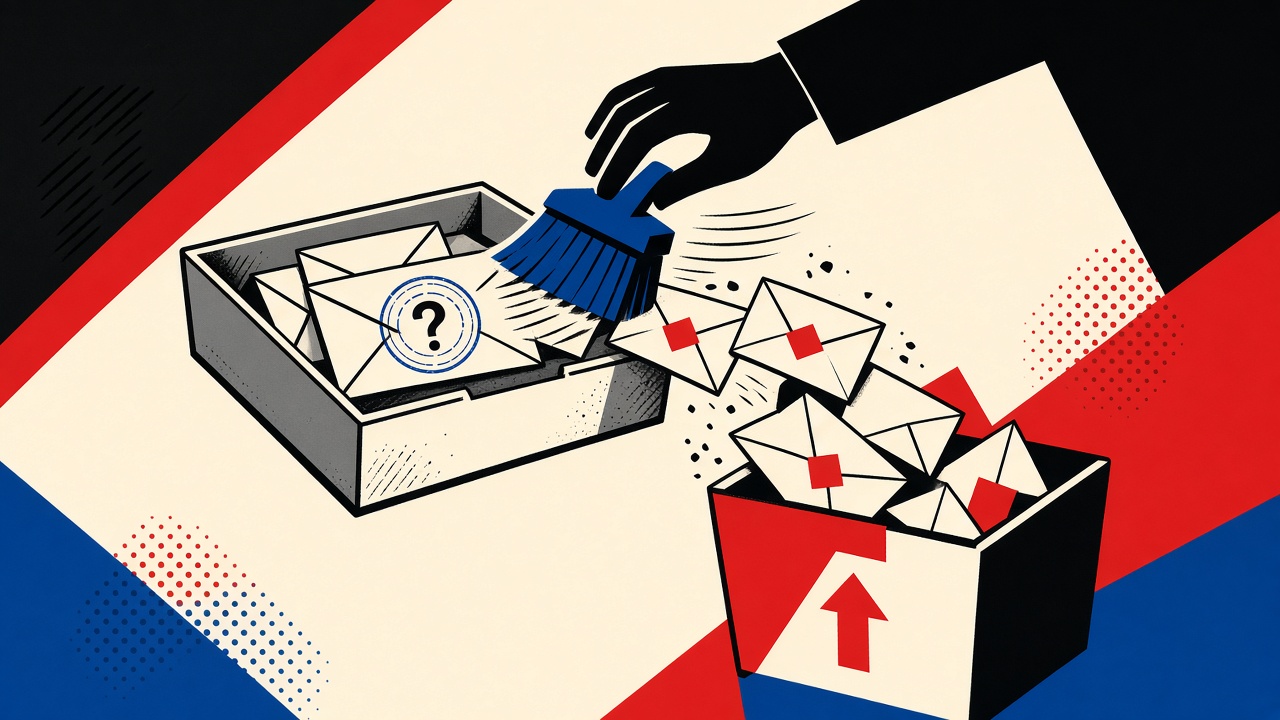
What happens to the sender address after manual clear in a temporary inbox?
Manual clear in a temporary inbox deletes or hides the messages (and related sender headers) from your accessible mailbox view—it does not erase the sender’s own copies, CRM rows, or every operational log. Think of clear as controlling your receive surface, not rewriting history on the sender’s servers. For Mailby-specific retention and privacy behavior, trust the public privacy and data retention pages over blog generalizations. A durable mailbox remains safer when you need an audit trail of who sent what.
Manual clear context and boundaries
Users clear temporary inboxes to:
- Remove OTPs from a shared screen
- Drop phishing samples they do not want visible
- Reset a session before the next task
- Feel “done” with a vendor conversation
The sender address is metadata on messages (From, sometimes Reply-To, Return-Path). Clearing messages removes that metadata from the inbox UI you use. Questions people actually mean:
- Can I still see who mailed me?
- Does the sender know I cleared?
- Is the address wiped from Mailby’s systems immediately?
- Can I recover the message later?
Answers differ for general temporary-mail mechanics vs Mailby’s verified public policy. This article separates them on purpose.
Product truth: Quick Inbox is live receive-only at /inbox. Privacy Pro is live via /pricing. Developer tooling is live at /developers. We do not publish internal retention defaults as user promises beyond public docs. Mailby does not send/forward; no guaranteed anonymity claim.
Demonstrate sender address behavior
Working path:
- Receive a message From
noreply@store.example. - Note sender visible in the message list.
- Invoke manual clear / purge on the inbox.
- Message list empty; sender string no longer visible in UI.
- New mail from the same sender can still arrive if the address lease remains valid.
Failure / limitation (counterexample): User assumes clear means “store.example must delete me.” The store never received a delete signal. Their ESP still has the outbound event. Clear is local to the temporary mailbox provider’s user-facing data, subject to that provider’s retention and legal holds.
This differs from a retention hub article by focusing on sender-address metadata after manual clear, not only lease timers.
Mechanism: storage lifecycle principles
Common architecture (industry general):
| Data item | Often collected? | Access period | Deletion trigger | Verification method |
|---|---|---|---|---|
| Message body | Yes | Until retention / clear | Manual clear, TTL, plan purge | UI empty; support policy |
| From / sender address | Yes (header) | Same as message | Cleared with message | Header gone from UI |
| Your temp recipient address | Yes | Lease window | Lease end / session end | Cannot receive further |
| Server operational logs | Sometimes | Ops policy | Log rotation | Rarely user-visible |
| Sender’s CRM copy | On sender side | Their policy | Their deletion | Ask sender / DSR |
Encryption: Providers may encrypt at rest; that is not the same as “deleted.” TLS protects transit. Neither is E2EE with the sender.
Legal holds / abuse: Clearing UI content may not override required abuse-investigation copies where laws demand preservation. See public policy pages rather than assuming instant crypto-shredding.
References: OWASP logging guidance (rel="nofollow noopener") for why systems keep logs; RFC 5322 (rel="nofollow noopener") for address fields in messages.
Concrete worked example
Scenario: You used a temporary address to receive a one-time download link From licenses@vendor.example.
- Download completes.
- You manually clear the inbox so the license URL is not on-screen.
- Result: you can no longer copy the sender address from Mailby UI.
- Vendor can still email the same temporary address until the lease ends.
- If you need a GDPR-style erasure against the vendor, that is a request to the vendor—not something manual clear performs for you.
When clear is the wrong tool: You are investigating harassment and need headers for a report. Export/save first; clear after. Durable mailbox or Privacy Pro retention may fit investigative timelines better—confirm on data retention.
Alternatives and durable mailboxes
- Need a paper trail → durable mailbox or exported
.eml - Need short exposure → temporary inbox + clear + short lease
- Need longer temp retention without permanent identity → review Privacy Pro
- Need programmatic receive for your app → /developers
Also read security and how it works before making compliance statements to a customer.
Short answers
What happens to the sender address on manual clear?
It disappears from your accessible message view along with the message; it is not a guaranteed global erase across all systems and senders.
What should I do first?
Read privacy and data retention for Mailby’s current public commitments, then clear if the UI goal is simply “empty inbox.”
When is a permanent address safer?
When you must prove sender identity later (disputes, harassment reports, warranties).
What evidence changes the recommendation?
- Public policy states delayed purge windows → do not claim instant destruction
- You already filed an abuse report → preserve copies first
- Lease still active → sender can mail you again after clear
Sources, test date, and limitations
Test date: 2026-09-24. UI labels (“Clear,” “Purge,” “Delete”) may change. This blog does not override policy pages.
Limitations: No internal SLA numbers invented here. No claim of zero logs or certified compliance badges beyond what official pages state.
Manual clear vs lease expiry vs account deletion
These are different events:
| Event | Typical user intent | Sender address visibility | Receive still possible? |
|---|---|---|---|
| Manual clear | Empty the UI now | Gone from listed messages | Yes, if lease active |
| Lease / session end | Done with address | Address may stop accepting | No |
| Plan purge / retention TTL | Automatic hygiene | Removed per policy | Depends on product state |
| Privacy request to provider | Legal/compliance | Per policy process | N/A |
People often say “I cleared it” when they mean “I closed the tab and the session died.” Closing a tab is not always a purge. Re-open rules depend on session binding—Mailby Quick Inbox is session-bound; address alone is not read access. Read how it works for the public model.
What the sender still has
Assume the sender retains:
- The recipient address they were given
- Message content they authored
- Delivery events from their ESP
- Any account profile fields you typed alongside email
Manual clear does not send them a suppression request. If you used the temporary address only, you reduced your residue, not theirs. For marketing suppression, use unsubscribe links or sender-side privacy forms.
Operational logging realities
Responsible providers keep limited operational logs (abuse, reliability). Those logs may include envelope metadata for a window defined by policy—not by the clear button. Blog posts cannot invent that window. Check privacy and data retention, and prefer those pages in security questionnaires.
If you are writing a customer-facing security answer about Mailby, quote public pages; do not cite this article as an SLA.
Practical recommendations
- Clear when the OTP should leave a shared screen
- Export before clear when headers are evidence
- Prefer durable mail when sender identity is part of a dispute
- Use Privacy Pro only after confirming its retention meets the task window on the pricing/retention pages
Screenshots and device backups
Clearing the inbox does not clear:
- Phone screenshots of the OTP
- Desktop notification history
- Sync backups of the browser profile
- Shared-meeting recordings where the inbox was screen-shared
Operational security includes those surfaces. For shared machines, clear UI, clear notifications, and end the session.
Writing accurate user expectations
Product copy should say “remove from your inbox view” rather than “wipe from the internet.” This article’s job is to set that expectation so support tickets decrease and trust increases. Always pair CTA with policy links: privacy, data retention.
Additional practical notes
Support agents may ask “what address did they use to contact you?” after you cleared. If you did not note the sender, you cannot answer. For harassment cases, export first. For OTP hygiene on a shared screen, clear freely.
Browser extensions that cache email contents can retain sender addresses after UI clear. Shared kiosk hardening includes extension policy, not only inbox buttons.
If you regenerate a new temporary address after clear, senders mailing the old address will bounce or vanish depending on lease state. That is desirable for cutting marketing, harmful if you still expect a delayed shipping email on the old address.
Multi-device sessions: clearing on one device may not clear another view if the product shows synchronized state differently. Verify empty state on each open session. Session-bound models may not sync like classic IMAP.
When writing internal runbooks for your company about temp mail use, state explicitly that clear is not a legal deletion request to third parties. Point staff to official privacy forms for that job.
Decision flowchart (text)
- Do you need sender evidence later? → export, then clear.
- Shared screen OTP only? → clear immediately after use.
- Expecting delayed follow-up on same temp address? → do not clear lease; maybe skip clear.
- Need legal erasure from sender? → use sender privacy form, not clear button.
- Need longer keep without durable identity? → review Privacy Pro and data retention.
Closing expectation
Manual clear is a local hygiene control. It is valuable and misunderstood. Pair it with accurate mental models so temporary email remains a trust-building tool rather than a source of false promises. Product CTAs should follow policy pages first—as this guide does.
Closing scenario matrix
| Goal | Action | Clears sender from sender CRM? |
|---|---|---|
| Hide OTP on shared screen | Manual clear | No |
| Stop receiving on temp address | End lease / new address | No |
| Longer keep of temp mail | Privacy Pro if suitable | No |
| Erase from merchant | Merchant privacy request | Maybe, via them |
| Keep evidence | Export then clear | No |
Accuracy here prevents magical thinking about temporary email.
Reader checklist
Before you act on this guide, confirm: (1) you are authorized to test or decide for this account, (2) you understand Mailby is receive-only and does not send or forward mail, (3) you have opened the linked policy or product pages when making retention or security claims, and (4) you picked durable mail whenever recovery, receipts, or multi-day continuity matter. Temporary inboxes excel at short receive tasks and fail loudly when pressed into identity roles they were never meant to fill. Re-read the decision table above if you are unsure; tables compress the judgment call better than memory under time pressure. When evidence disagrees with a default recommendation—vendor blocks, legal holds, employer policy—let that evidence win. Update your personal defaults after each surprising failure so the next decision is faster and safer.
Conclusion
After manual clear, the sender address is gone from your temporary inbox view—not from the sender’s world. Start with privacy and data retention, use Quick Inbox when short-lived receiving is the goal, and keep durable mail when the sender identity is evidence you may need again.
Try it on Mailby
Open a receive-only disposable inbox when a short-lived address fits the job — session-bound, with timed purge.