
Retention and data lifecycle
What happens to the attachment after first receipt in a temporary inbox?
Attachments follow the inbox retention clock: available while stored messages remain, then purged with the mailbox. Download anything you must keep before deletion.
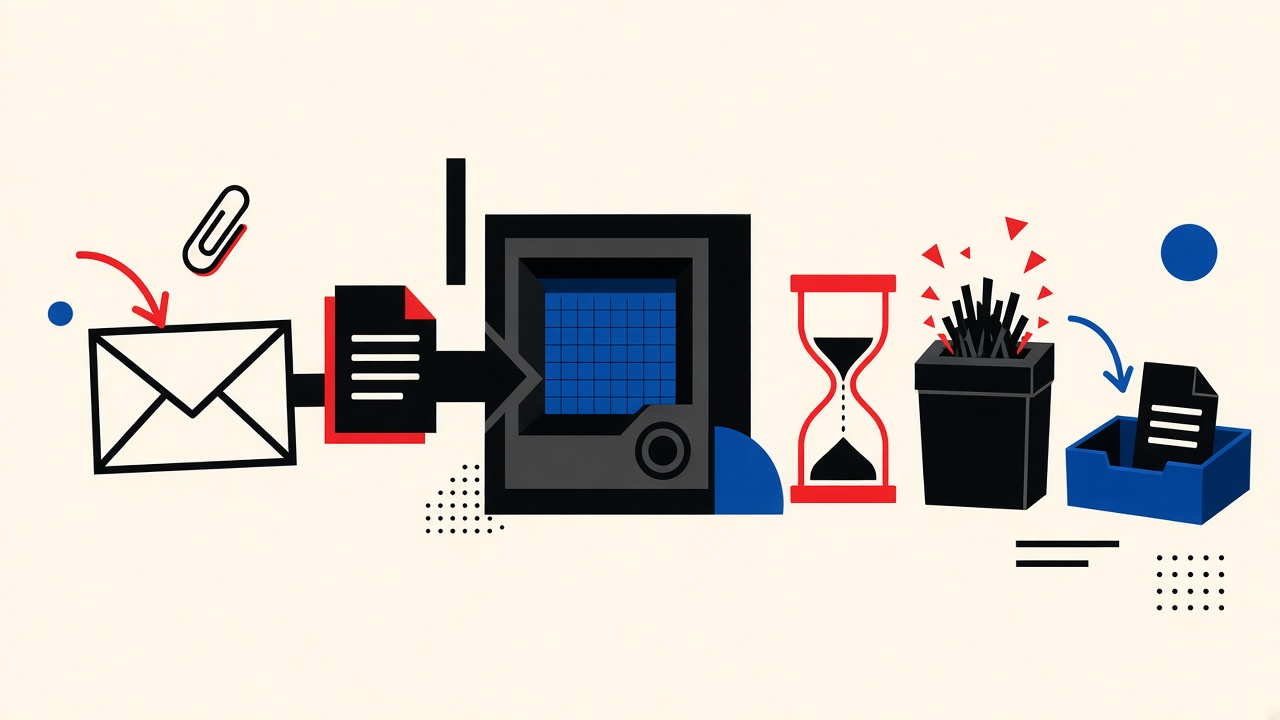
The lifecycle answer
After first receipt in a temporary inbox, an attachment is stored with the message for the product’s message-retention window—not forever, and not separately immortalized by “opening it once.” When retention ends (or you delete the inbox), stored content including attachments is purged on schedule. If you need the file, download it to storage you control before that clock ends.
Opening or previewing does not convert a temporary attachment into a permanent cloud drive. Treat first receipt as a chance to copy out—not as archival.
Always read live policy pages before relying on exact minutes: data retention, privacy, security.
First-receipt context
People receive attachments through temporary inboxes when:
- A vendor sends a sample PDF
- A QA system emits a report
- A signup flow attaches a ticket
“First receipt” means the message successfully landed and became readable in the UI. It does not mean the sender’s copy changed, and it does not mean Mailby guarantees indefinite storage.
Product truth:
- Quick Inbox is live at /inbox.
- Privacy Pro extends retention via /pricing—still finite.
- Developer workflows: /developers.
- Receive lease ≠ message retention (both matter).
- Encryption at rest + TLS in transit; not E2EE.
- Safe HTML/attachment handling prioritizes safety; some active content will not execute.
Field pattern
Test date: 2026-09-24. Method: describe observable lifecycle against public Mailby behavior (no internal unpublished defaults promised as SLAs).
Working path
- Open Quick Inbox; receive a message with a small PDF attachment.
- Confirm the attachment is listed in the message view.
- Download the PDF to local disk.
- Delete the inbox (or wait for retention).
- Confirm the online copy is gone with the mailbox; local download remains.
Failure / limitation: a user previewed a spreadsheet in-browser, closed the laptop, returned the next day, and found the inbox purged. No download existed. “I opened it once” did not preserve the file. Stop condition: if the file matters, download immediately—do not trust memory of a preview.
Mechanism (general + Mailby)
General temporary-inbox principles:
- Ingest — SMTP receive stores raw message + parts.
- Authorize read — session (or API credential) required.
- Retain — TTL / plan policy.
- Purge — delete message blobs and attachment objects.
- Backups / logs — may exist briefly per provider policy; do not assume user-facing restore.
Mailby-specific guidance for readers: trust the public data retention page over blog guesses for exact windows. This article explains mechanics; it does not publish secret internal defaults as promises.
Security note: do not open unexpected executables from strangers—temporary delivery does not equal safety scanning of every malware family. Prefer known senders.
For MIME attachment structure background, see RFC 2046 (rel="nofollow noopener") and RFC 2183 (rel="nofollow noopener") on Content-Disposition.
Table and worked example
| Data item | Collected? | Access period | Deletion trigger | Verification method |
|---|---|---|---|---|
| Message body | Yes, on receive | While retained | Retention end / user delete | Re-open inbox after TTL |
| Attachment bytes | Yes, with message | Same as message | Same purge | Download then purge; confirm missing online |
| Address string | Issued to session | Lease window | Lease end | New mail rejected after lease |
| Session auth | Cookie / recovery | Until logout/expiry | Clear cookies / revoke | Reopen without session fails |
| Local download | On your device | Per your disk | You delete file | OS file exists |
Worked example — Omar’s invoice sample
Omar tested a billing vendor’s “email me a PDF sample.” He used Quick Inbox, downloaded the PDF within minutes, and let the inbox expire. A week later he still had the local file for a design critique; the online temporary copy was gone. When he needed an official invoice for accounting, he repeated the flow into a durable finance mailbox—because accounting retention ≠ disposable TTL.
Alternatives when you must keep files
- Download immediately to encrypted disk / company drive.
- Durable mailbox for legal/financial records.
- Privacy Pro only bridges short gaps—not archives (pricing).
- Developer API for automated fetch-and-store in your bucket (developers).
Related: how it works, features.
Short answers
What happens to the attachment after first receipt?
It remains available with the stored message until retention or deletion purges it.
What should I do first?
Download anything you need to keep; then let the temp inbox die.
When is a permanent address safer?
Financial, legal, medical, or compliance records.
What evidence changes the recommendation?
Your plan’s published retention already exceeds the needed hold time and policy allows it—still download critical files.
Sources, test date, limitations
- Public Mailby pages checked 2026-09-24: retention, privacy, security, inbox, pricing.
- RFC 2046 / 2183 (nofollow) for attachment framing.
- Limitation: exact Free-minute values can change; this post refuses to invent them. Verify on /data-retention. No claim of zero logs or certified deletion timestamps beyond public policy.
Receive lease vs message retention (attachments included)
Two clocks confuse people:
- Receive lease — can new messages (and new attachments) still arrive?
- Message retention — how long already-stored messages and their files remain readable?
An attachment that arrived at minute 5 remains only while retention allows—even if the lease would still accept new mail. Conversely, lease end stops new arrivals even if old messages still display until retention purge. Read both on data retention. Plans on pricing change the windows; they do not create infinite attachment hosting.
Safety handling vs archival
Safe preview may block or neutralize risky attachment types. That is a security feature, not proof the file is harmless, and not a promise every file type downloads identically across clients. For untrusted senders, prefer not opening binaries at all—temporary delivery is still delivery.
Automation pattern for keepers
If your workflow regularly receives files you must keep:
- Use the developer API or a durable mailbox.
- Fetch attachment bytes into your object storage.
- Hash and log what you stored.
- Let the temporary copy purge.
Humans doing one-offs: download button, then delete inbox.
How this differs from a retention hub
Hubs summarize policies. This page focuses on attachment fate after first receipt, with a download-or-lose counterexample and a data-item lifecycle table tied to public policy pages—not invented internal SLAs.
Sizes, types, and practical limits
Temporary inboxes may reject oversized attachments or strip dangerous types. That rejection happens at receive time—there is no “first receipt” at all. If you expected a file and see only a body note about limits, check product docs and try a durable mailbox or official vendor portal download.
Large videos and CAD files rarely belong in email; prefer vendor portals with authenticated downloads. Temporary email does not fix a bad distribution channel.
Shared screens and shoulder surfing
Downloading a sensitive PDF from a Quick Inbox on a shared computer leaves local artifacts (Downloads folder, viewer temps). Pair temporary receiving with local hygiene: delete local copies you do not need, empty trash, and avoid public machines for confidential files.
Legal holds and “please keep this email”
If someone asks you to retain a message for legal reasons, a temporary inbox is the wrong container—full stop. Move to durable storage under counsel’s guidance. Public retention pages explain product clocks; they are not a substitute for legal holds.
Cross-checking policy pages (reader ritual)
Before trusting any blog sentence about minutes:
- Open /data-retention.
- Open /privacy.
- Open live /inbox UI copy for any on-screen timers.
- Open /pricing if on a paid plan.
If blog and policy disagree, policy wins. This article is written to defer to those pages on purpose.
Attachment threat notes and secure handling order
Order of operations for an unexpected attachment in a temporary inbox: (1) Is the sender expected? (2) Does the filename match the conversation? (3) Is the type a document you requested (PDF) vs executable/script? (4) Download only if (1)–(3) pass; open in a hardened viewer. (5) Copy to durable storage if needed. (6) Delete local and let inbox purge.
Temporary receiving reduces long-term exposure of the file on a provider you forgot about—but increases the chance you lose the only copy. Balance by downloading keepers immediately.
For QA attachments generated by systems you own, prefer automated fetch via /developers into your artifact bucket with checksums. Humans clicking download do not scale and leave gaps in provenance.
If preview shows a blank attachment or blocked type, consult product safety behavior rather than disabling protections. Blindly forcing dangerous types open is outside Mailby’s threat model and yours.
Remember encryption-at-rest protects provider disks; it does not encrypt the file against anyone who obtains your session. Guard the browser session that can download attachments as carefully as the file itself—see security.
Reader ritual after every important attachment
Say aloud: “I have a copy outside Mailby.” If you cannot say it, download now. Then delete the inbox or let retention finish. Confirm online absence later if the file was sensitive—you want it gone from the temporary provider once your copy is safe. That ritual is the behavioral control; product clocks are the mechanical control. Both matter. Policy references: /data-retention, /privacy, /security. Product entry: /inbox.
Versioned documents and overwrite confusion
Some vendors send “invoice.pdf” repeatedly with the same filename. After first receipt you download v1; v2 arrives later with corrections. If the inbox purged v1 and you overwrite locally without renaming, you lose history. Adopt invoice-vendor-date-rev.pdf locally. Temporary inboxes amplify overwrite risk because you cannot browse old revisions online after purge. Durable mailboxes make revision archaeology easier—another reason financial attachments belong there.
Summary lifecycle line
Receive → store with message → read via authorized session → download if needed → purge with retention or delete. First receipt does not fork a permanent object. Plans change clocks; they do not change the shape of the lifecycle. Verify clocks on /data-retention and /pricing, handle files safely per /security, and use /inbox when the job is disposable receiving. Keep financial and legal files elsewhere. That is the entire attachment story for temporary inboxes—simple, easy to violate under time pressure, and worth repeating at the end of every download.
Closing recommendation for file handling
Download keepers immediately, verify you have an external copy, then let the temporary inbox purge. Do not interpret preview-as-open as archival. Match mailbox class to document class: disposable samples in Quick Inbox, financial and legal files in durable storage. Automate fetch-and-store when files arrive often. Re-check public retention pages whenever plan copy changes. Attachments follow messages; messages follow clocks; clocks follow published policy—not hope. That discipline is the difference between a temporary inbox as a tool and a temporary inbox as a surprise data-loss machine.
Conclusion
Attachments in temporary inboxes live on the same purge clock as their messages. First receipt is your cue to copy out—not a promise of permanent storage. Start at Quick Inbox for disposable files, read data retention for clocks, and park anything important in durable storage you control.
Try it on Mailby
Open a receive-only disposable inbox when a short-lived address fits the job — session-bound, with timed purge.