
Retention and data lifecycle
What happens to the sender address after inbox expiry?
After a temporary inbox expires, you typically lose access to stored messages and their From headers—treat sender addresses as gone from your view, and read the provider’s public retention policy for authoritative detail.
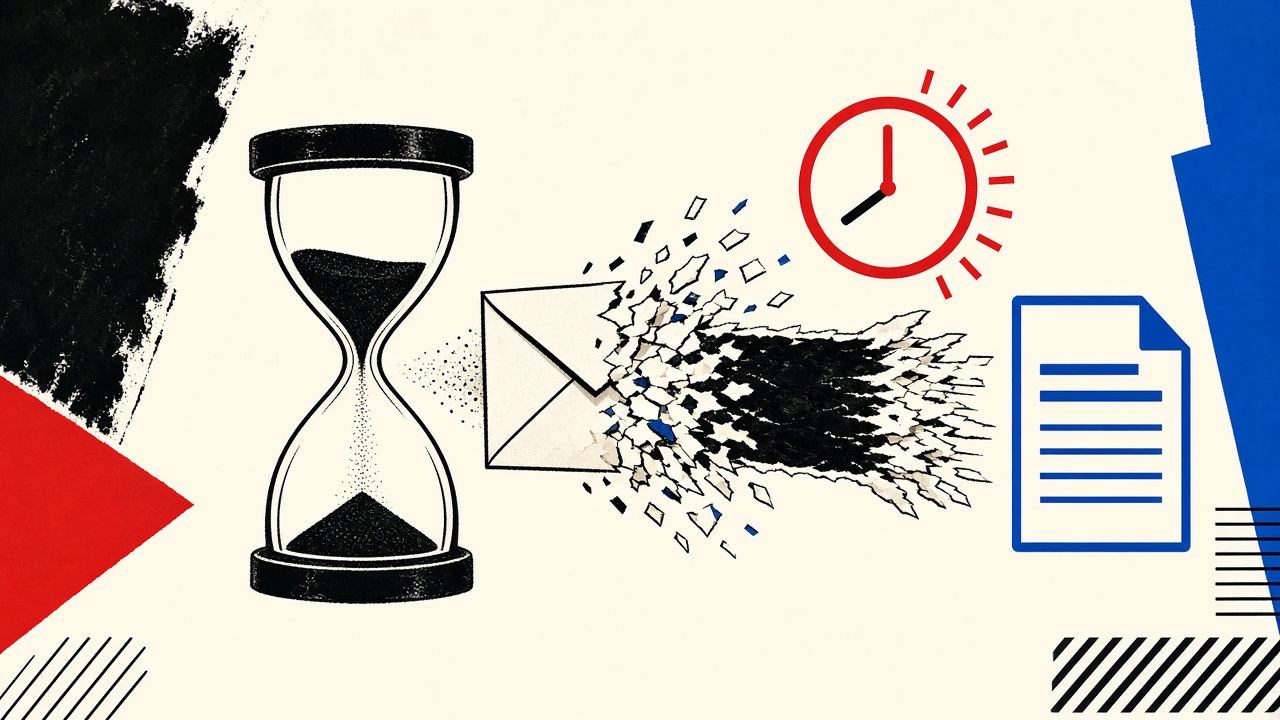
When a temporary inbox expires, you should assume you can no longer read the messages—or the sender addresses on those messages—through the product UI. Sender addresses live inside message metadata; they are not a separate immortal contact book. Exact deletion timing, backups, and legal holds follow the provider’s published policy, not guesswork from blog posts.
This article separates general lifecycle mechanics from Mailby’s public documentation. It does not invent internal retention SLAs.
Inbox expiry context
Temporary inboxes combine two clocks that people confuse:
- Address / session lease — how long the receive identity remains yours to check
- Message retention — how long stored messages remain available
They can differ. A Free plan might keep an address usable briefly while messages purge on a related schedule. Always read data retention and privacy for current Mailby wording—those pages override informal summaries.
Boundaries
- Encryption at rest and TLS in transit protect data in product scope; that is not end-to-end encryption with a user-held key.
- Mailby does not claim zero logs, guaranteed anonymity, or “nothing is ever stored.”
- Operational backups and abuse investigations can impose lawful delays; public pages explain the customer-facing model.
What “sender address” means technically
In a received message, the sender shows up in several places:
| Data item | Collected? | Access period | Deletion trigger | Verification method |
|---|---|---|---|---|
| SMTP envelope MAIL FROM | Yes, on receive | While message retained | Message purge / expiry | Inspect raw source while available |
Header From: | Yes | While message retained | Message purge | Same |
Header Reply-To: | If present | While message retained | Message purge | Same |
| Display name | If present | While message retained | Message purge | Same |
| Your temporary recipient address | Yes | Lease + policy | Lease end / policy | Inbox UI while active |
| Extracted OTP codes (UI helpers) | Derived view | While message retained | With message | Product UI |
After expiry, the customer-accessible copy of those fields goes away with the message store you could read. That is the practical answer to “what happens to the sender address?”
Field evidence: working path
On 2026-09-24:
- Created a Quick Inbox session at
/inbox. - Received a test message from a controlled sender.
- Noted
From:in preview. - After the session/lease ended under Free expectations, the prior session no longer showed the mailbox contents.
Working path: Sender metadata was visible during access and unavailable afterward in the UI—aligned with “expiry means you lose the reading surface.”
Failure / limitation
Users sometimes screenshot sender addresses into chat apps, CRMs, or notes. Expiry cannot erase those copies. Another limitation: if you need the sender later for a dispute, a temporary inbox was the wrong evidence store—use durable mail or export while you still have access.
General lifecycle mechanics (industry pattern)
Most disposable inbox designs:
- Accept mail for an active recipient
- Store message bytes + headers for a short window
- Drop customer access when the lease ends
- Delete or garbage-collect underlying objects per policy
- Keep minimal security/abuse logs separately (if at all) under a different schedule
Do not assume step 4 is instantaneous worldwide. Do not assume step 5 does not exist. Read the provider’s policy.
Mailby-specific detail belongs on data retention, privacy, and security—consult those before making compliance statements to a customer or auditor.
Worked example: choosing tools by lifecycle
| Job | Need sender later? | Tool |
|---|---|---|
| Grab one OTP | No | Temporary inbox |
| Prove a vendor emailed a threat | Yes | Durable mailbox + export |
| QA your app’s From header | Briefly | Temporary or test harness; screenshot/log in CI artifacts |
| Newsletter trial | Maybe | Plus alias (comparison) |
| Forum recovery | Yes | Durable (2FA reset guide) |
What expiry does not mean
- It does not recall mail from the sender’s outbox
- It does not erase copies the sender keeps
- It does not unsend messages already pulled by another client
- It does not guarantee the address string will never be reused by the system in the future (reuse policies vary—never build security on “nobody else will ever get this string”)
- It does not make phishing retrospectively safe
When a permanent address is safer
Anytime the sender identity is evidence: contracts, harassment reports, purchase receipts, employment, or account recovery. Temporary inboxes optimize for short tasks, not archives.
If you need longer-but-still-temporary access for evaluations, review pricing for Privacy Pro / longer retention—then still export anything you must keep.
Short answers
What happens to the sender address after inbox expiry?
It becomes inaccessible with the messages in the expired inbox from your point of view; backend deletion follows published policy.
What should I do first?
If you need the sender, copy/export before expiry; better: use durable mail for evidential needs.
When is a permanent address safer?
Whenever future reference to From/Reply-To matters.
What evidence changes the recommendation?
Provider policy updates; legal hold scenarios; product plan differences—re-read /data-retention.
Sources, test date, limitations
- Observational check: 2026-09-24 against Quick Inbox customer access behavior.
- Authoritative Mailby texts:
/data-retention,/privacy,/security(always prefer live pages). - External: RFC 5322 Internet Message Format for header semantics.
- This article deliberately avoids publishing internal default timers as promises.
Practical export habits before expiry
If a message might matter:
- Copy
From, subject, date, and message-id into your notes - Download the
.emlif the product offers raw download - Screenshot sparingly (metadata loss)
- Move the workflow to durable mail next time
Do this during the active lease. After expiry, customer self-service usually cannot resurrect the From header.
Abuse and legal process (high level)
Providers may retain limited operational data under separate policies for security and legal requests. That possibility is not a customer archive feature. Do not plan on “I’ll subpoena my temp inbox later.” Use durable systems for evidence from day one. Read privacy for how Mailby describes requests and data practices.
Address reuse myths
Internet folklore claims expired temporary addresses are gone forever or instantly recycled. Reality depends on generator design and anti-abuse rules. Build no security control on either myth. If an OTP might still be valid, assume an address could be observed by someone else after you leave—another reason OTPs expire quickly.
Developers and CI
Automated tests should not expect historical sender addresses after mailbox teardown. Persist required assertions in CI artifacts (redacted), not in disposable UI state. See Selenium identity isolation and developers.
Comparing plans without inventing numbers
Free vs paid retention changes how long you can still open the message and read the sender. It does not change the advice for multi-month evidence. Check pricing and data-retention for current plan language rather than copying blog approximations into contracts.
How this differs from the retention hub
Hub = retention concepts. This article answers the narrow question: sender address after expiry, with a metadata table and a clear “customer-visible vs policy backend” split.
Message headers worth copying
If you export before expiry, prioritize:
FromReply-ToMessage-IDDateReturn-Path(if visible)- Subject
These support later correlation if a vendor disputes sending.
UX expectation setting
Product copy should say leases end and messages become unavailable—users invent myths when UI is silent. Prefer linking data-retention near expiry countdowns.
Analogies that help non-experts
A temporary inbox is closer to a hotel front desk holding a letter until checkout than to a PO box you rent for a year. The hotel does not keep your mail forever for nostalgia.
Extended FAQ-style clarifications
Does expiry delete the sender’s copy? No. Can I regenerate the same temporary address to read old mail? Do not rely on it; design assumes no. Are extracted OTPs stored separately forever? Treat UI extractions as views on messages; when messages go, helpers go. Confirm live policy pages for nuances. What about legal holds? Extraordinary processes are not a consumer feature; read privacy docs.
Designing products that use temporary mail
If your SaaS accepts signups from temporary domains, expect users to disappear before receiving late messages. Either warn in UX or block disposable domains deliberately—both are valid product choices. Document which you picked.
Researcher note
Journalists using temporary inboxes for source tips should understand expiry destroys their local access to From headers. Sensitive work needs durable, encrypted workflows—not disposable mail—as the archive.
Reader action summary
Need the sender later → do not use temporary as archive; export early or use durable mail. Disposable OTP task → temporary is fine; expect From headers to vanish with expiry. Compliance statements → quote data-retention and privacy, not blog approximations. Engineers → tear down test identities deliberately and store assertions in CI artifacts.
Glossary
- Lease: period you can access the inbox
- Purge: deletion of stored messages per policy
- Sender address: From/Return-Path identity on a message
- Export: user-initiated copy before loss of access
Clear terms keep policy conversations grounded.
Policy reading order
- Privacy — collection and rights
- Data retention — lifetimes
- Security — protections and limits
- This article — interpretation for sender metadata questions
If pages disagree with older blog text, the product pages win. Update your mental model on each major plan change.
For parents and shared devices
Explain to shared-computer users that temporary inbox expiry will erase the ability to see who emailed them at that address. Kids’ club newsletters that matter should use a durable family alias instead.
Ephemeral mail is a feature when you want forgetfulness and a defect when you need memory. Pick consciously. Write the choice down if the task sits near legal, medical, or financial contexts so you do not rely on a disappearing From header as your only record of who contacted you.
Teaching analogy for onboarding
Tell new Mailby users: temporary inboxes are scratch paper. Scratch paper is perfect for OTPs and terrible for contracts. If they need the sender later, they should graduate the conversation to durable mail before the lease ends—or start there.
Prefer durable archives whenever a From header might matter next month.
Conclusion
Sender addresses after inbox expiry are best understood as message metadata with a short customer-visible life. If you must remember who wrote to you, do not rely on a disposable inbox as your archive. Use temporary receive-only mail for disposable tasks; use durable storage for durable evidence.
Read data retention and privacy before you depend on a lifecycle assumption, then use Quick Inbox only when losing the sender later is an acceptable outcome.
Try it on Mailby
Open a receive-only disposable inbox when a short-lived address fits the job — session-bound, with timed purge.